Effects / Aura
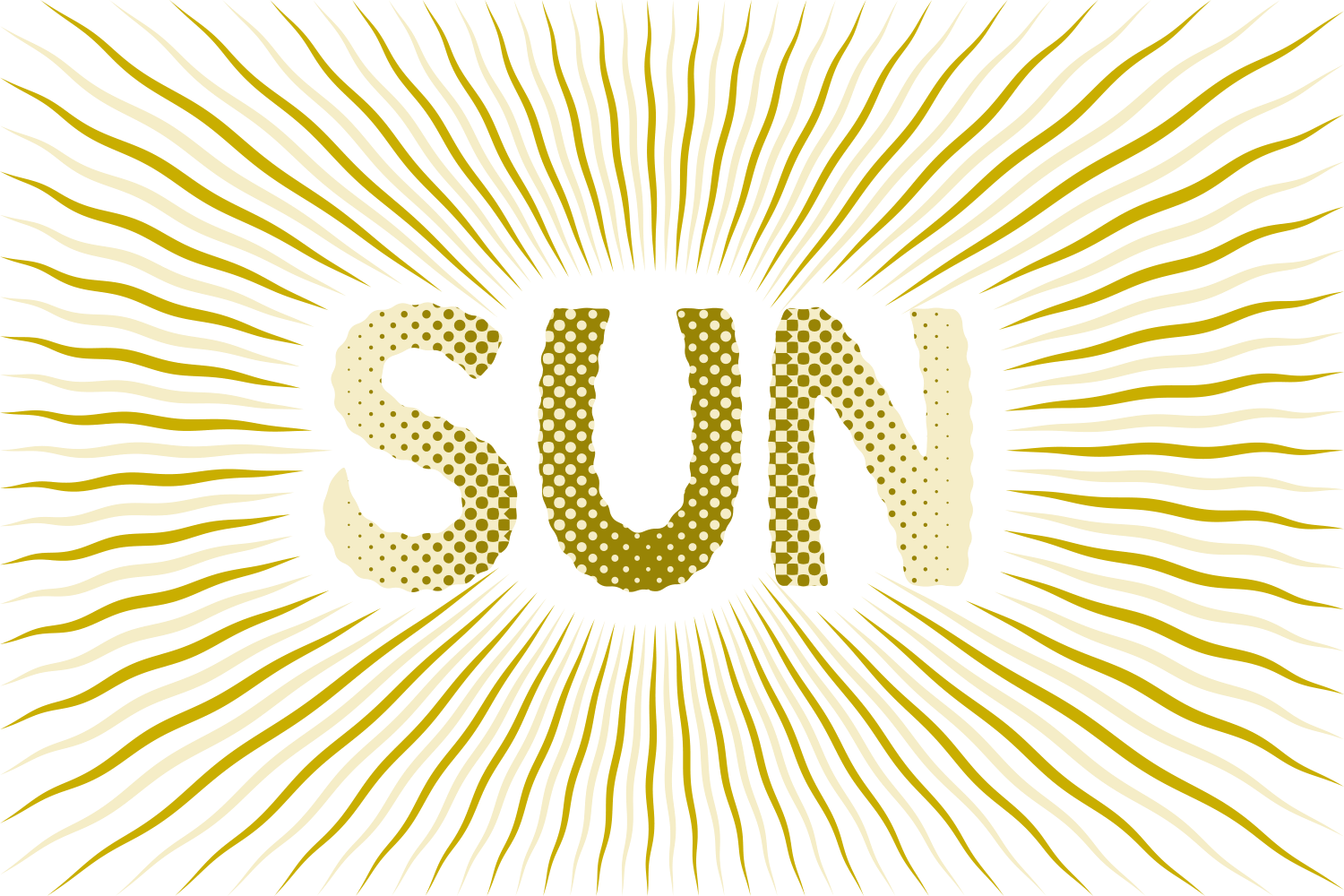
Flavors made with Aura
Open any one for the exact recipe behind it.
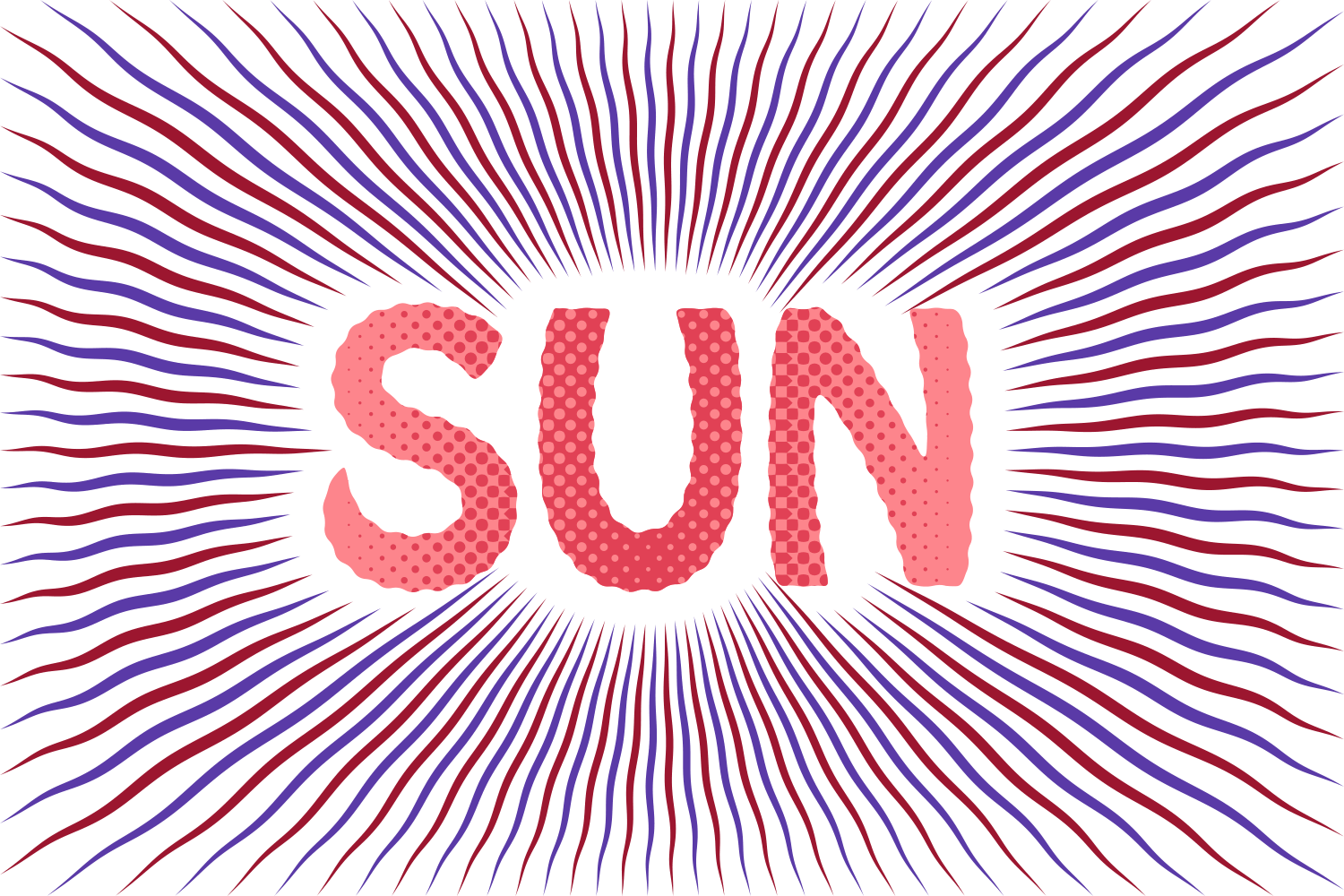
What you can adjust
- StyleStarburst, Scatter Bubbles, Ray Bubbles or Siemens Star
- Aura colourAuto (the face fill), TC1 / TC2 / Black / White, or a document spot
- Alternateon/off, every other ray or bubble in a second colour of your choice
- Unpaint aura shapeon/off, the aura is cut out of the object below instead of painted
- Use shape belowon/off, default on: the aura fills the object behind the word; off, it fills a margin around the word
- Margin0–1500 em‰, default 300: how far the aura reaches when there is no shape below
- Rounding0–600 em‰, default 60: the corners of that margin
- Round cornerson/off with Corners 0–100%, softens the aura shape
- Text fit0–100%, default 70: how closely the rays hug the letters
- Rays1–200, default 36, for Starburst and Siemens Star
- Spacing1–99%, default 42: each ray's width as a share of its period
- Waveon/off, with Ridges 1–20 (default 3) and Ridge size 0–100% (default 40): wavy rays
- Twirlon/off with Angle −180 to 180°, default 45: the rays spiral
- Bubble shapeCircle, Star, Square or Triangle, for the two bubble styles
- Rays (bubbles)1–120, default 16, for Ray Bubbles
- Density25–400%, default 100, for Scatter Bubbles
- Size at word / at edge0–400 em‰ each, defaults 120 and 50: bubbles shrink or grow toward the edge
- Opacity at word / at edge0–100% each: bubbles fade toward the edge
- Gap at word / at edge0–250 em‰, defaults 60 and 160, for Scatter Bubbles
- Rearrangea new seed, another scatter of the same settings
Still live text
Aura is applied as an Illustrator live effect, so the text stays editable. Change the word, the font, or any slider afterwards, and save the result as a Graphic Style to reuse it.