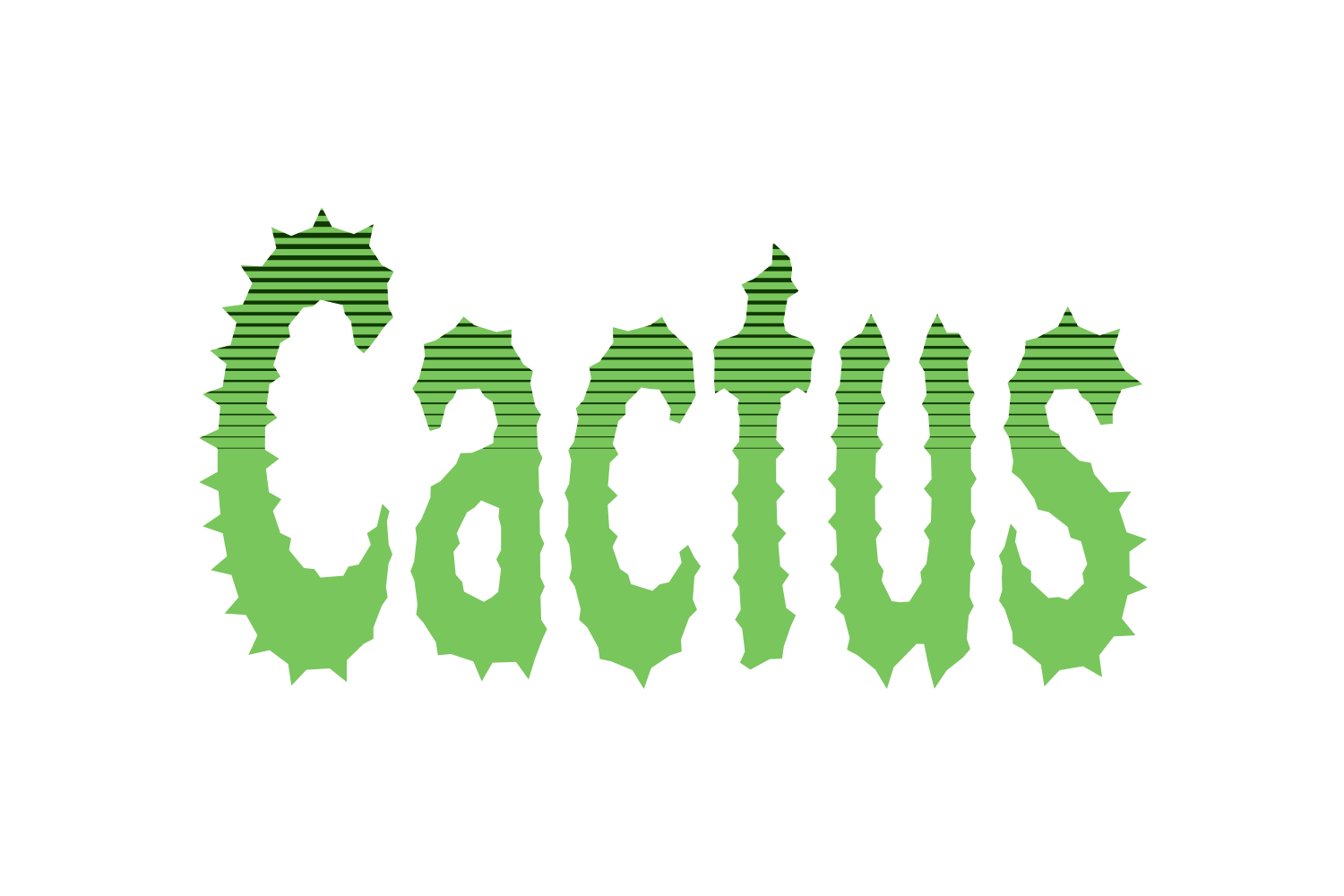
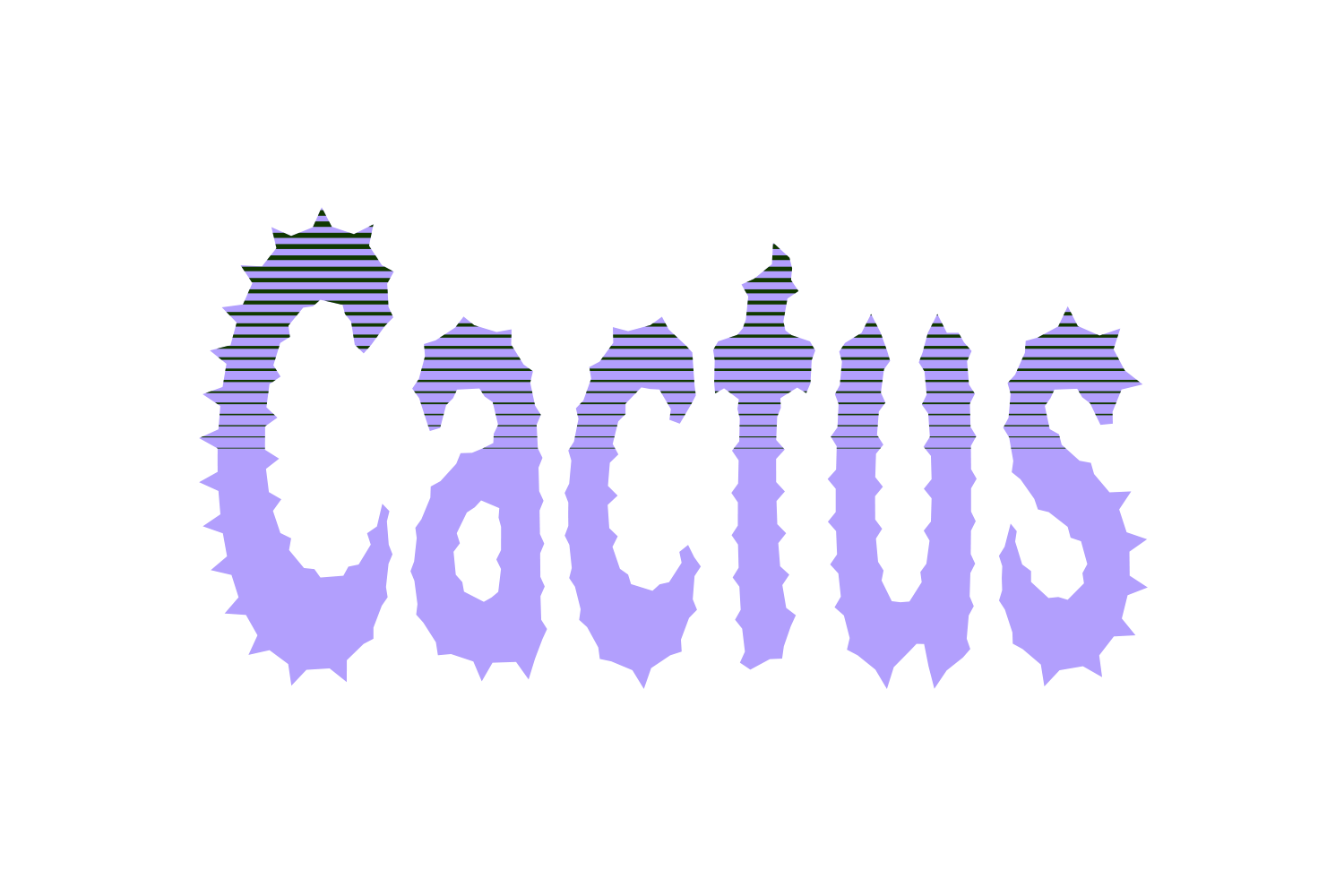
Screen recording of the Halftone Effects sliders in Illustrator (placeholder)
How it works
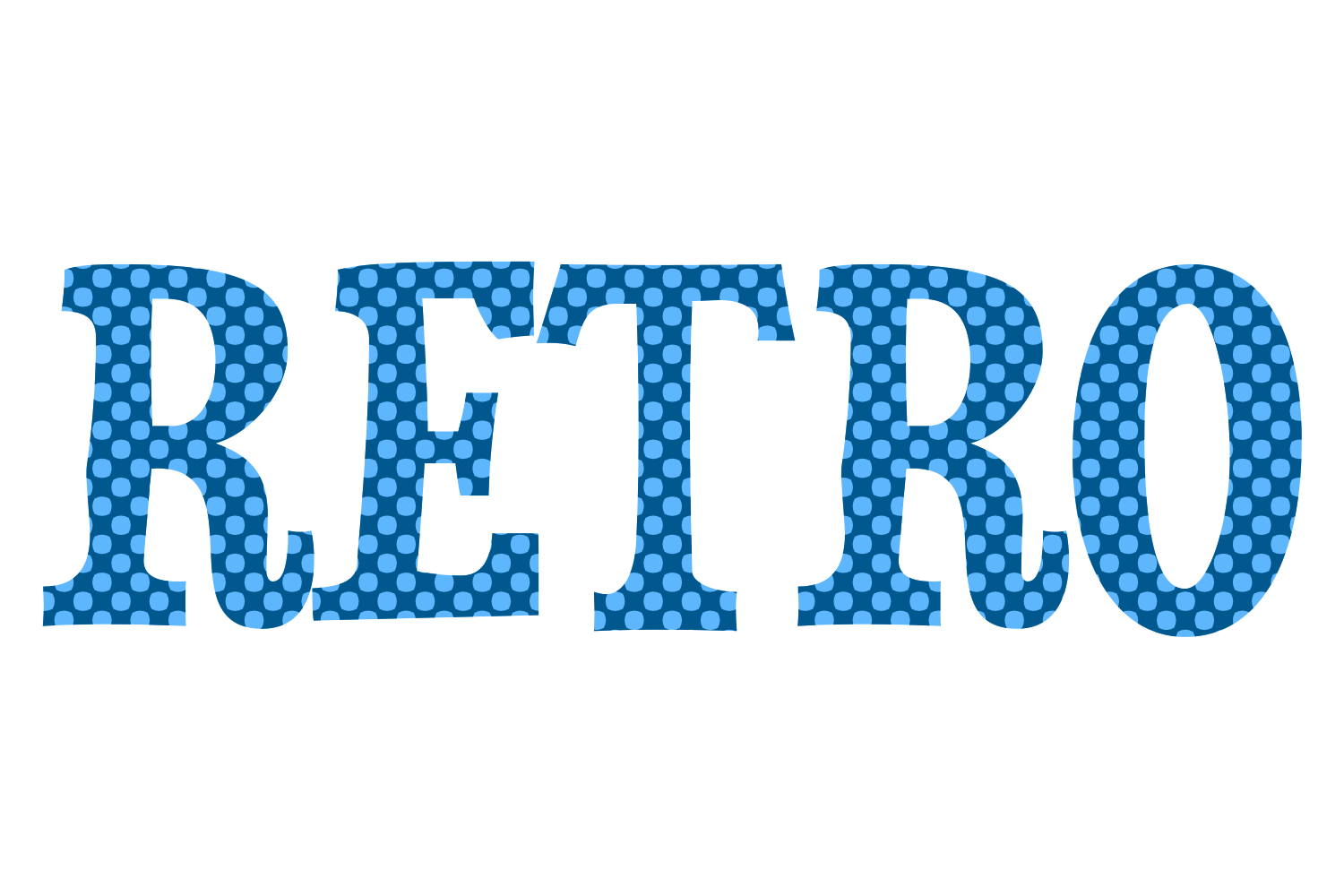
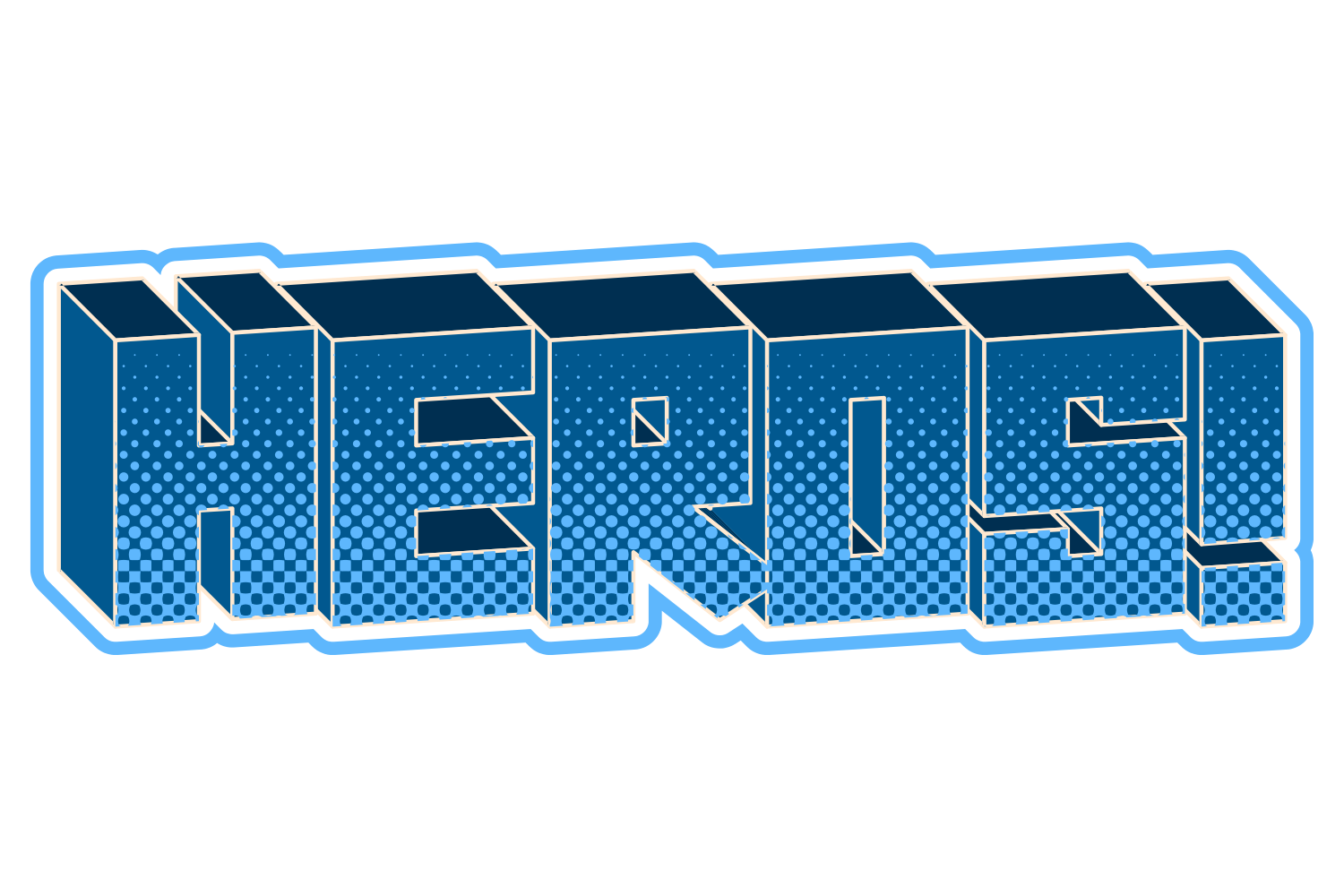
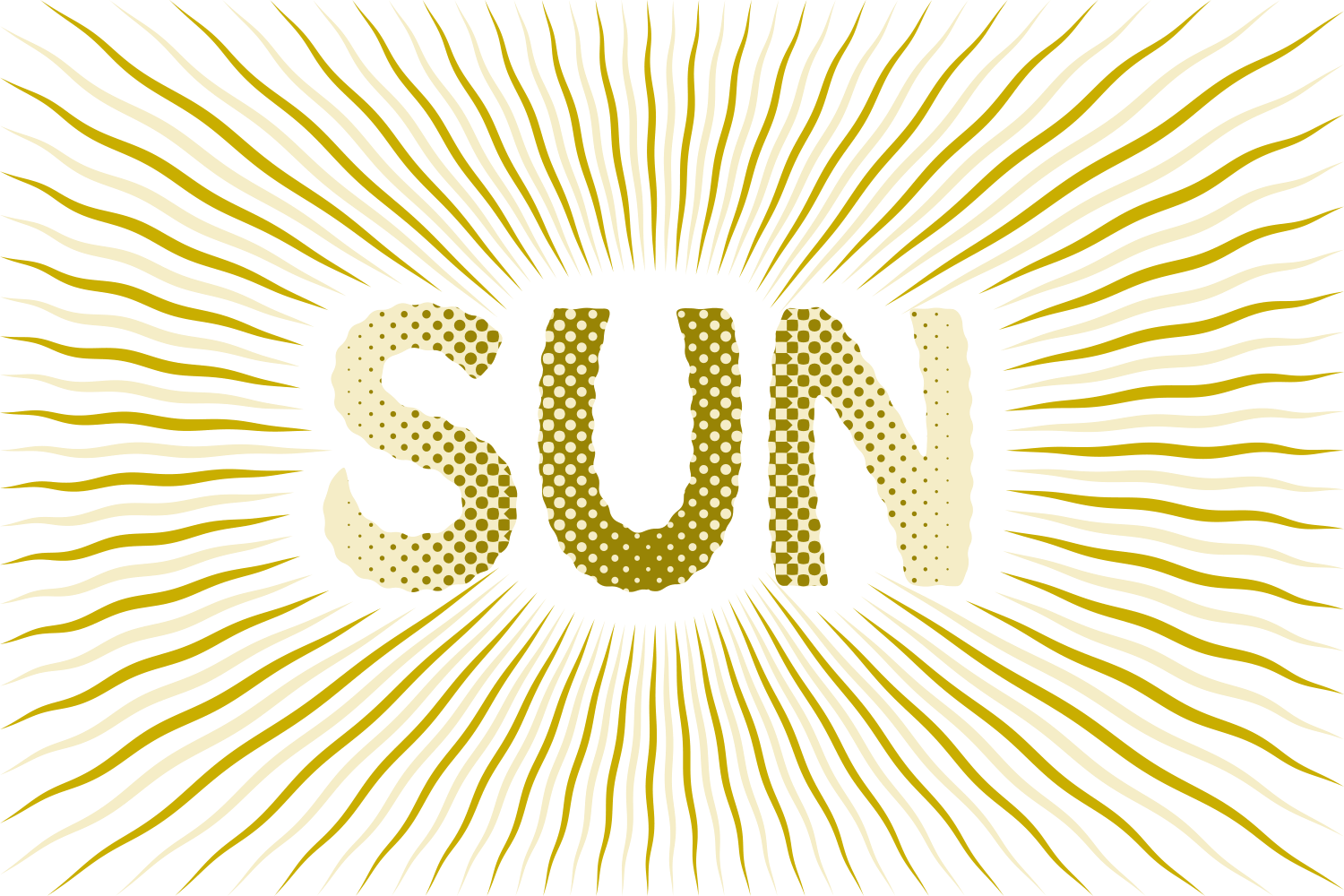
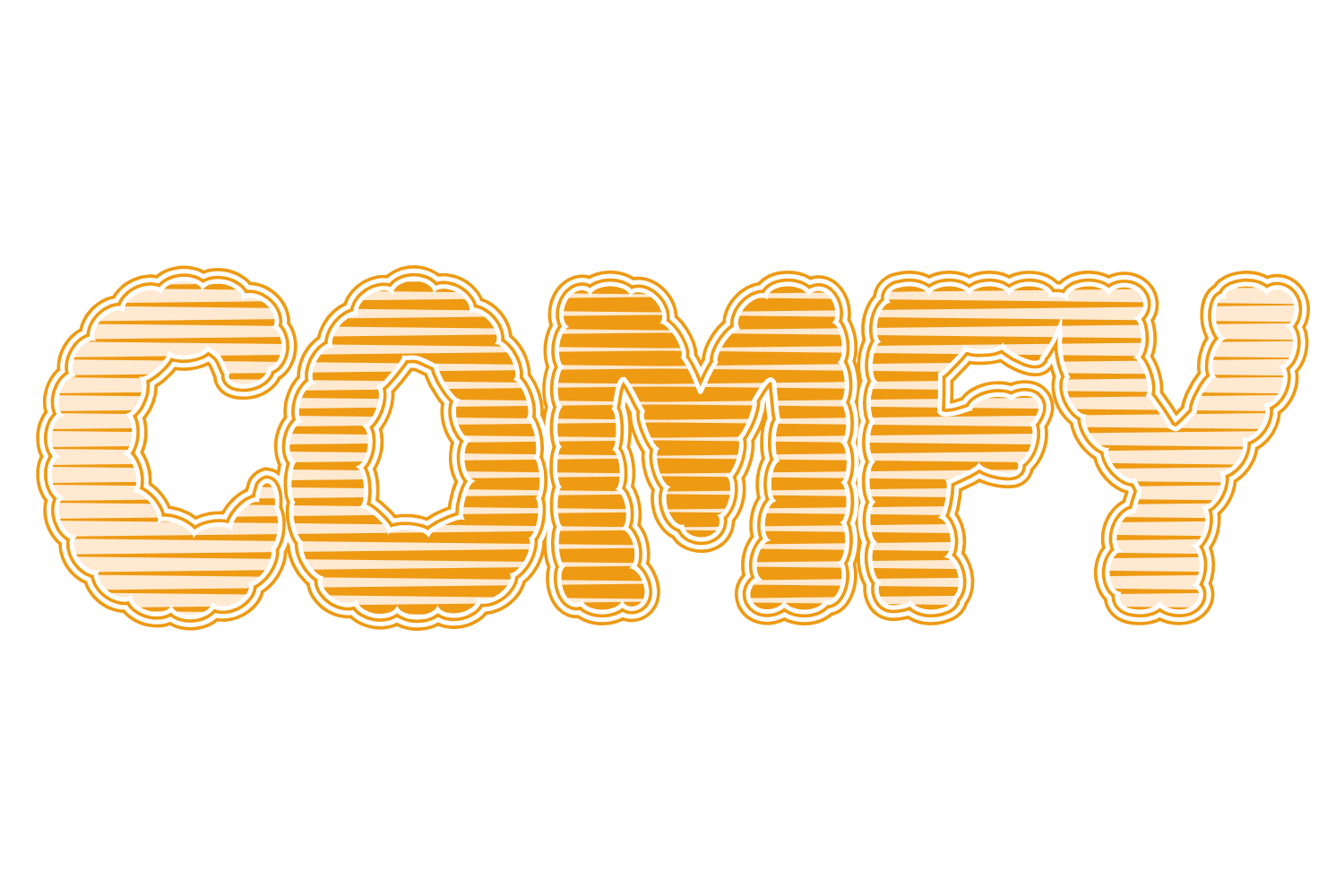
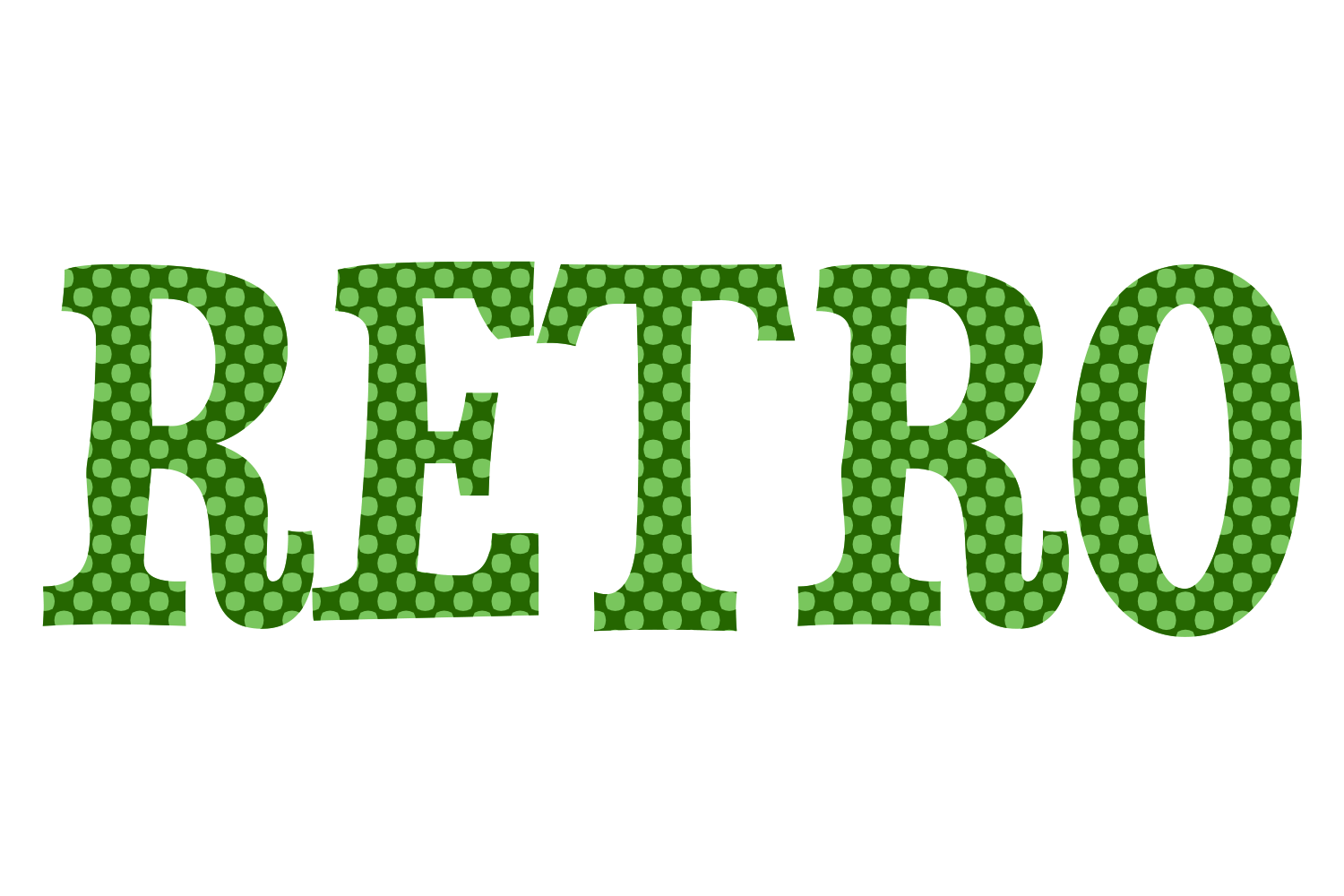
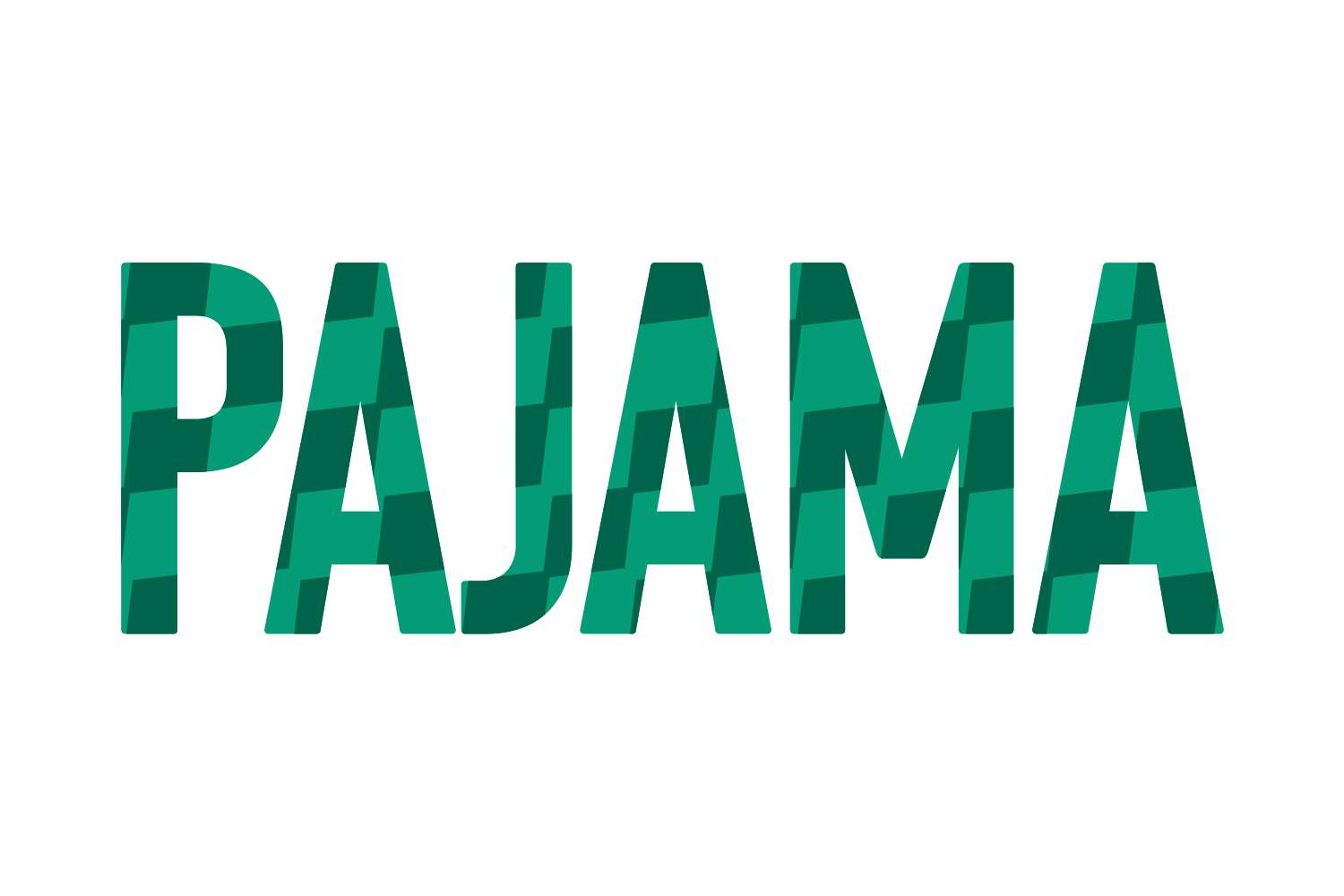
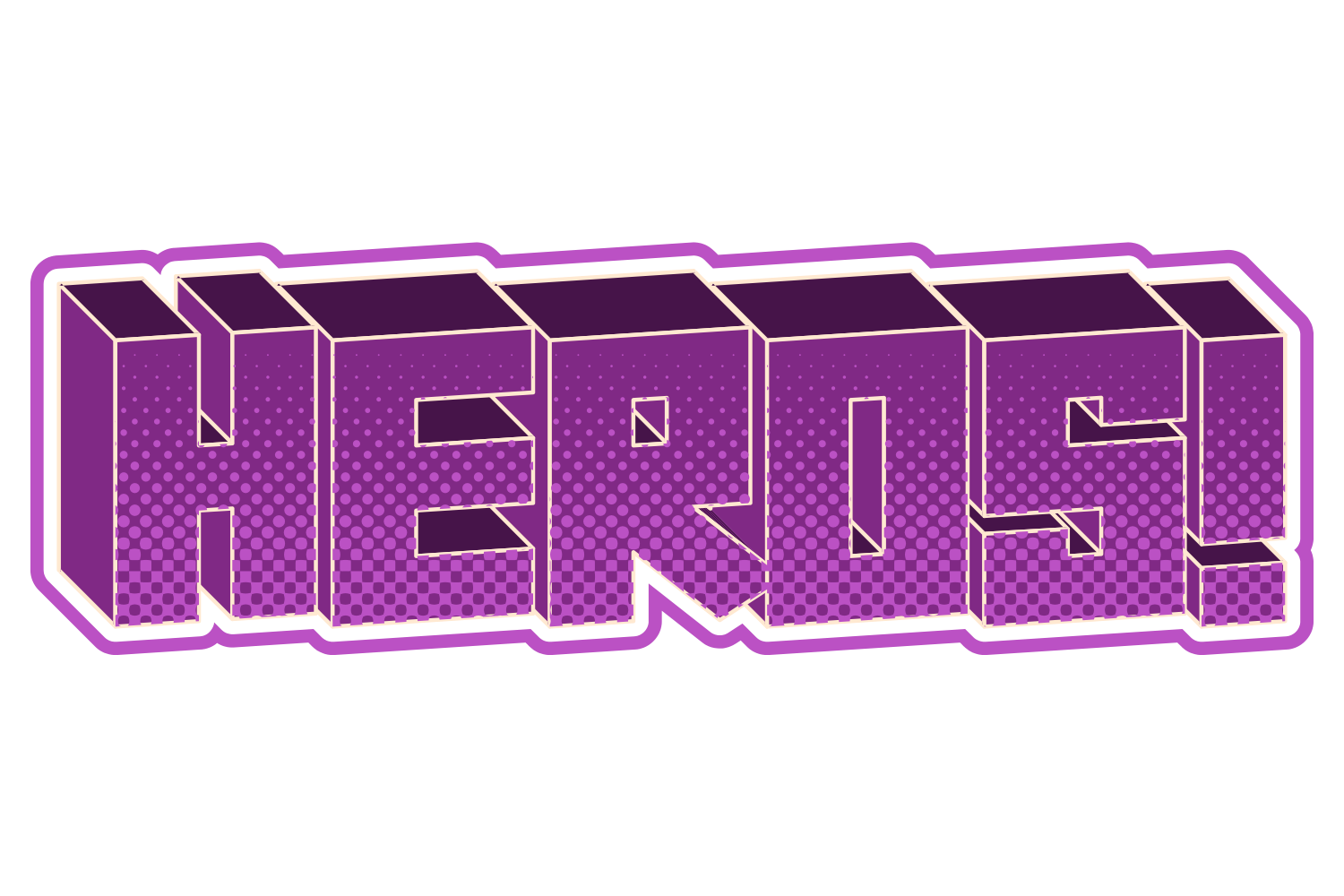
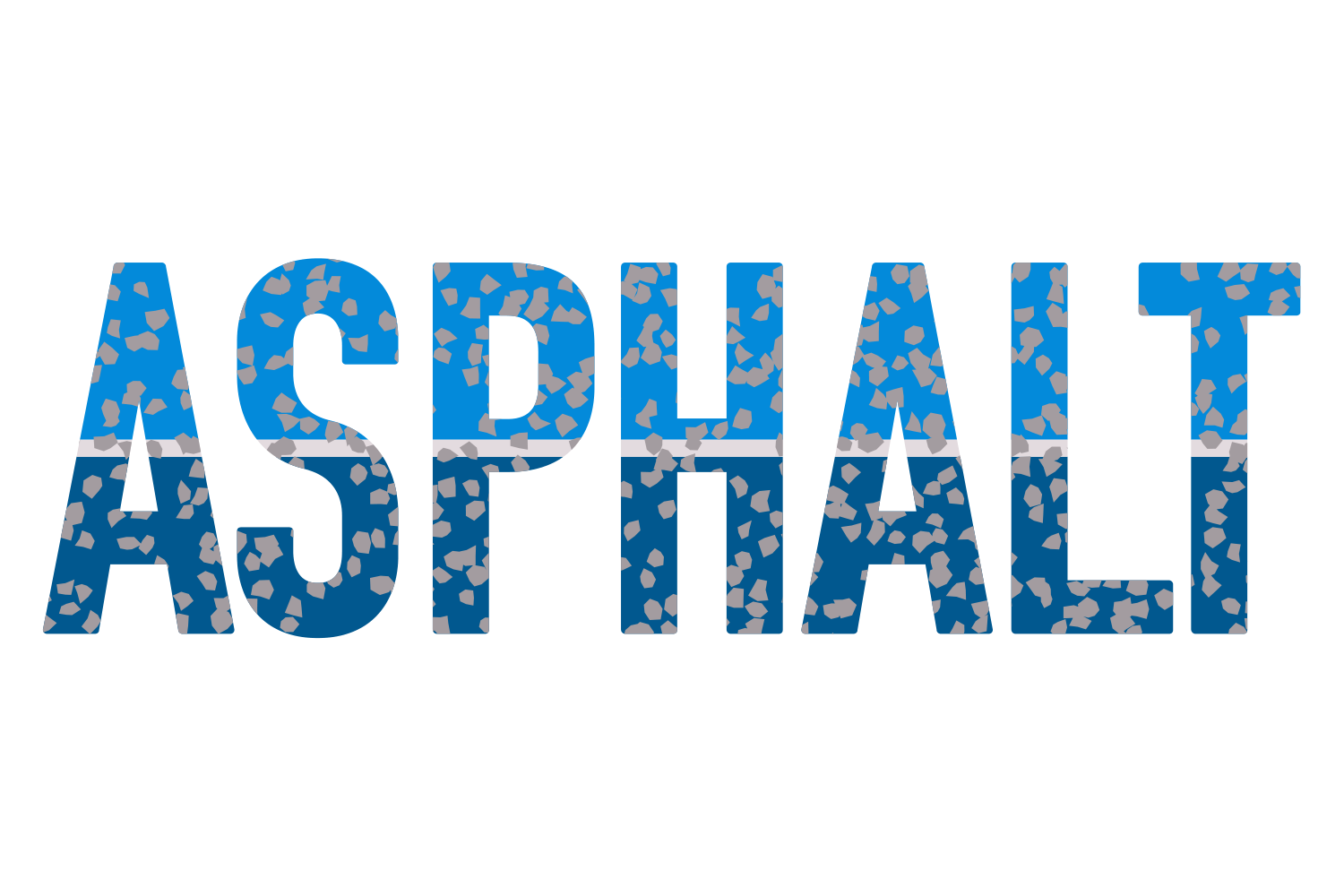
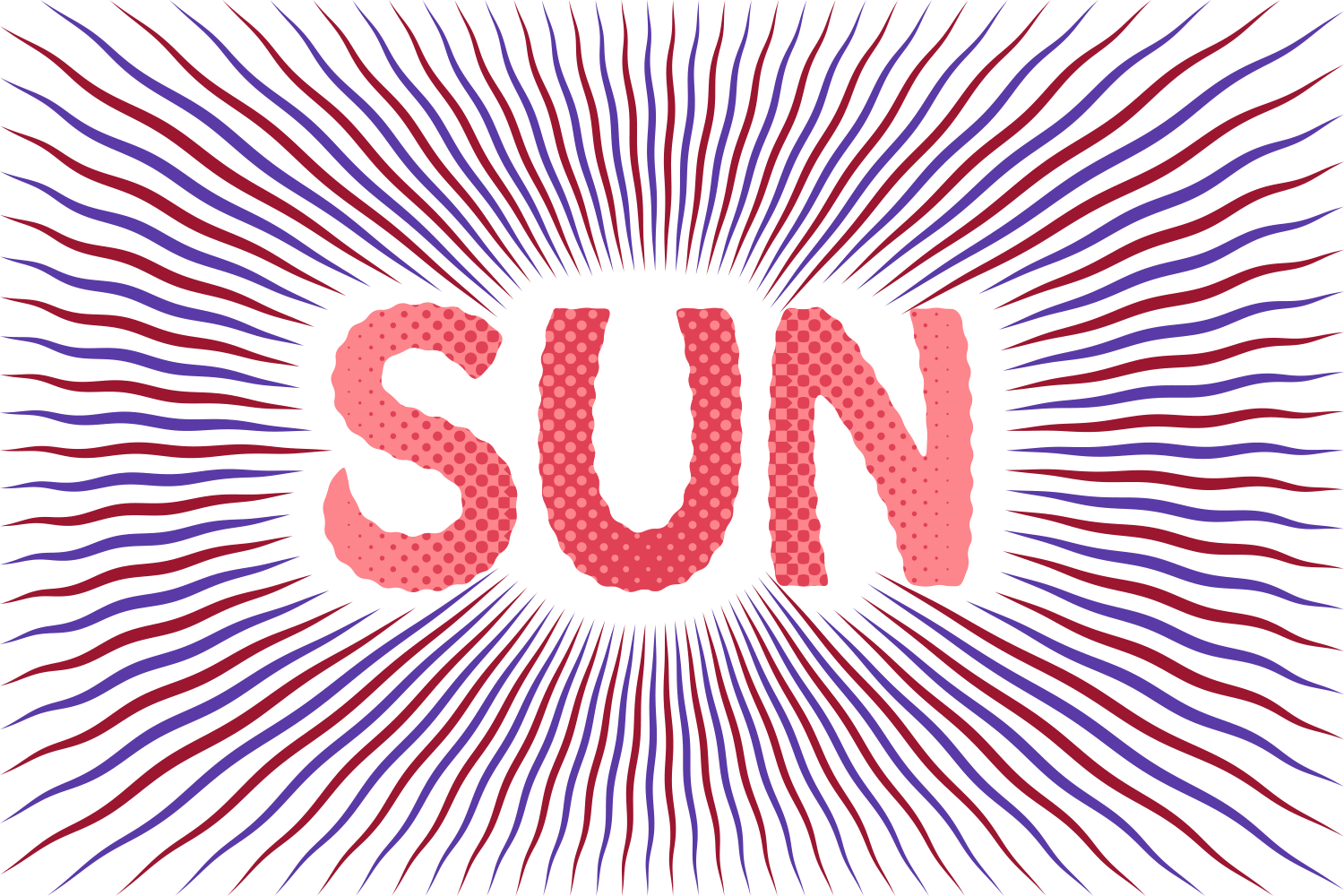
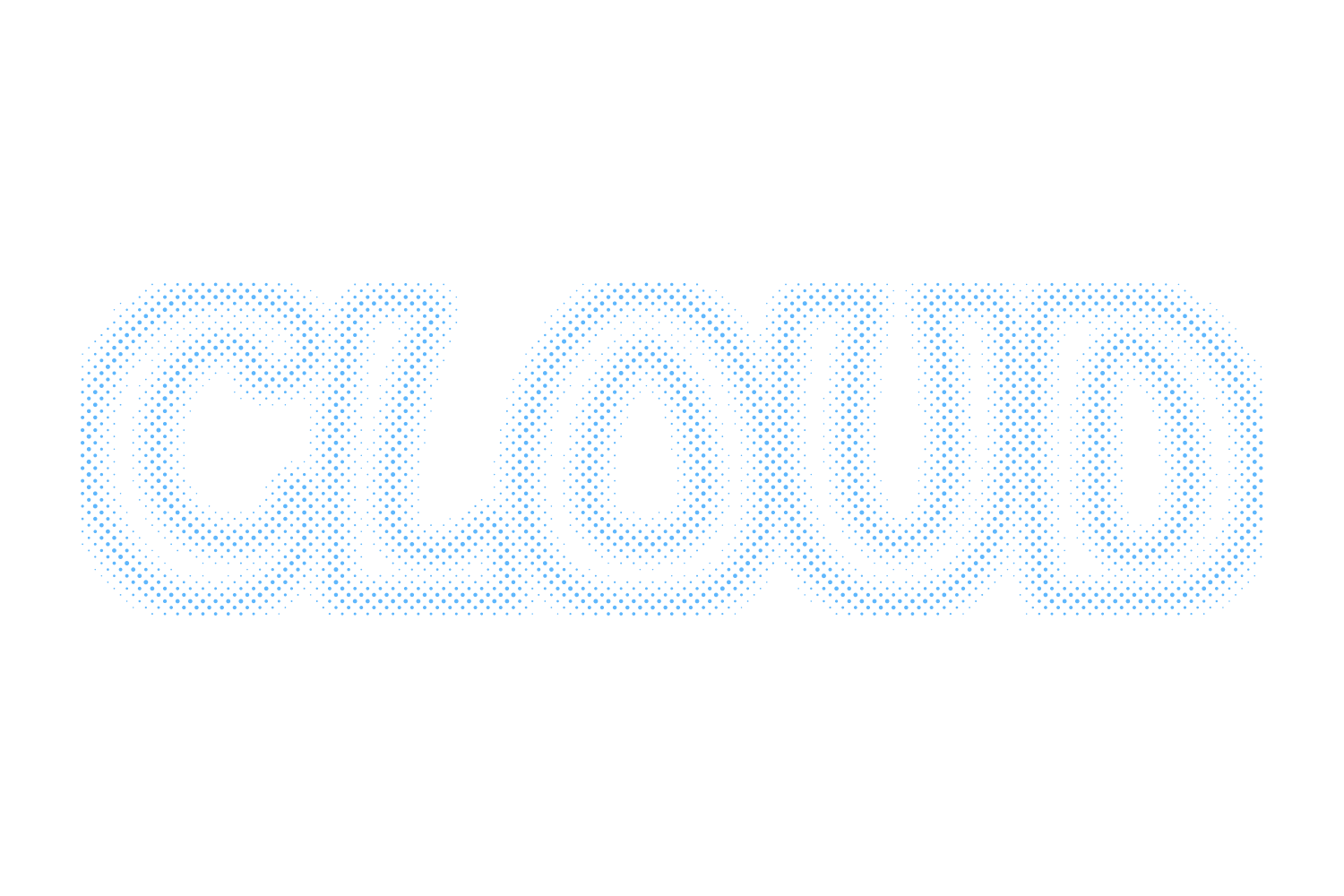
A lattice of dots, diamonds or lines is laid across the face at the chosen density and angle, and each shape is sized by the shade ramp. Uniform gives one shade everywhere; Linear, Circle, Inner, Feather and Mirror grade the dot size across the letters. Transparent punches holes instead of painting a second colour. Scope can target the fill, the strokes, or one part of a Split Face.
What you can adjust
Drag a slider to see what each control does to the type.
Scopeframe 1 of 5 /img/effects/halftone-effects/scope/1.png
ScopeFill / Stroke / Fill and stroke / Part 1 / Part 2
1 / 5
Patternframe 1 of 4 /img/effects/halftone-effects/pattern/1.png
PatternCircle / Diamond / Lines / Decay
1 / 4
Densityframe 1 of 5 /img/effects/halftone-effects/density/1.png
Density2–30 pt, default 30
1 / 5
Angleframe 1 of 5 /img/effects/halftone-effects/angle/1.png
Angle−180 to 180°
1 / 5
Offsetframe 1 of 5 /img/effects/halftone-effects/offset/1.png
Offset−100 to 100 pt
1 / 5
Stretch shapes / Space shapesframe 1 of 5 /img/effects/halftone-effects/stretch-shapes-space-shapes/1.png
Stretch shapes / Space shapes10–500%
1 / 5
Colourframe 1 of 5 /img/effects/halftone-effects/colour/1.png
ColourTC1 / TC2 / Black / White / spot; default White
1 / 5
Distributionframe 1 of 6 /img/effects/halftone-effects/distribution/1.png
DistributionUniform / Linear / Circle / Inner / Feather / Mirror
1 / 6
Shadeframe 1 of 5 /img/effects/halftone-effects/shade/1.png
Shade1–100%, default 60, with end shade, amount, direction and range for the graded modes
1 / 5
Transparentframe 1 of 5 /img/effects/halftone-effects/transparent/1.png
Transparentknockout instead of a second colour
1 / 5
Still live text
Halftone Effects is applied as an Illustrator live effect, so the text stays editable. Change the word, the font, or any slider afterwards, and save the result as a Graphic Style to reuse it.