Effects / Strokes

STROKES

Watch it being adjusted

Screen recording of the Strokes sliders in Illustrator (placeholder)

How it works

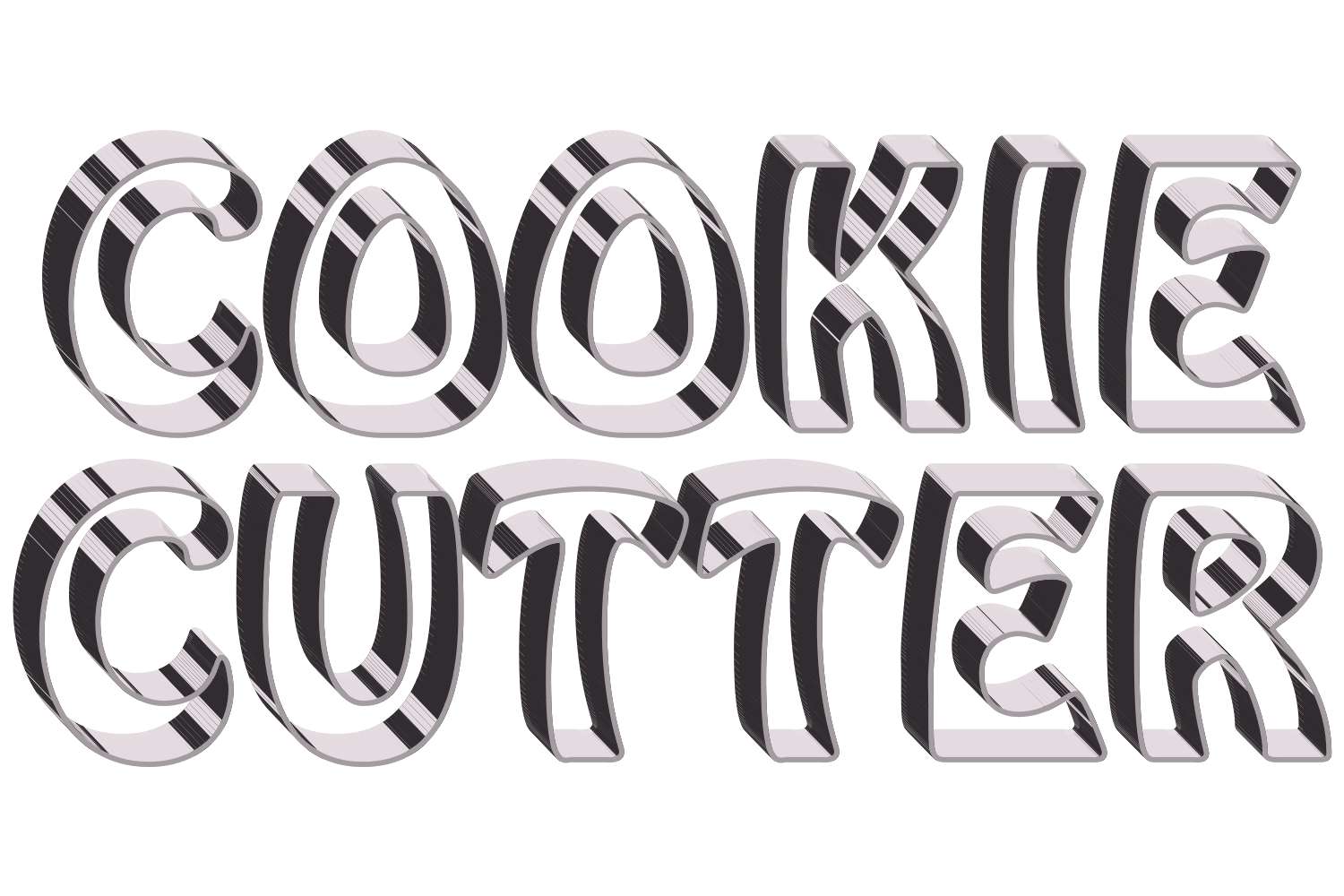
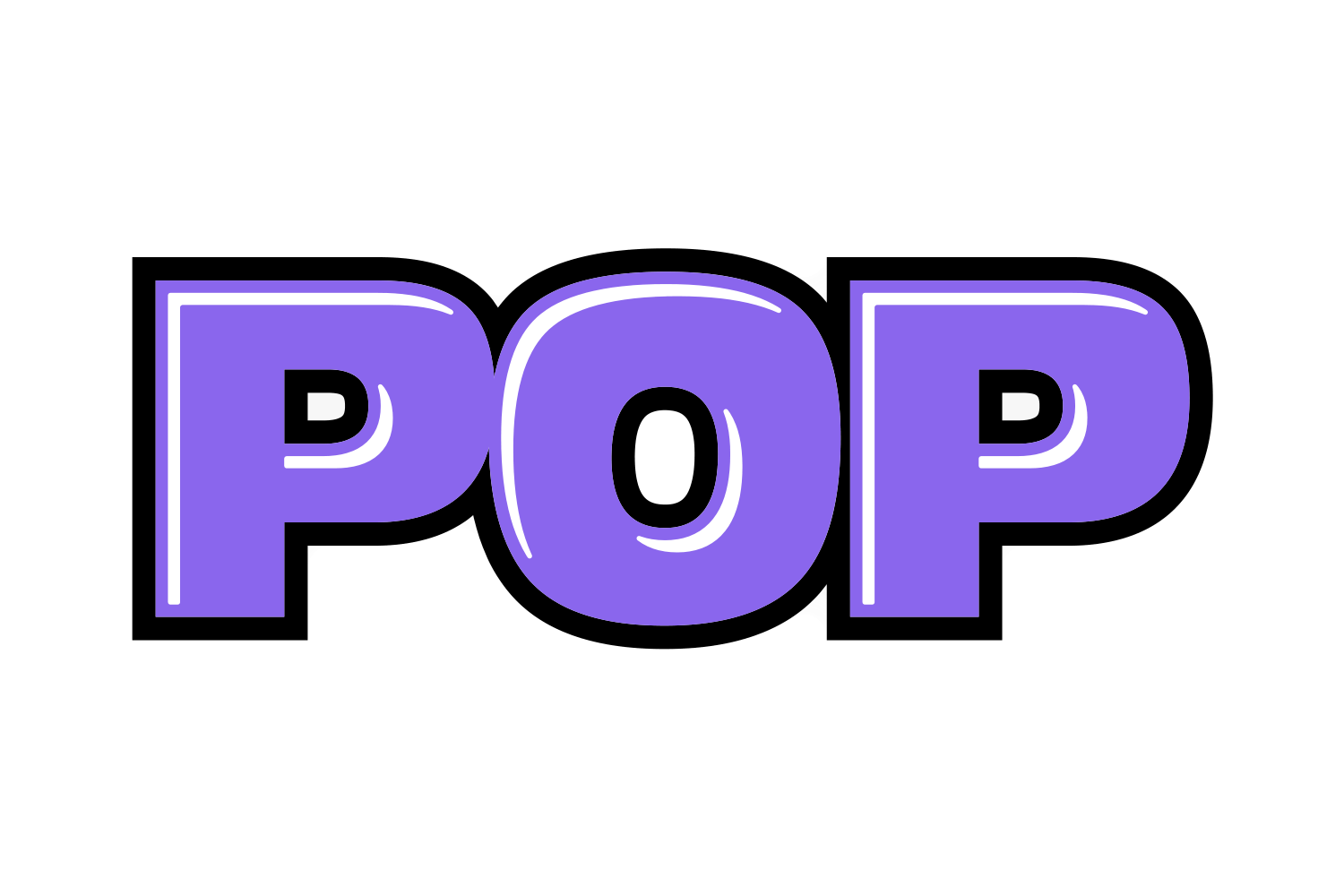
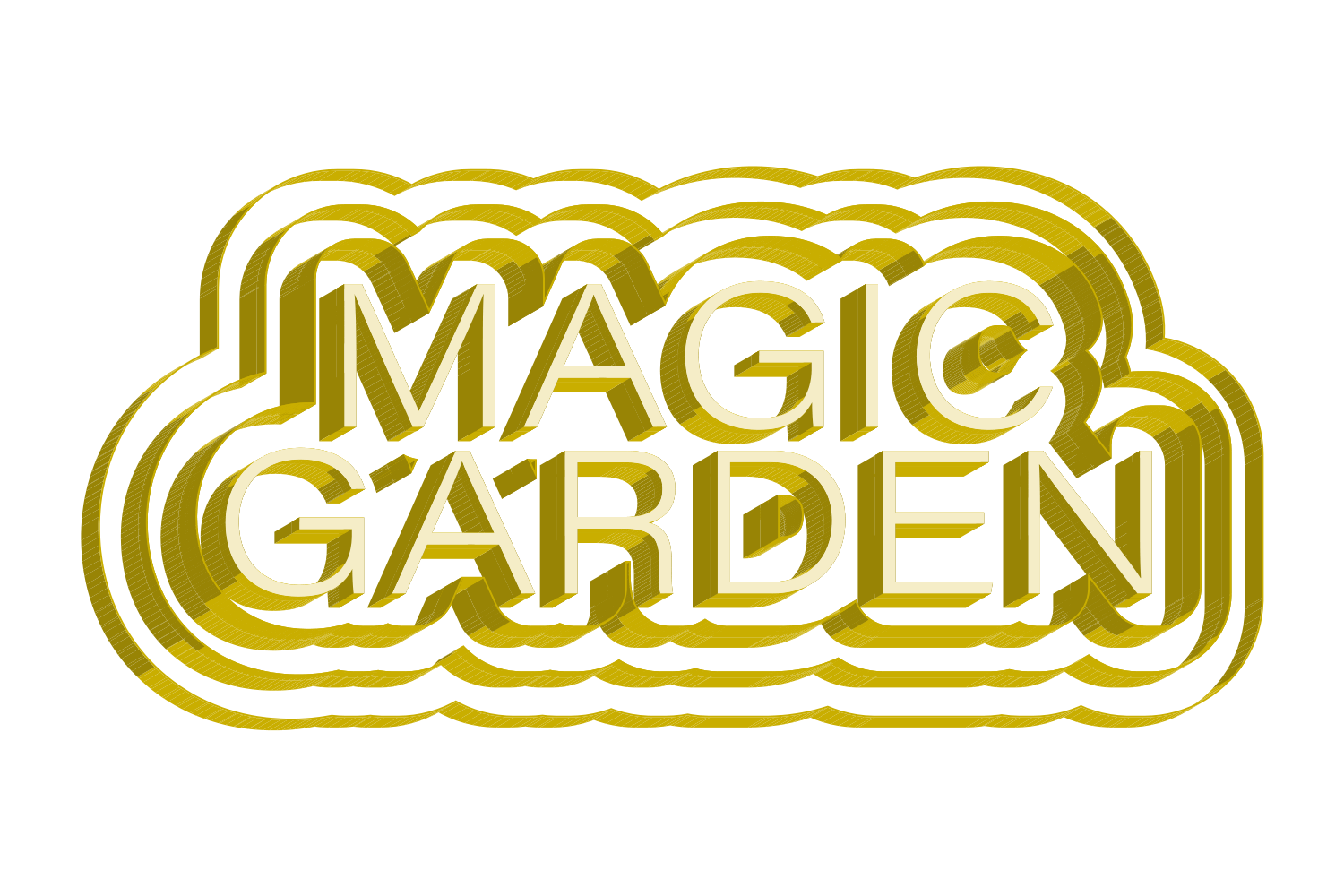
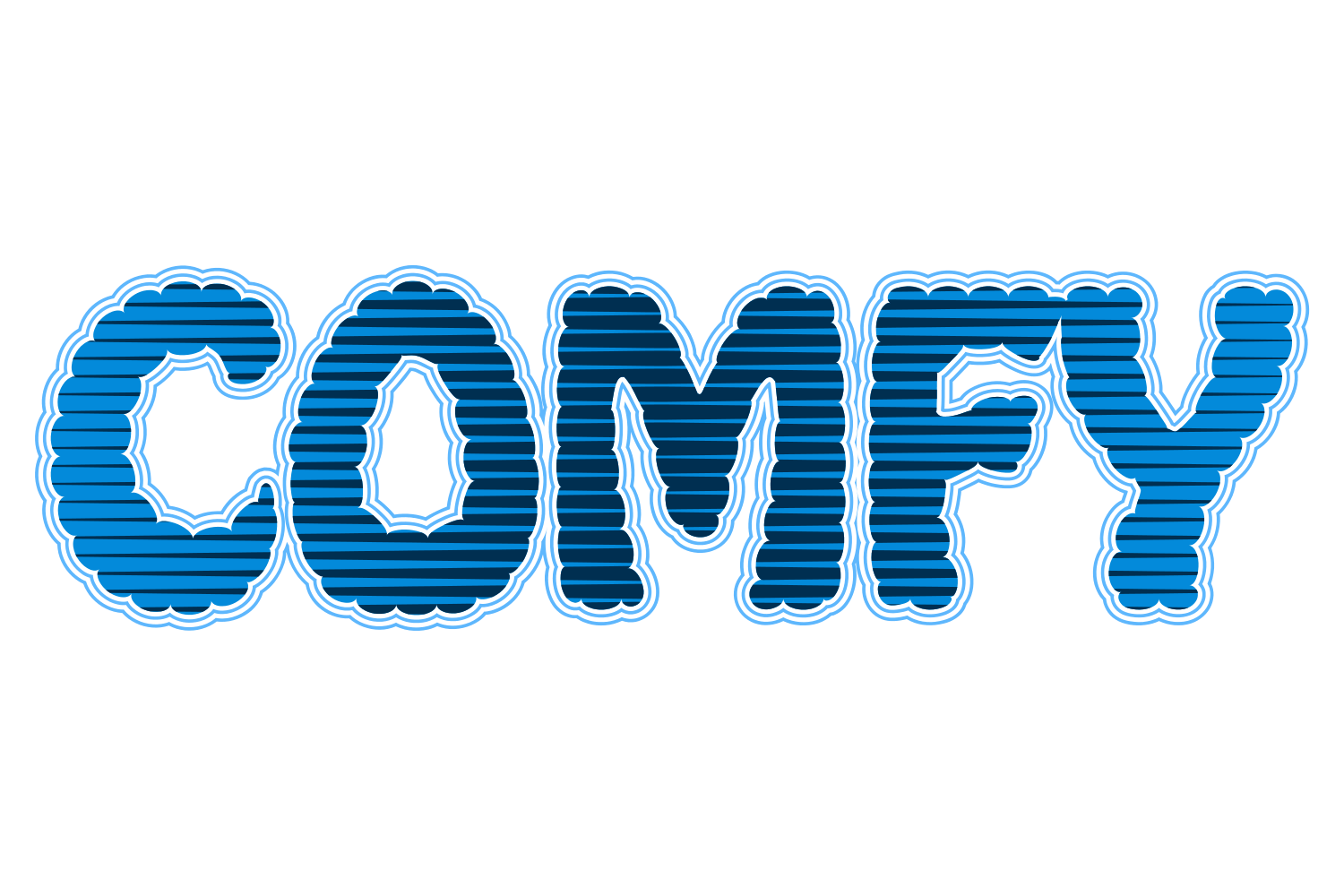
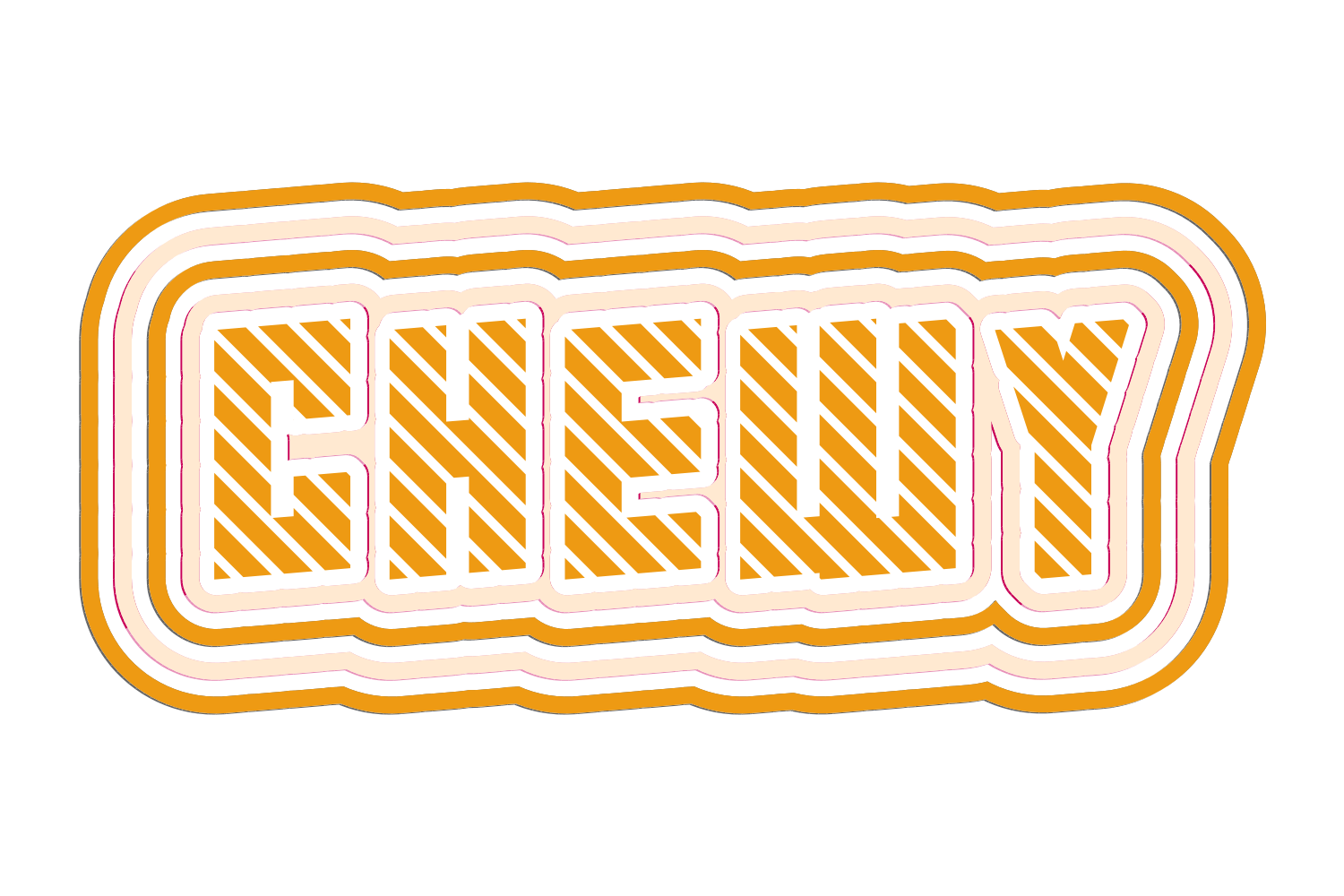
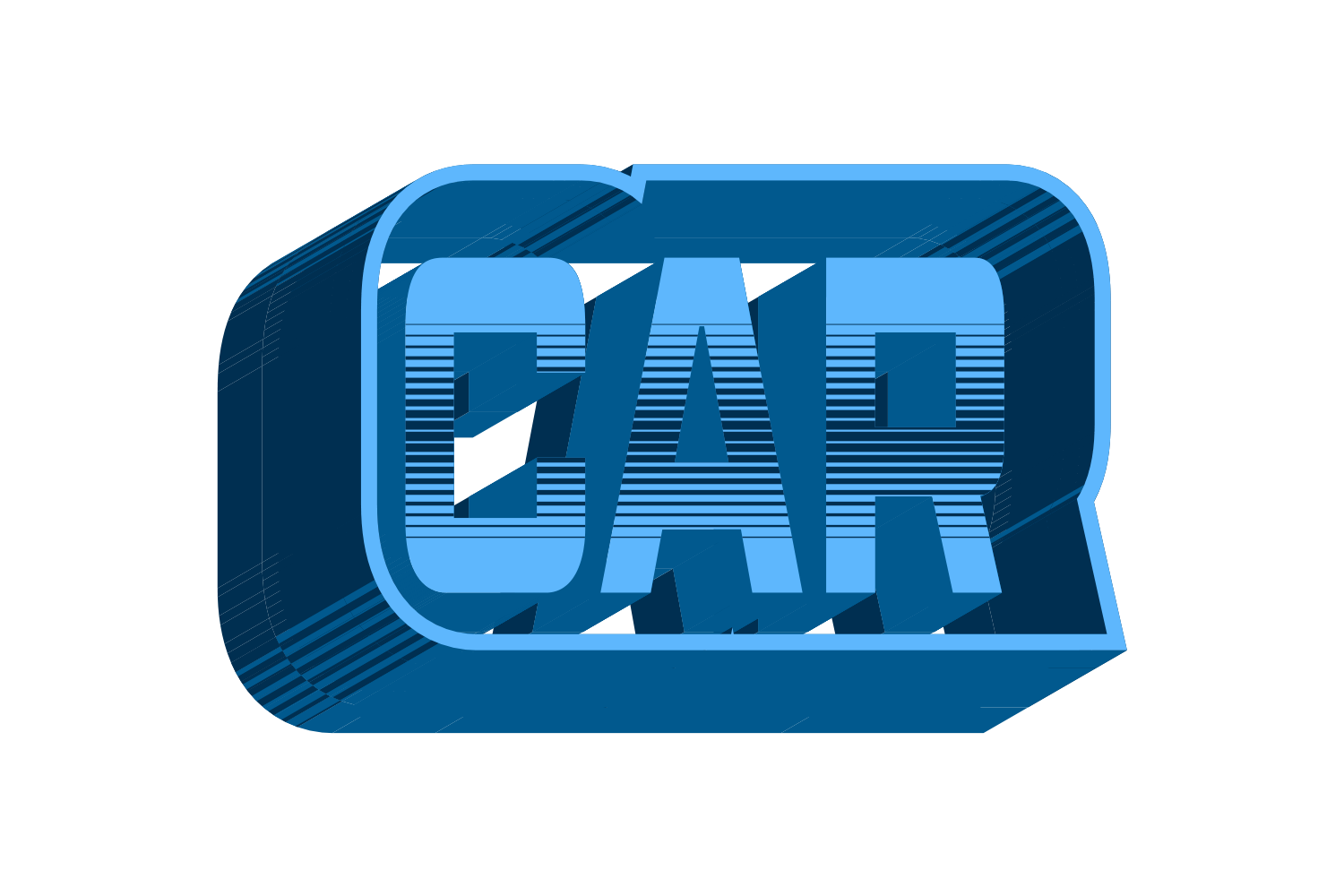
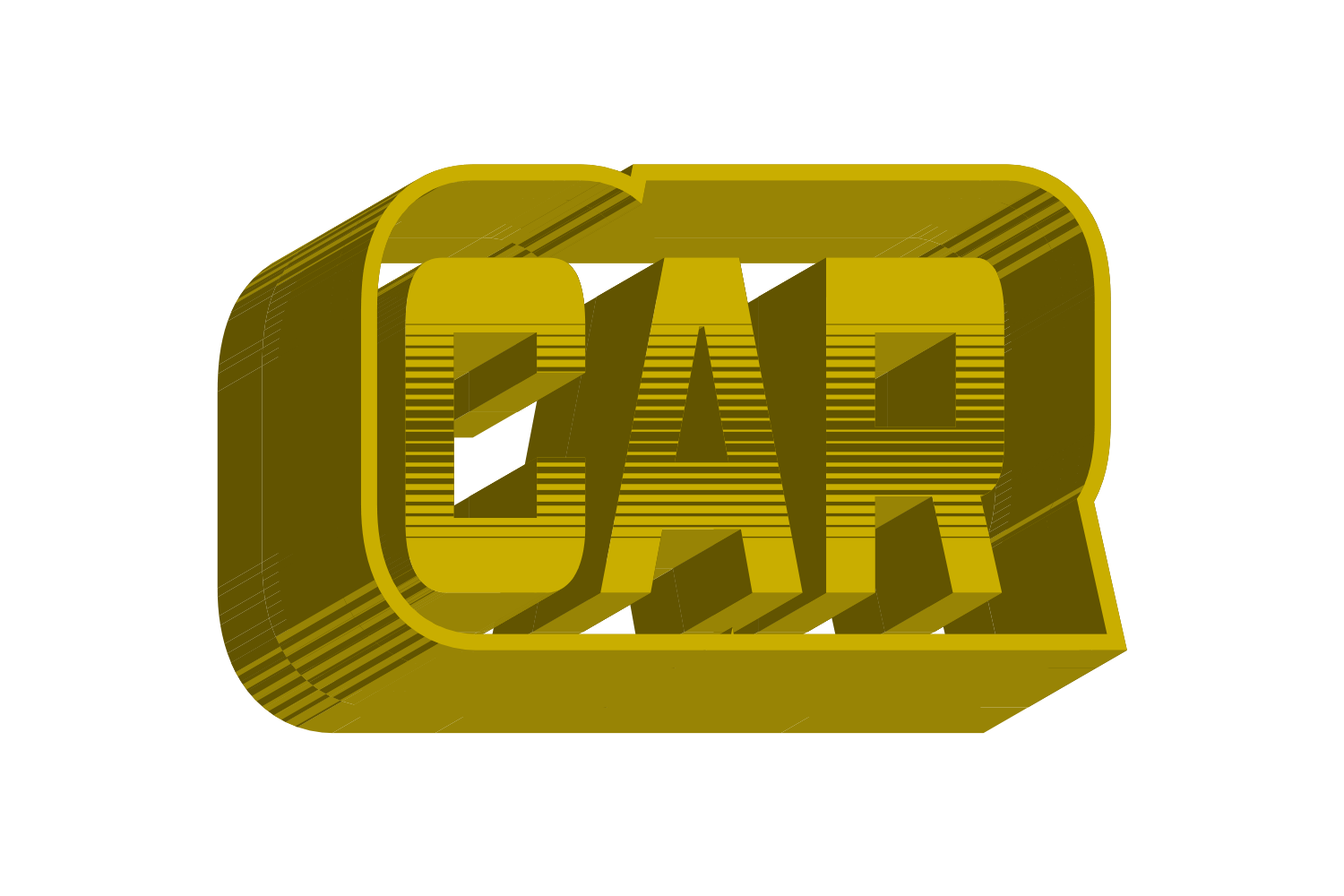
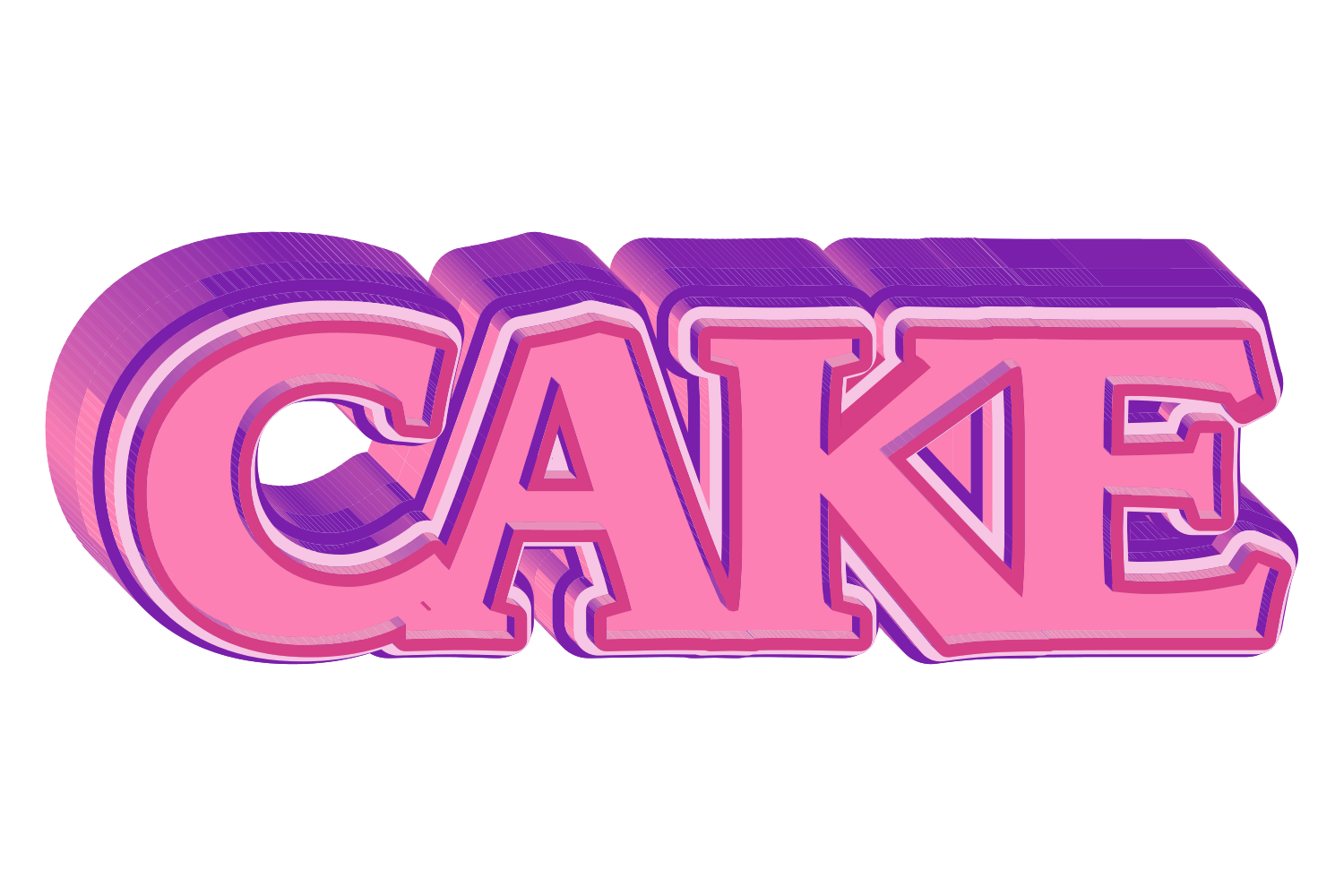
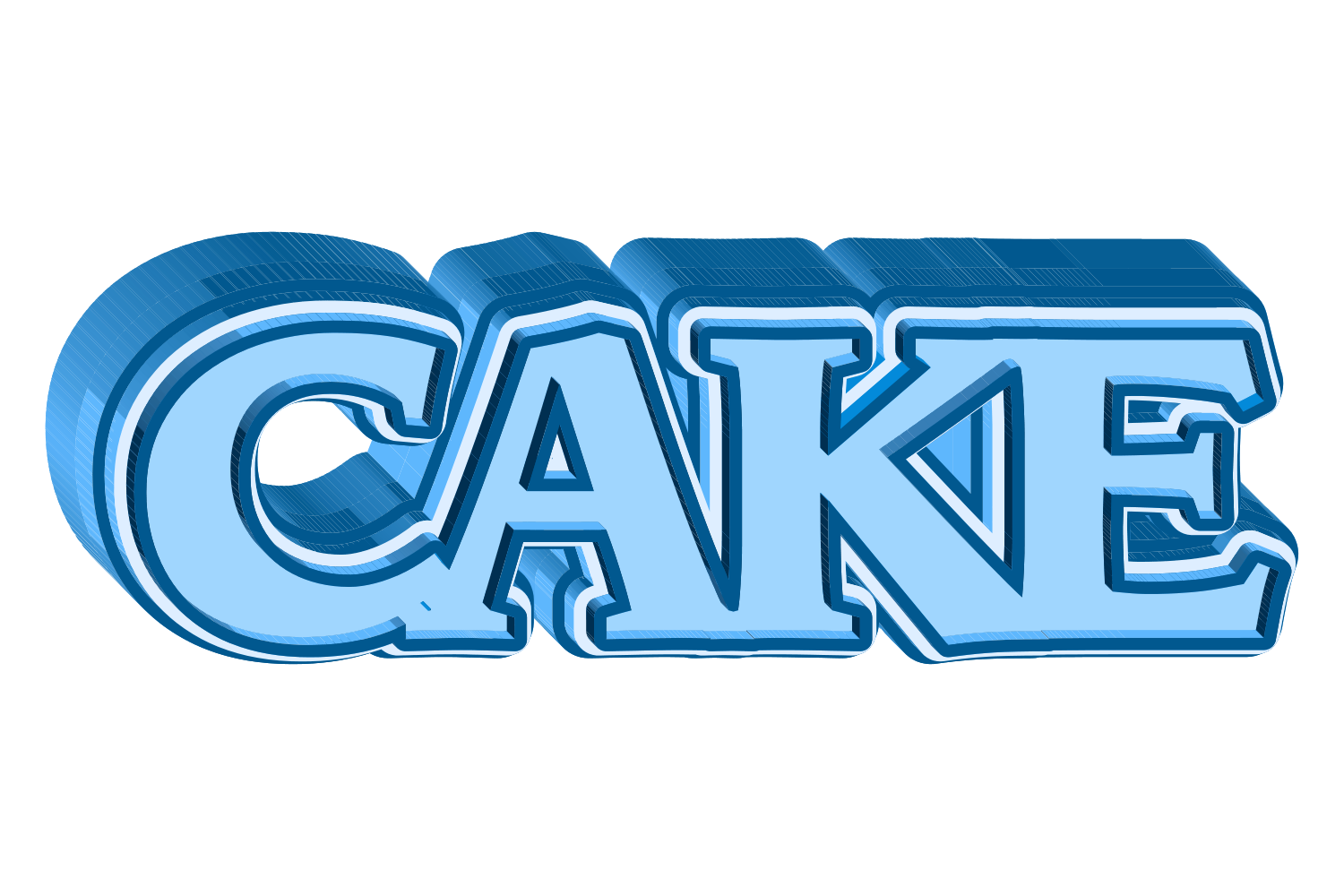
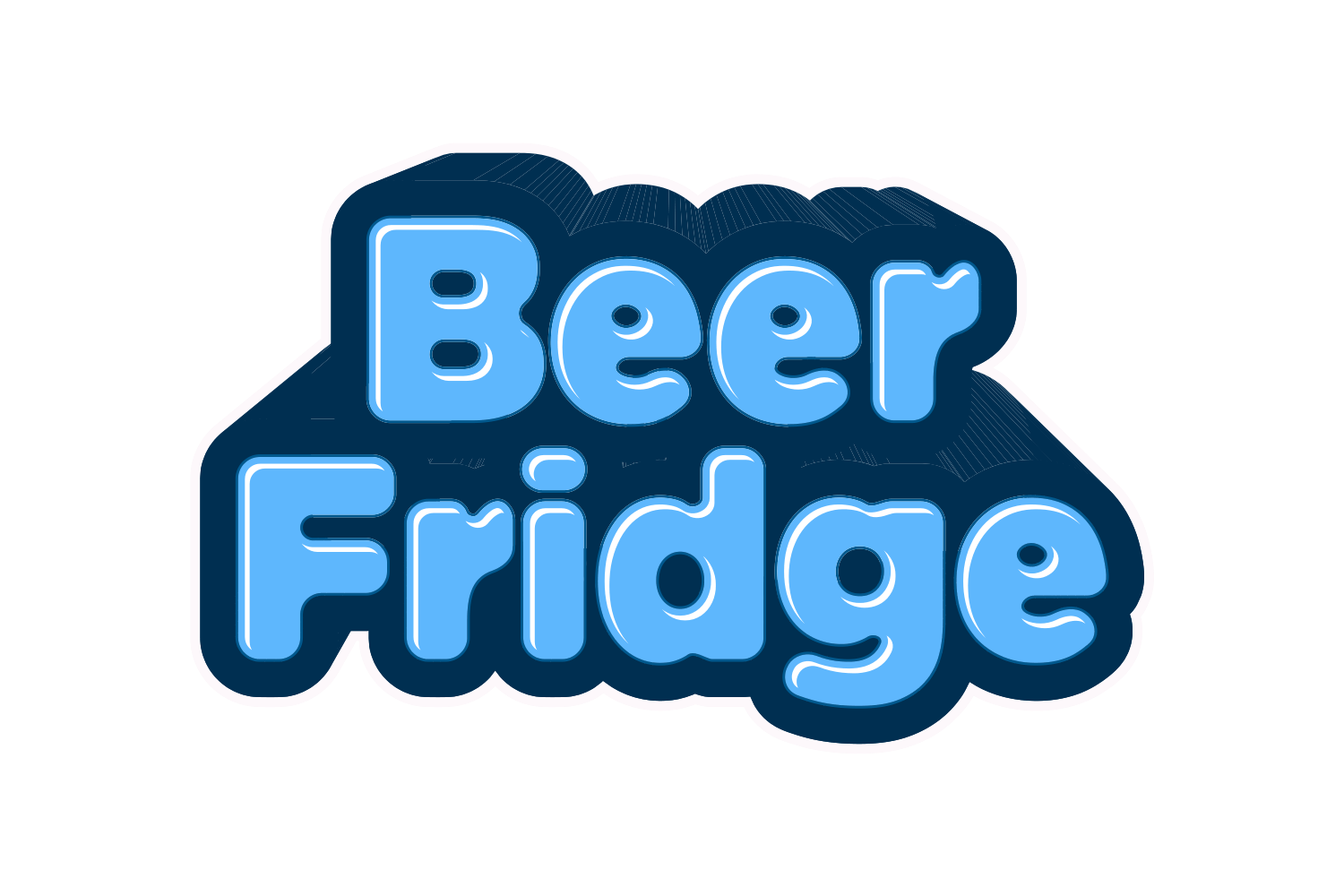
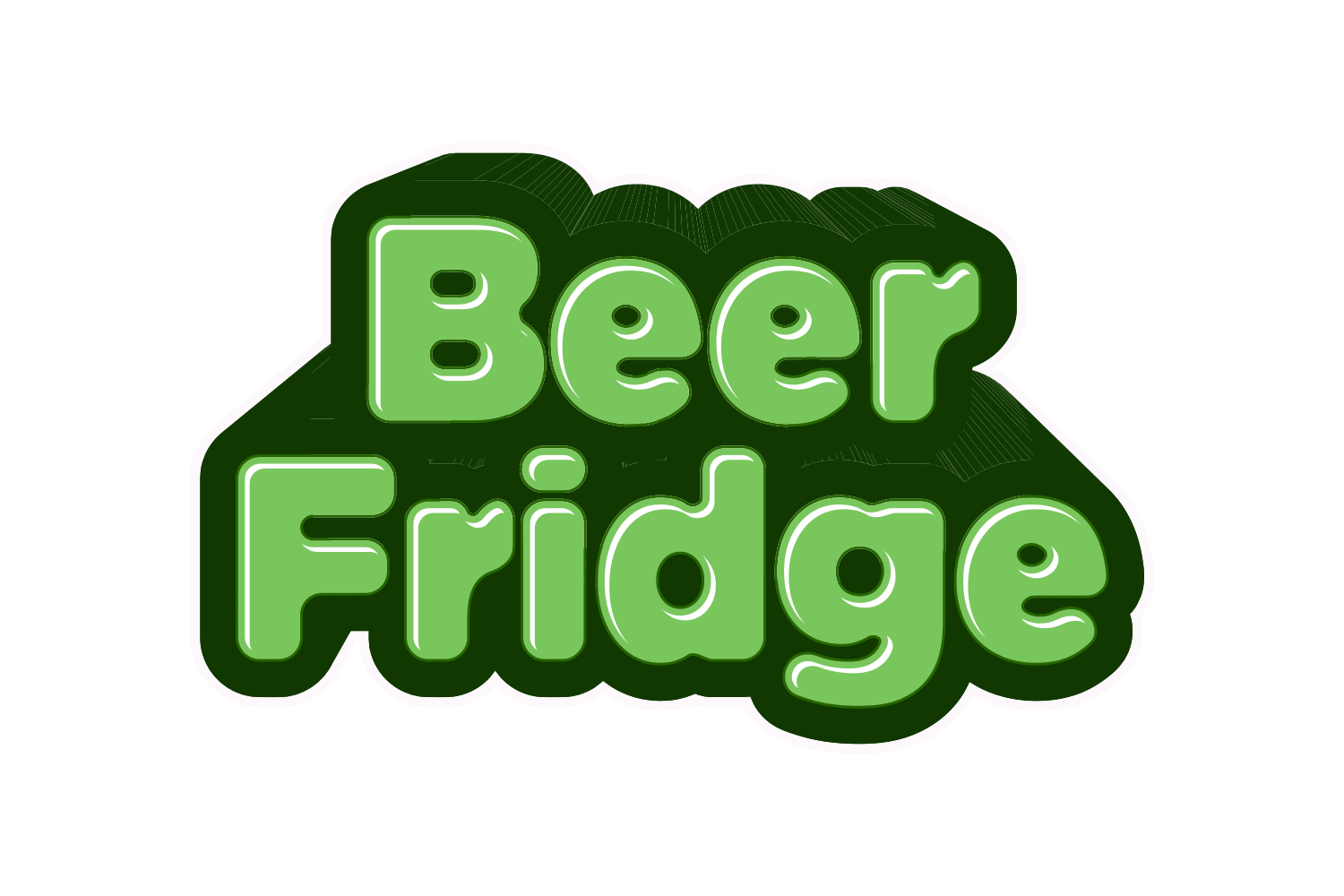
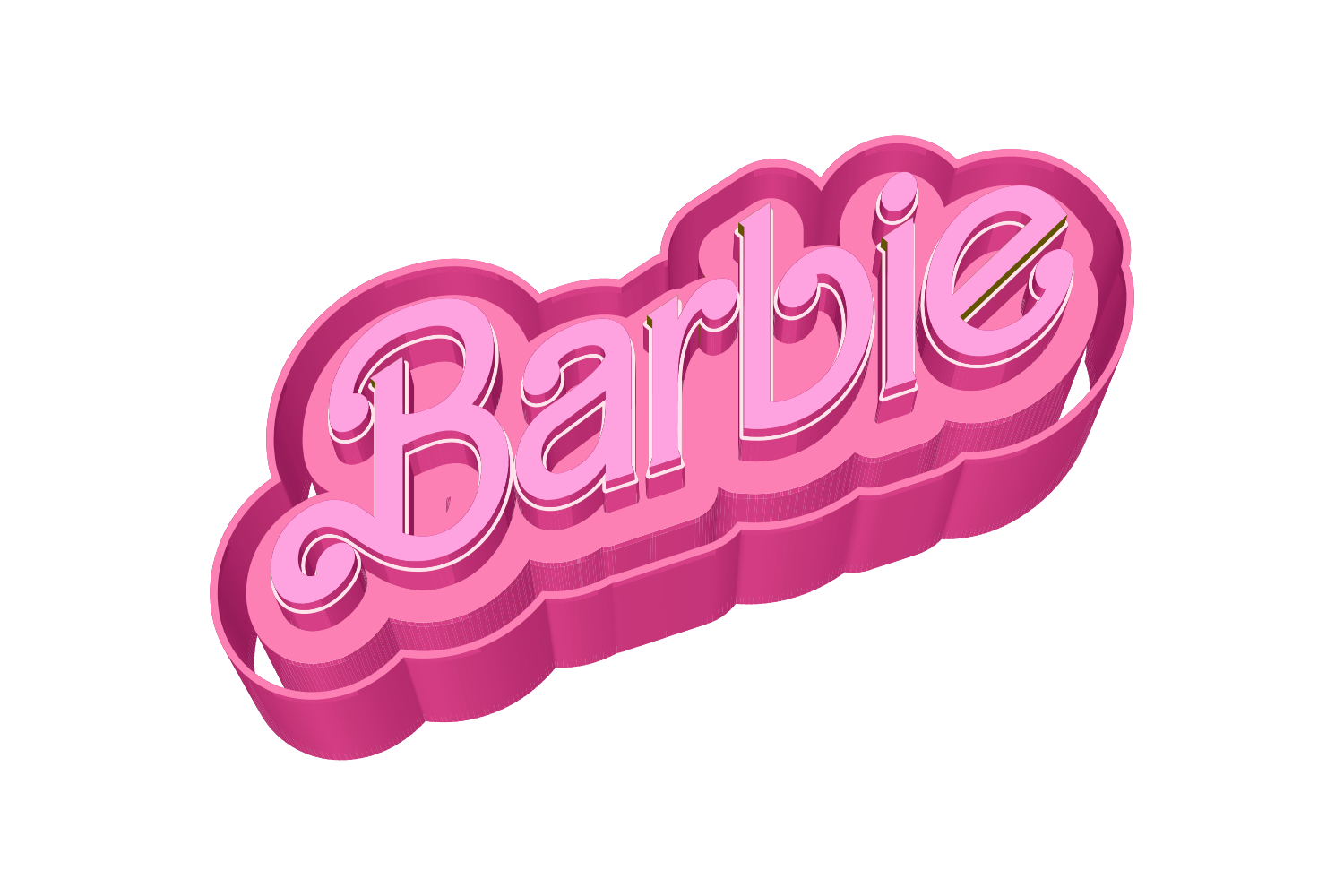
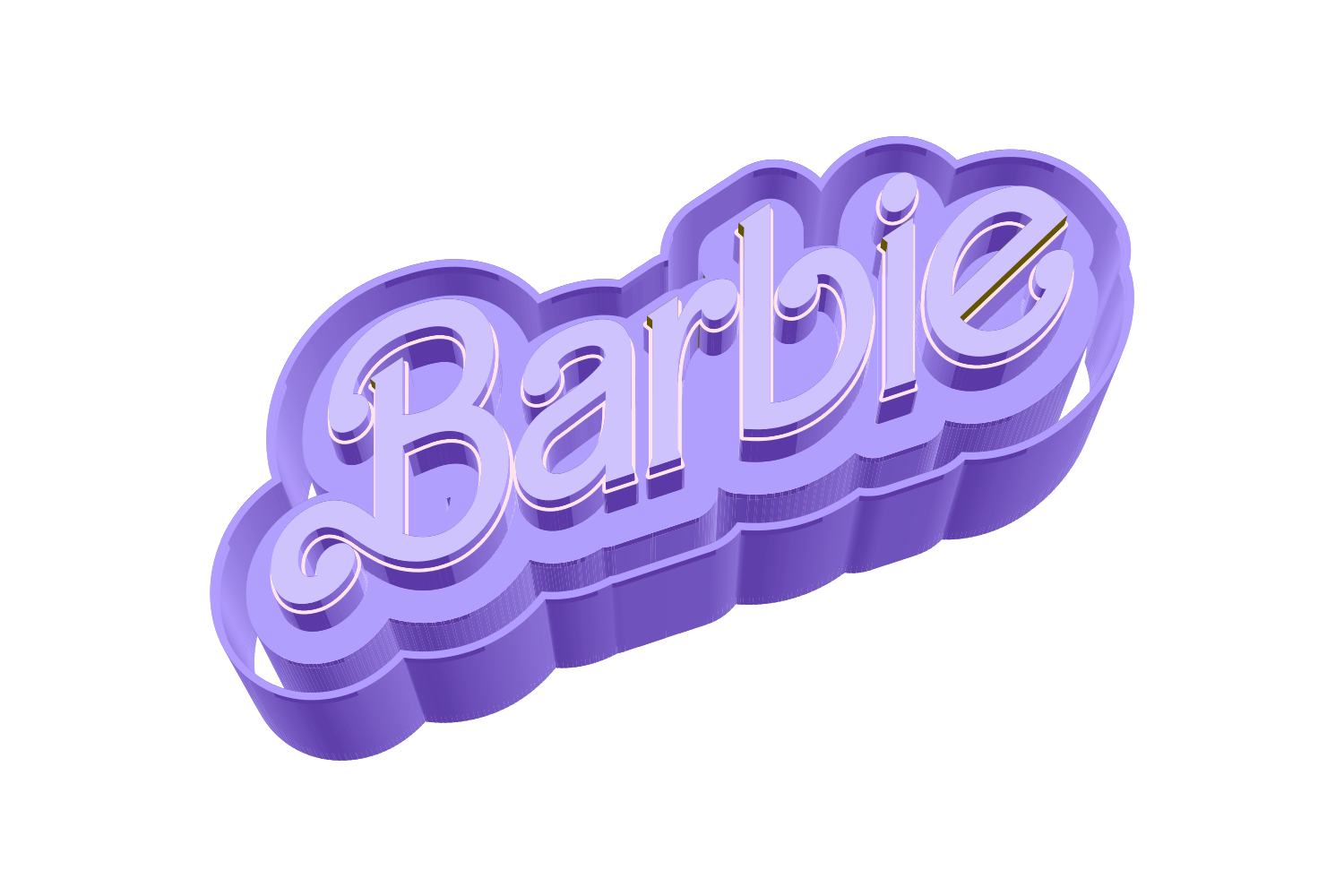
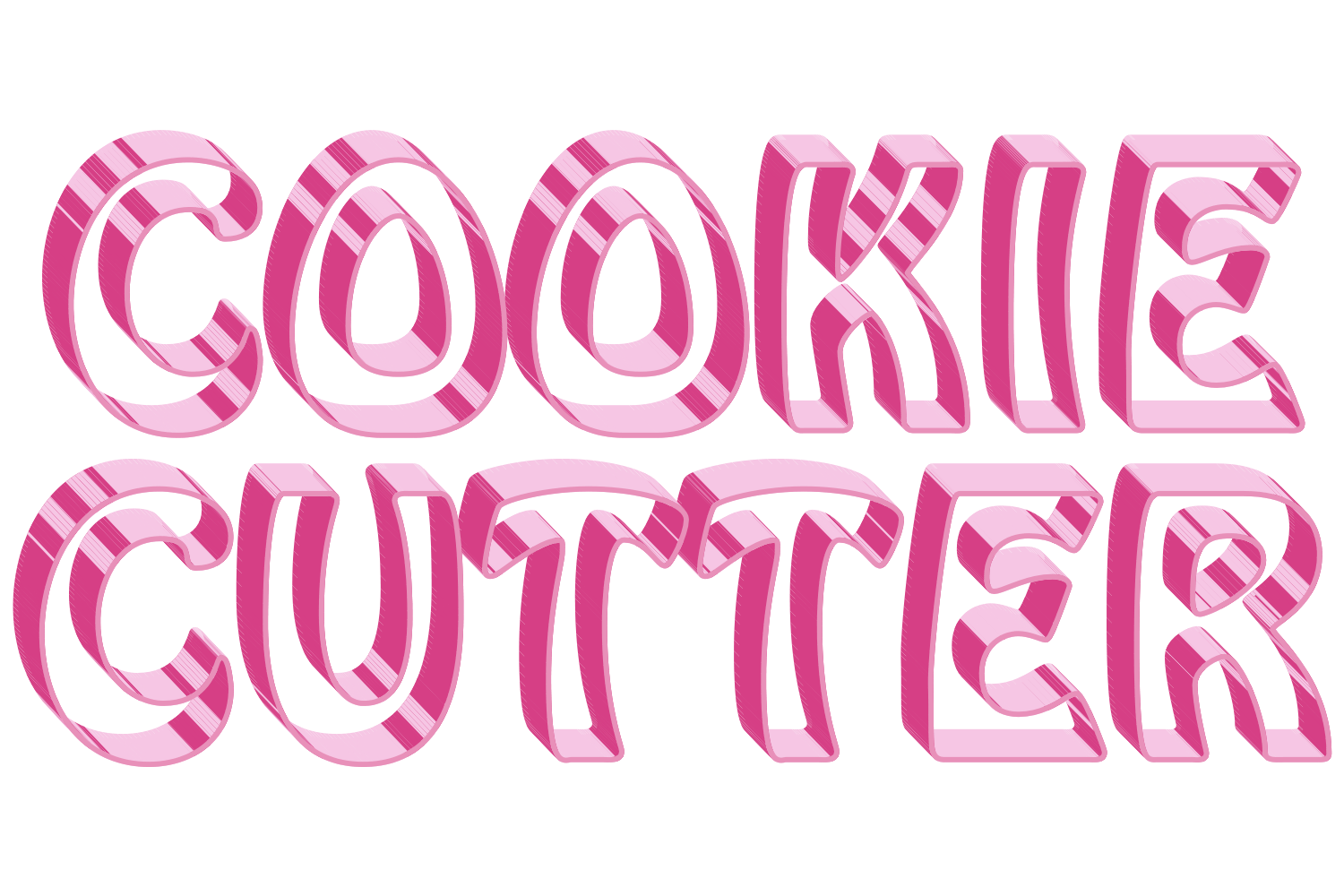
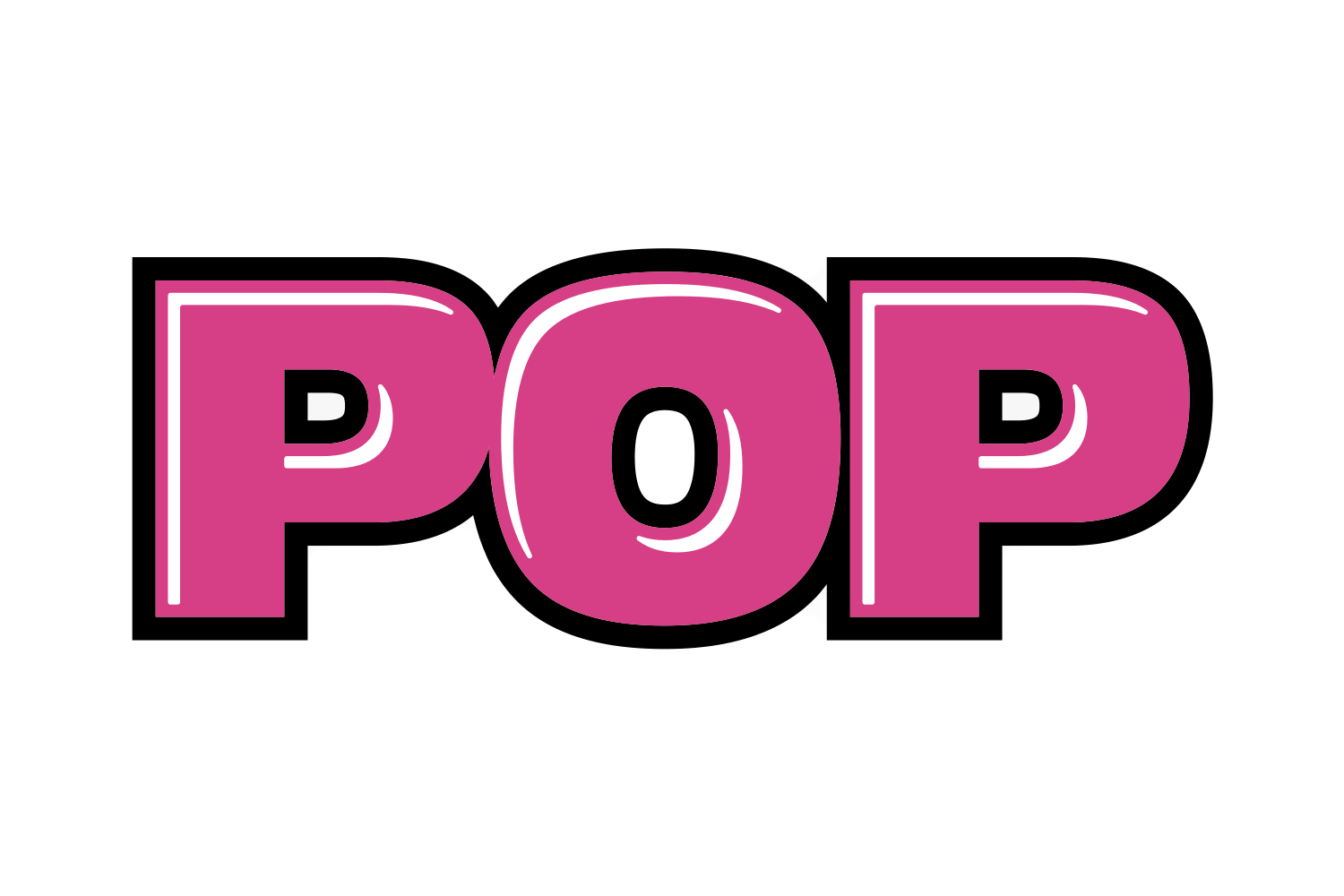
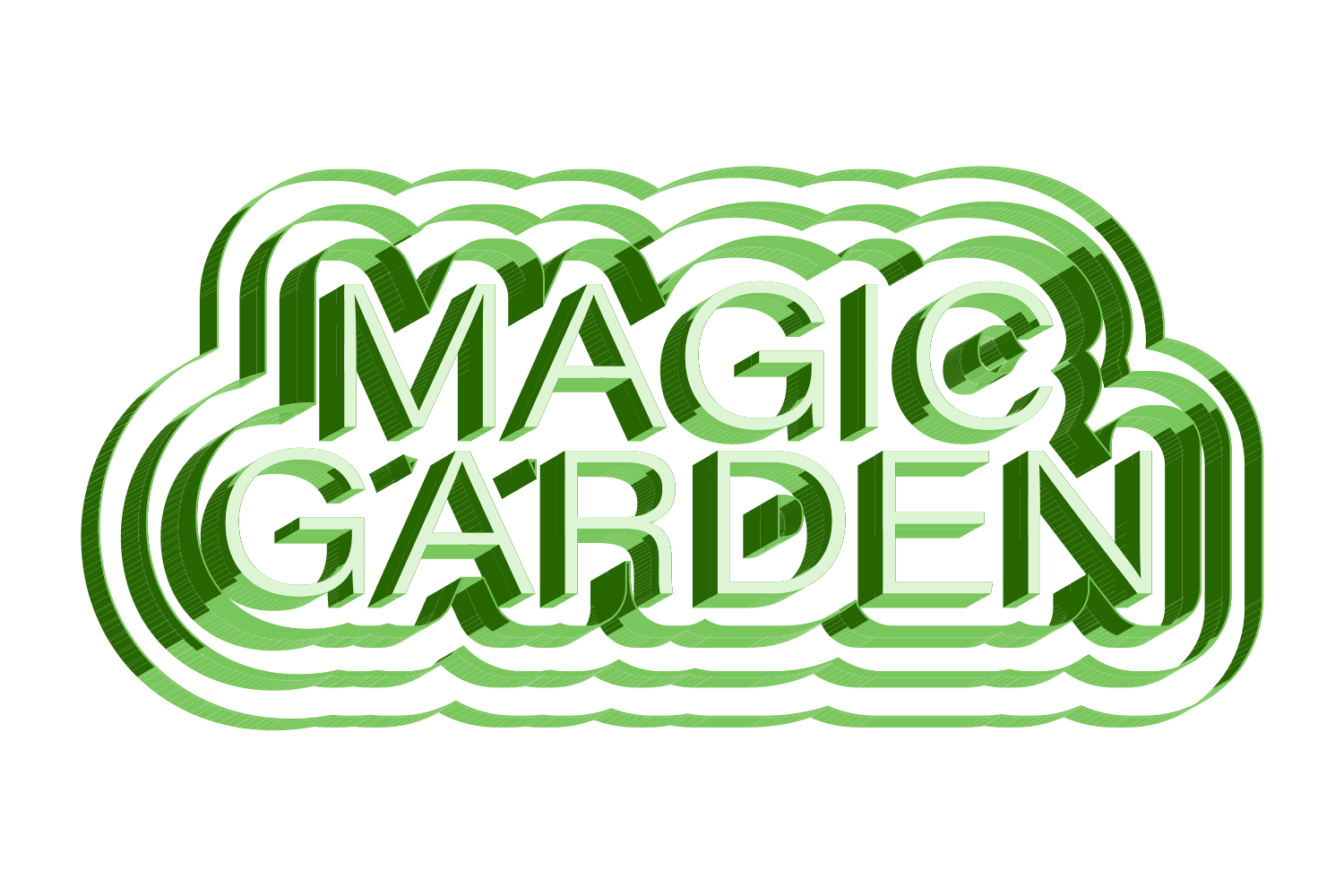
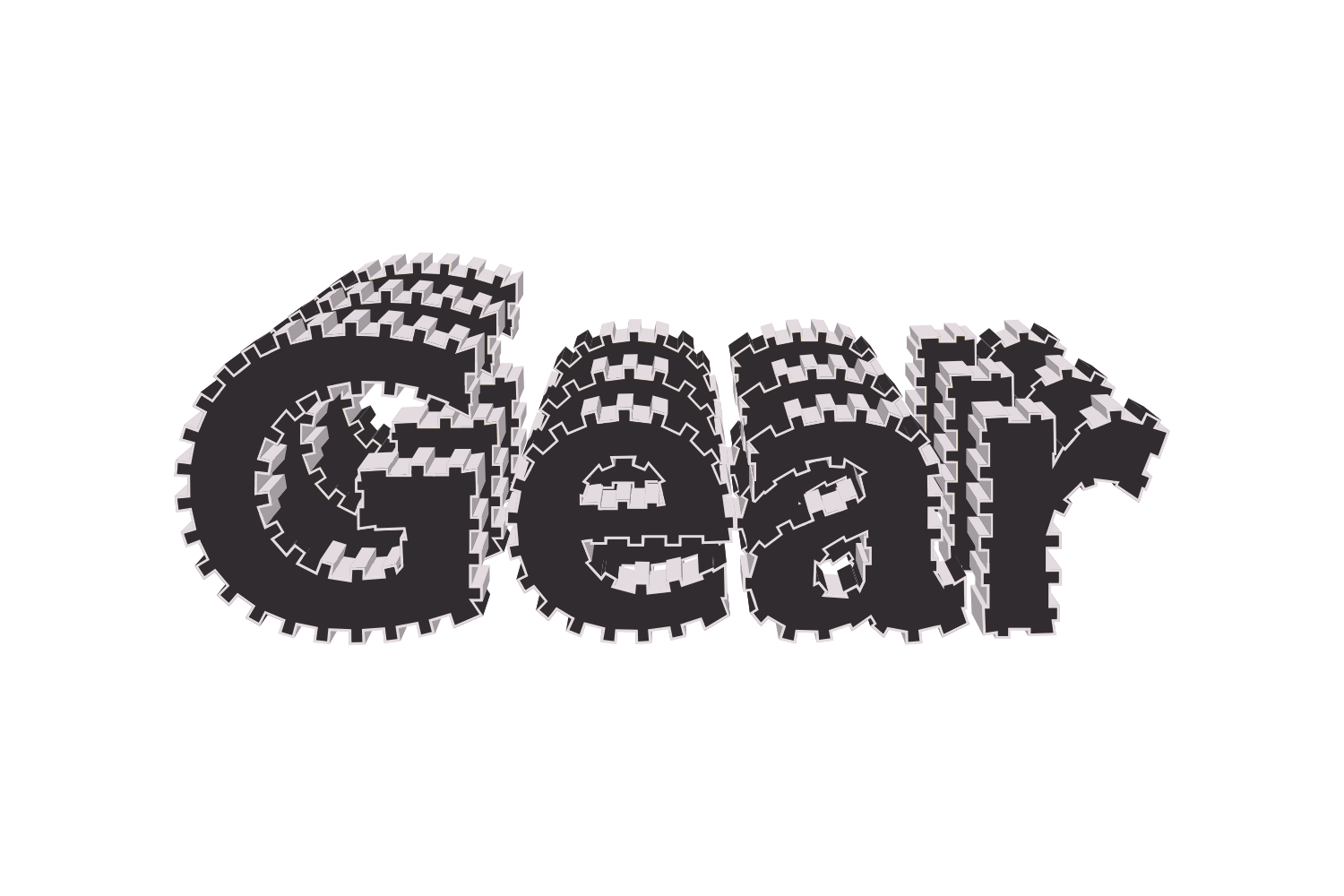
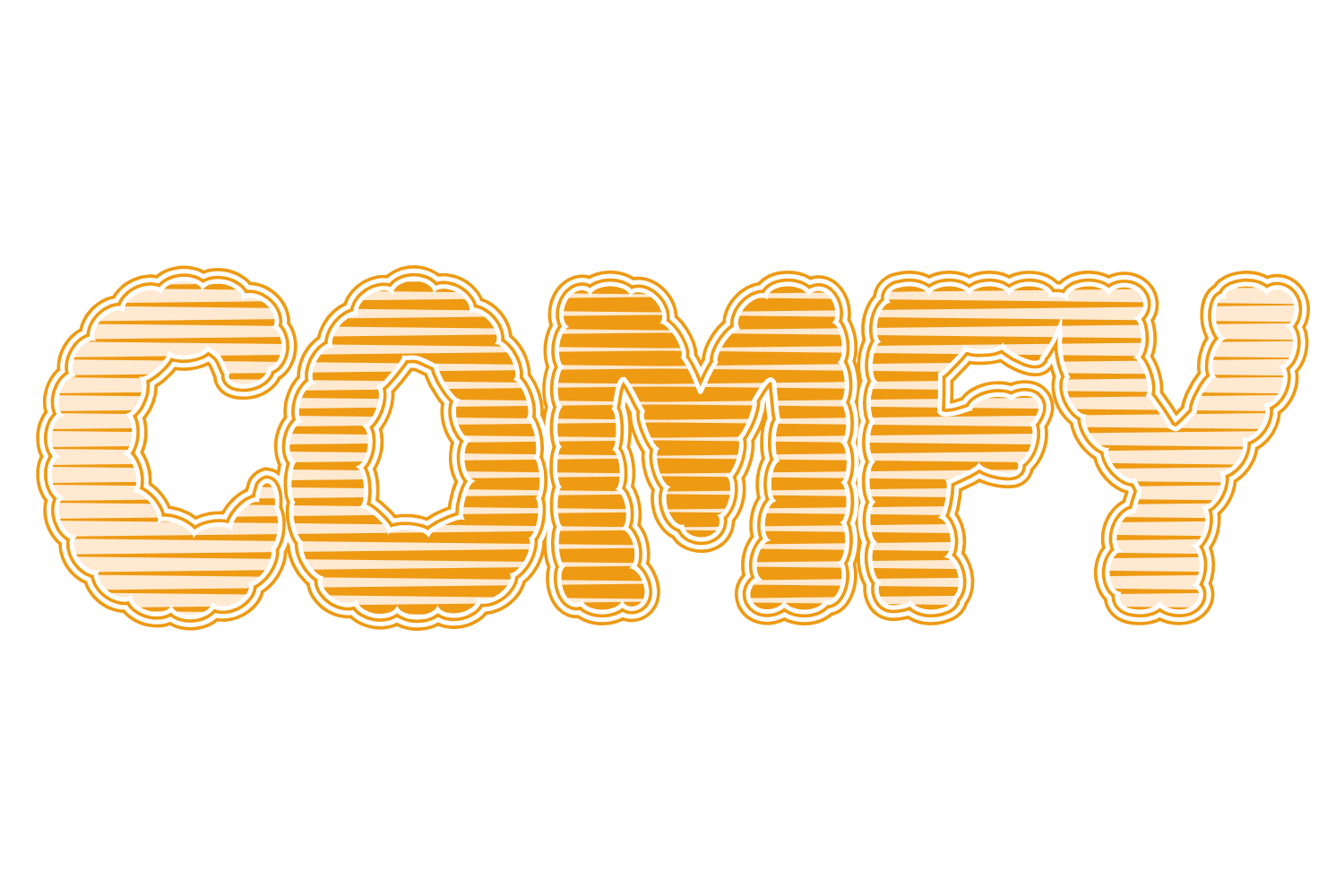
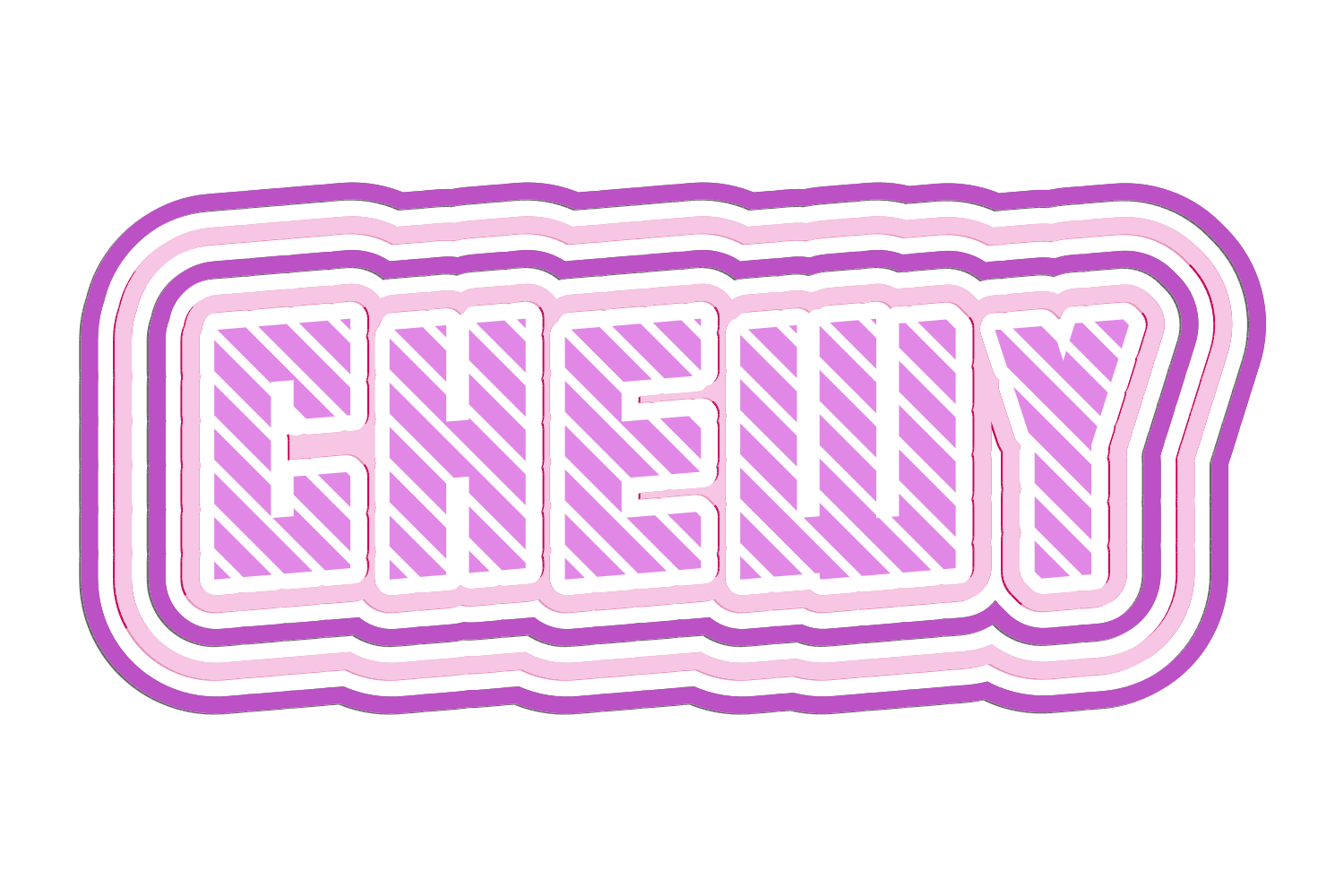
Each row is a cumulative rounded offset band around the whole type silhouette, so a second row wraps the first rather than fighting it. A row coloured None becomes a transparent knockout band, which is how hollow and gapped outlines are made. Raise turns a band into a small 3D step with its own wall colours; Feather softens a band into a vector fade. Rows can be reordered from the row menu.

What you can adjust

Drag a slider to see what each control does to the type.

  • Stroke rowsframe 1 of 5
    /img/effects/strokes/stroke-rows/1.png
    Stroke rowsup to 5, each a width 0–30 pt (0.01 steps) and a colour: None, TC1, TC2, Black, White or a document spot
    1 / 5
  • Row modeframe 1 of 3
    /img/effects/strokes/row-mode/1.png
    Row modeNo Effect / Raise / Feather
    1 / 3
  • Raise depthframe 1 of 5
    /img/effects/strokes/raise-depth/1.png
    Raise depth0–300 pt, with top, side and slope pane colours
    1 / 5
  • Featherframe 1 of 5
    /img/effects/strokes/feather/1.png
    Featheramount 0–99 pt, Spread 0–99, Shift 0–99, Angle 0–360° (default 135°)
    1 / 5
  • Positionframe 1 of 5
    /img/effects/strokes/position/1.png
    Position0–100%
    1 / 5
  • Roundedframe 1 of 5
    /img/effects/strokes/rounded/1.png
    Rounded0–100% corner rounding
    1 / 5

Still live text

Strokes is applied as an Illustrator live effect, so the text stays editable. Change the word, the font, or any slider afterwards, and save the result as a Graphic Style to reuse it.