
Effects / Sticker

STICKER

Watch it being adjusted

Screen recording of the Sticker sliders in Illustrator (placeholder)

How it works

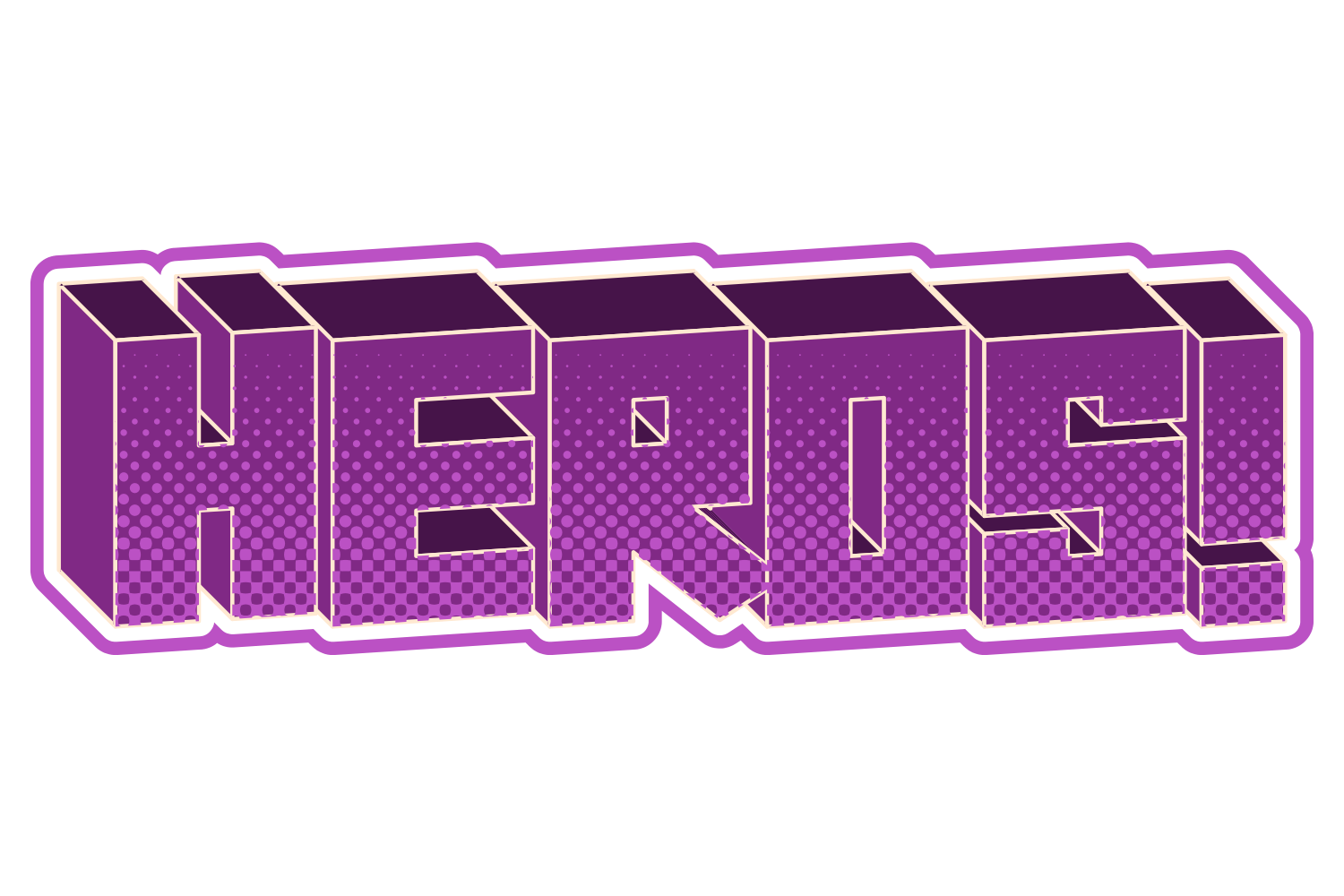
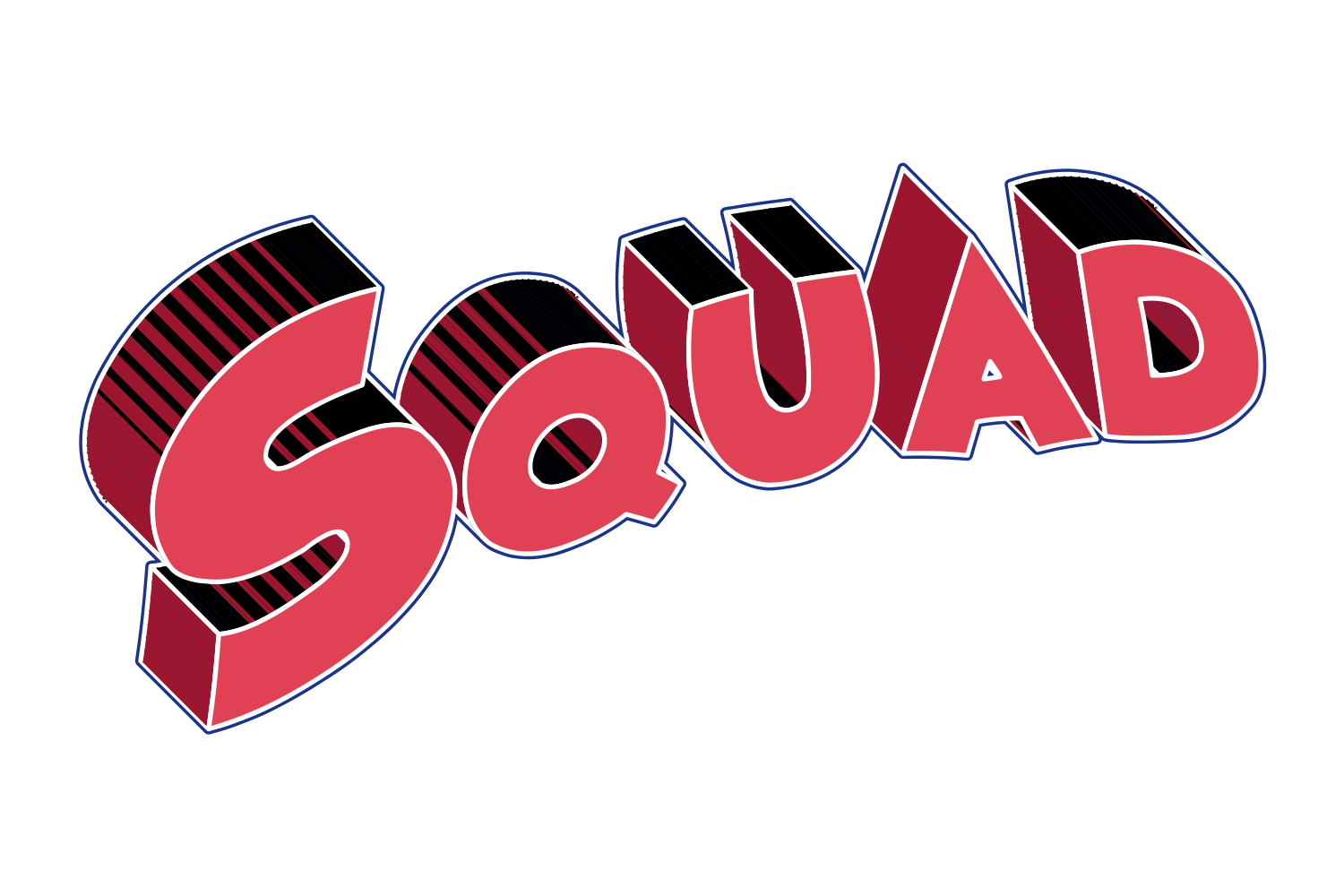
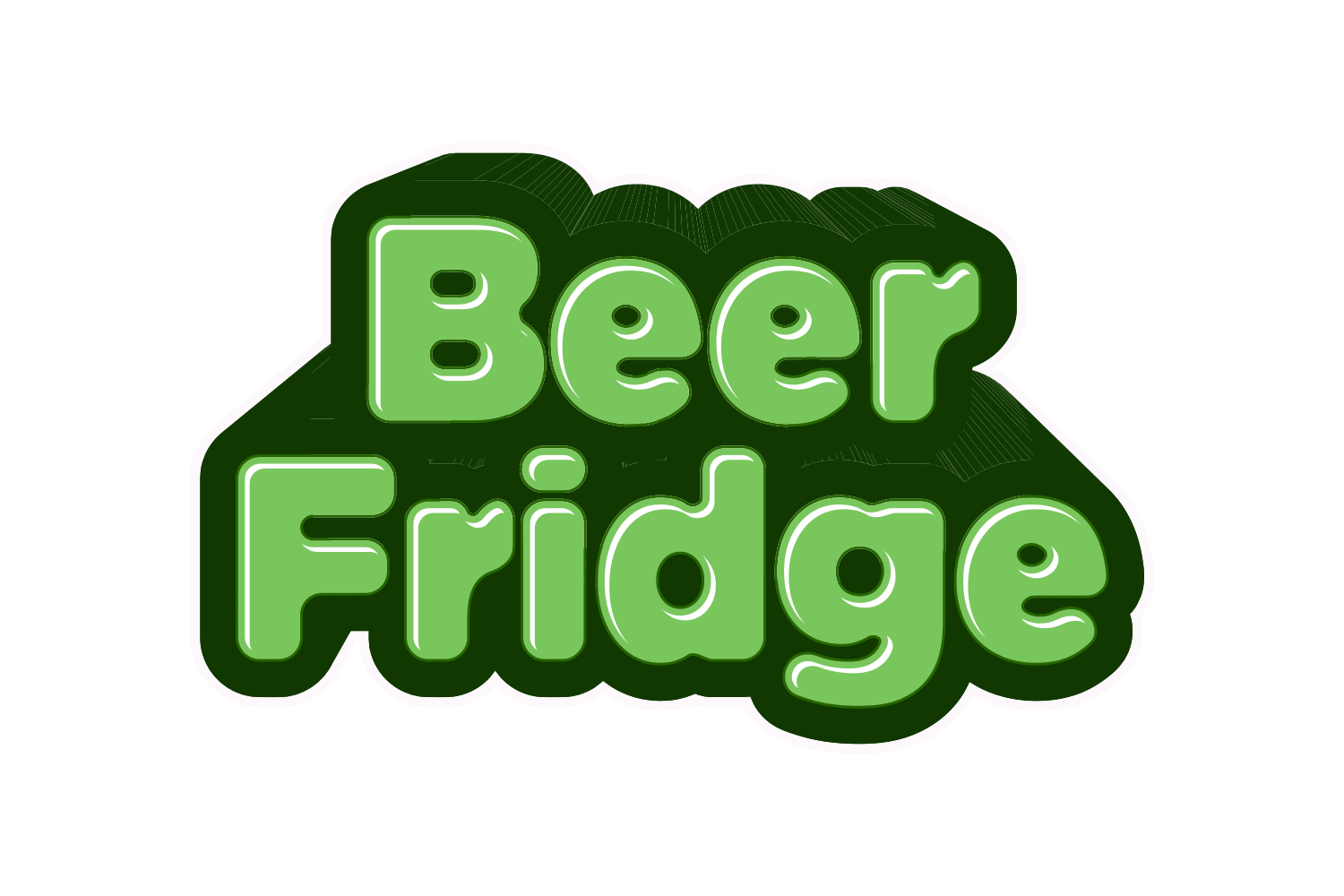
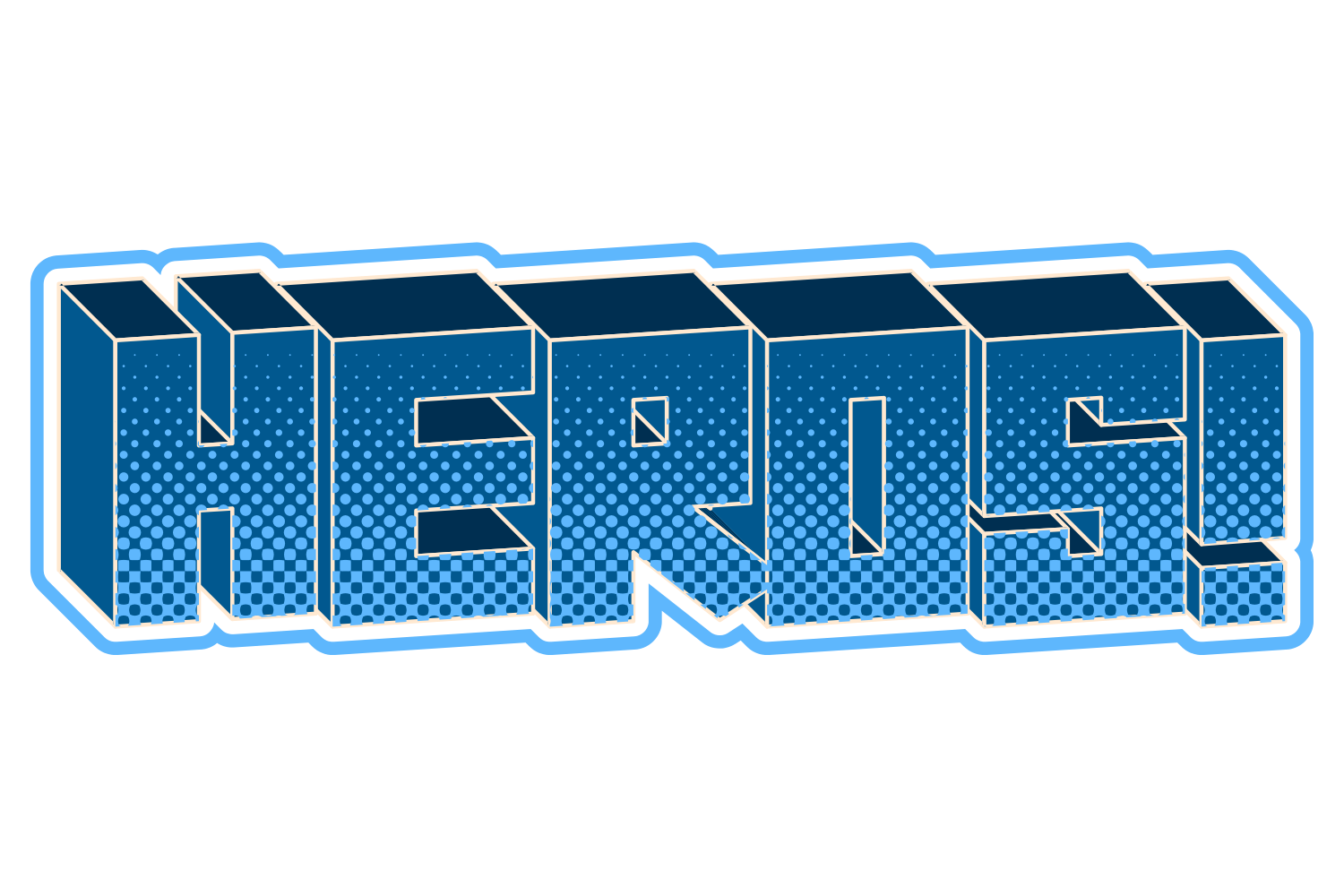
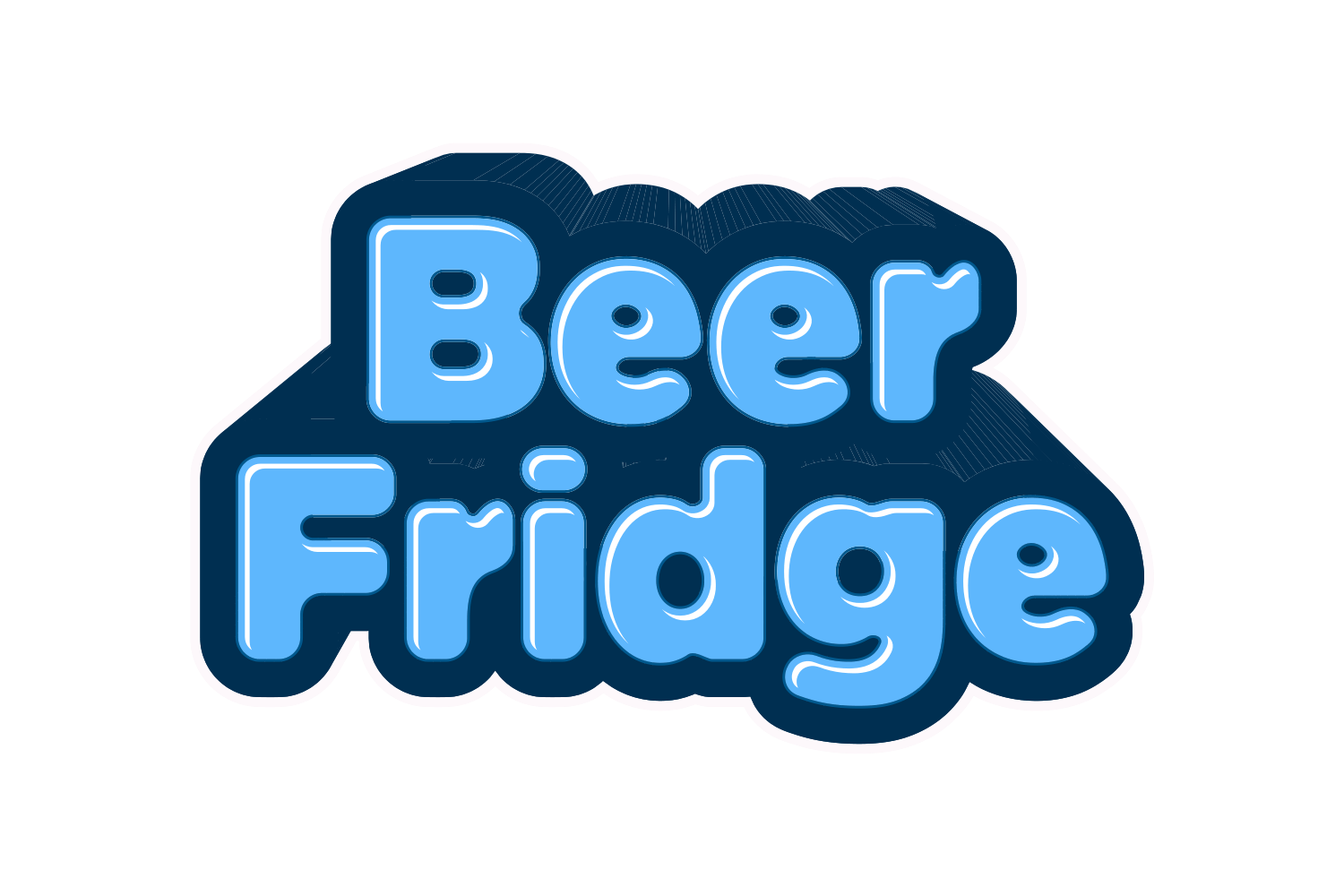
One flat contour is drawn round the whole rendered word, including its 3D walls and strokes, and grown outward into up to three concentric bands, drawn backmost. Because it wraps the finished render, a longer word or a deeper extrusion grows the sticker with it.

What you can adjust

Drag a slider to see what each control does to the type.

  • Bandsframe 1 of 5
    /img/effects/sticker/bands/1.png
    Bandsup to 3 concentric die-cut bands
    1 / 5
  • Band widthframe 1 of 5
    /img/effects/sticker/band-width/1.png
    Band width0–200 pt each
    1 / 5
  • Band colourframe 1 of 5
    /img/effects/sticker/band-colour/1.png
    Band colourTC1 / TC2 / Black / White / spot; defaults TC2, Black, White
    1 / 5

Still live text

Sticker is applied as an Illustrator live effect, so the text stays editable. Change the word, the font, or any slider afterwards, and save the result as a Graphic Style to reuse it.