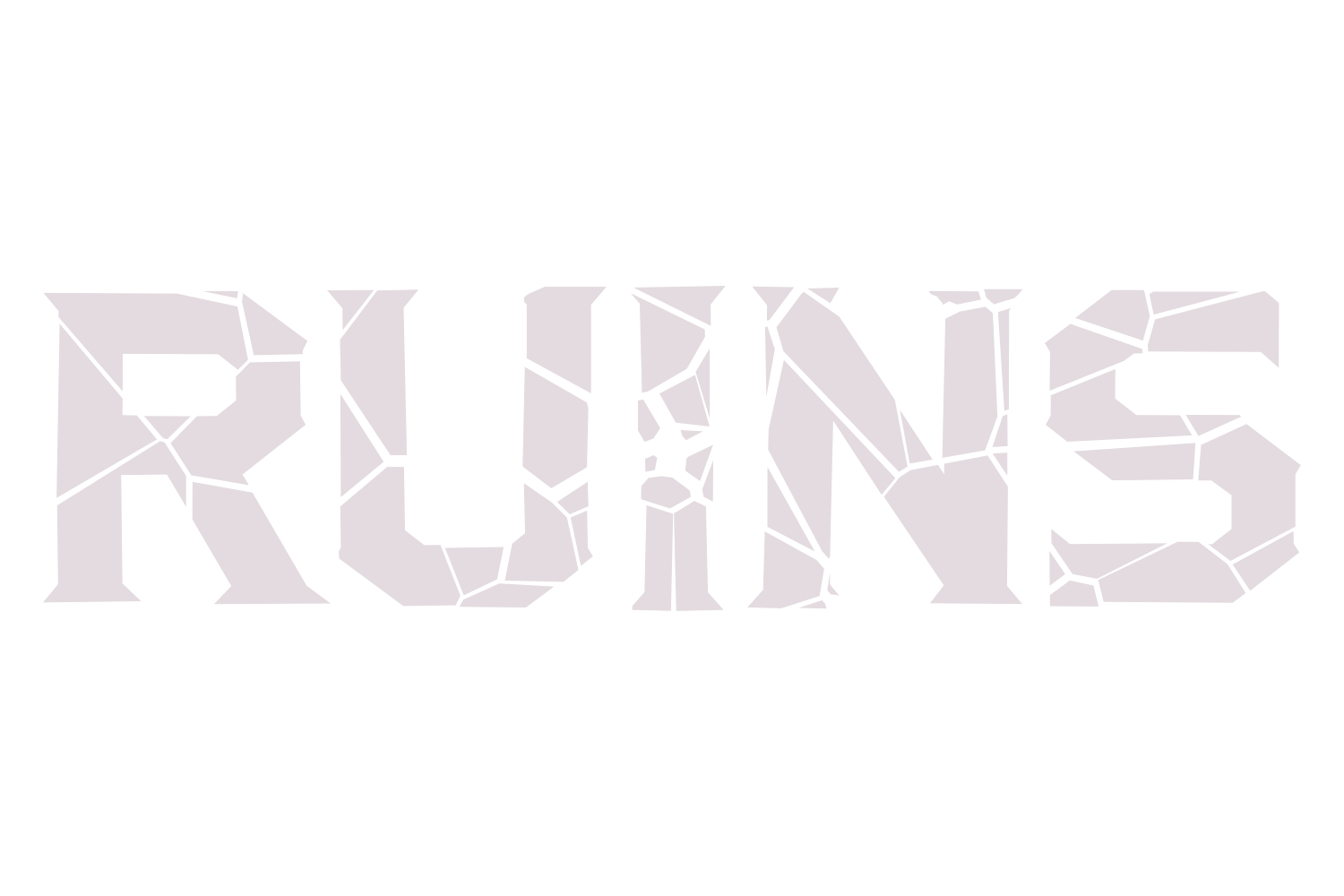
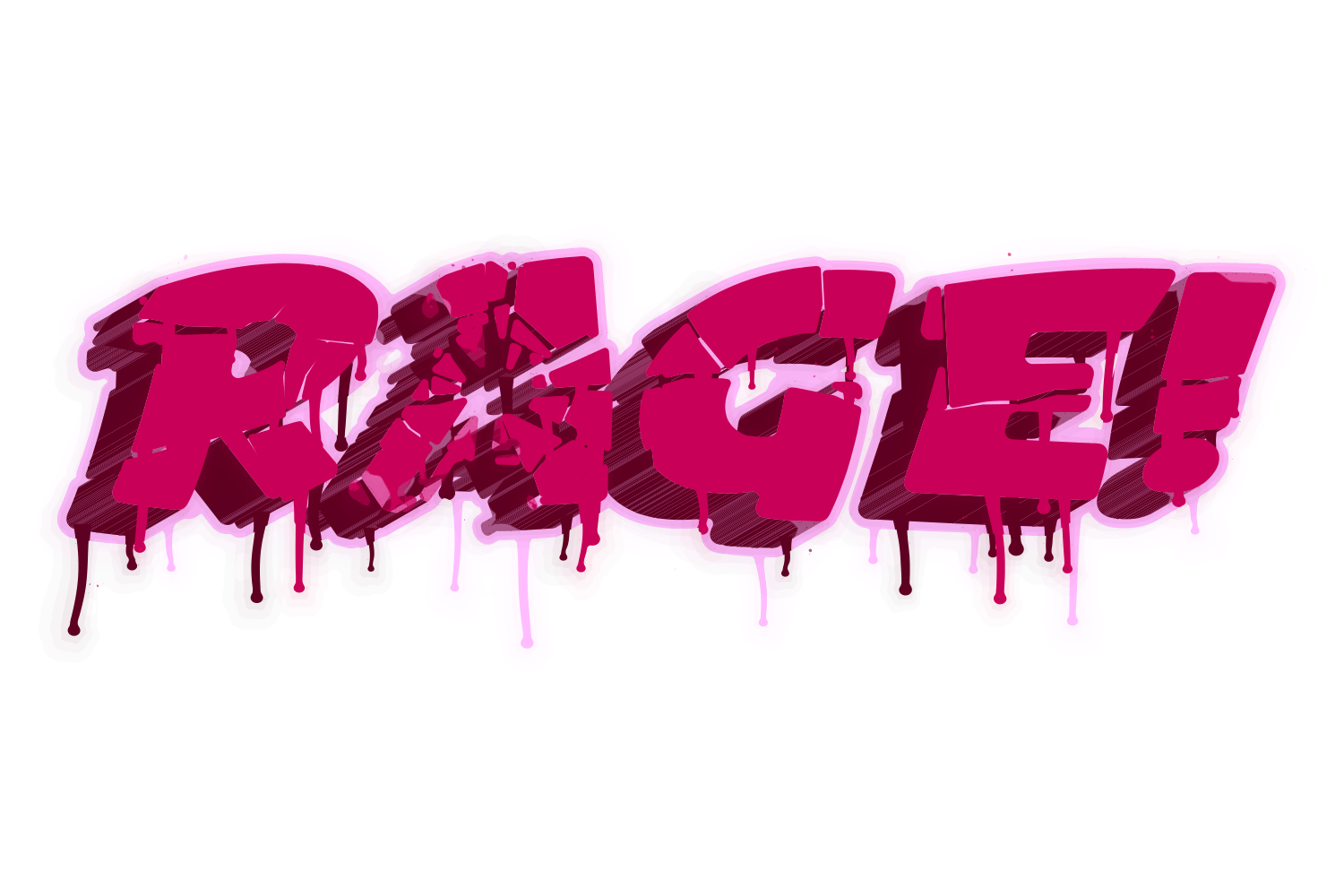
Screen recording of the Crack sliders in Illustrator (placeholder)
How it works
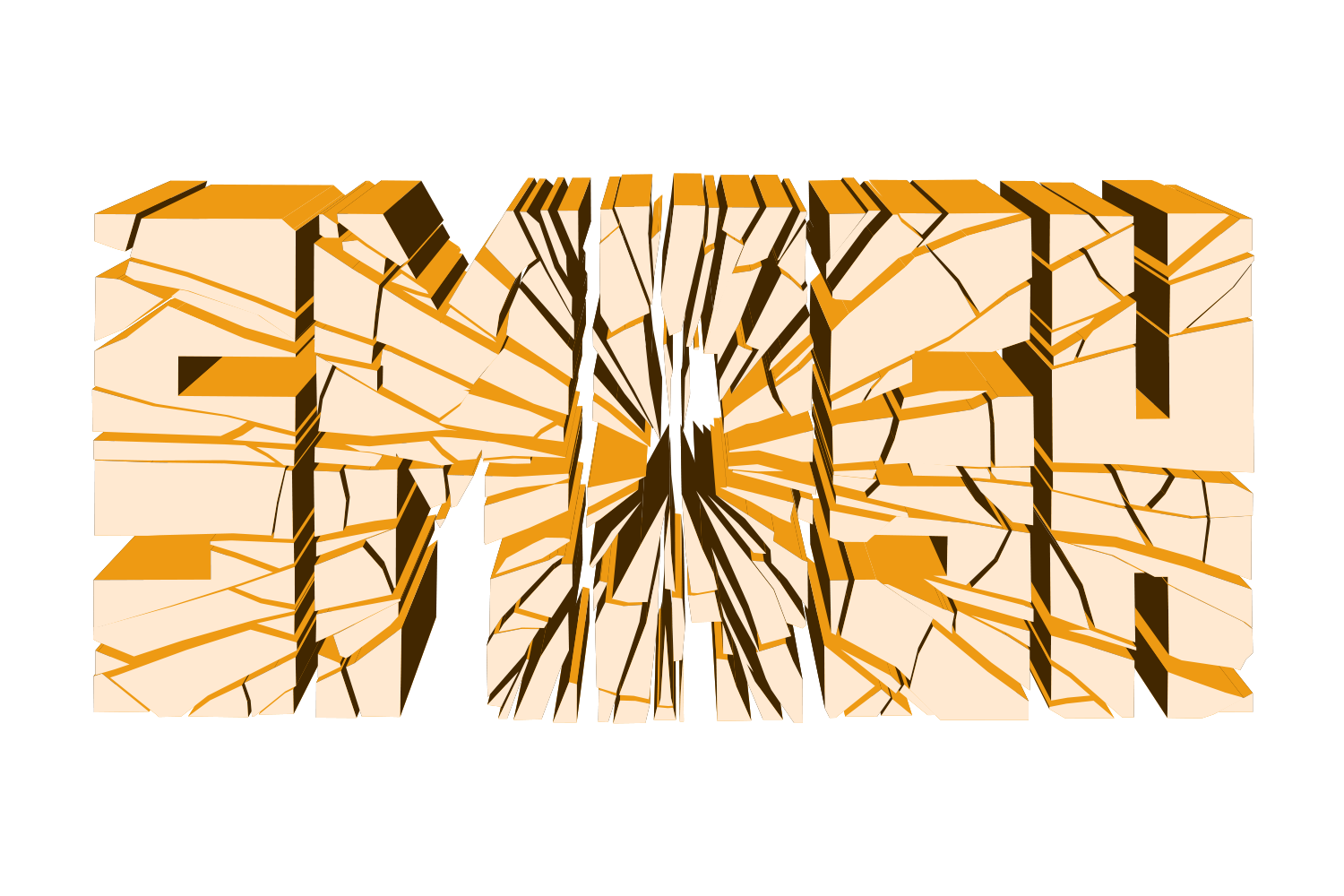
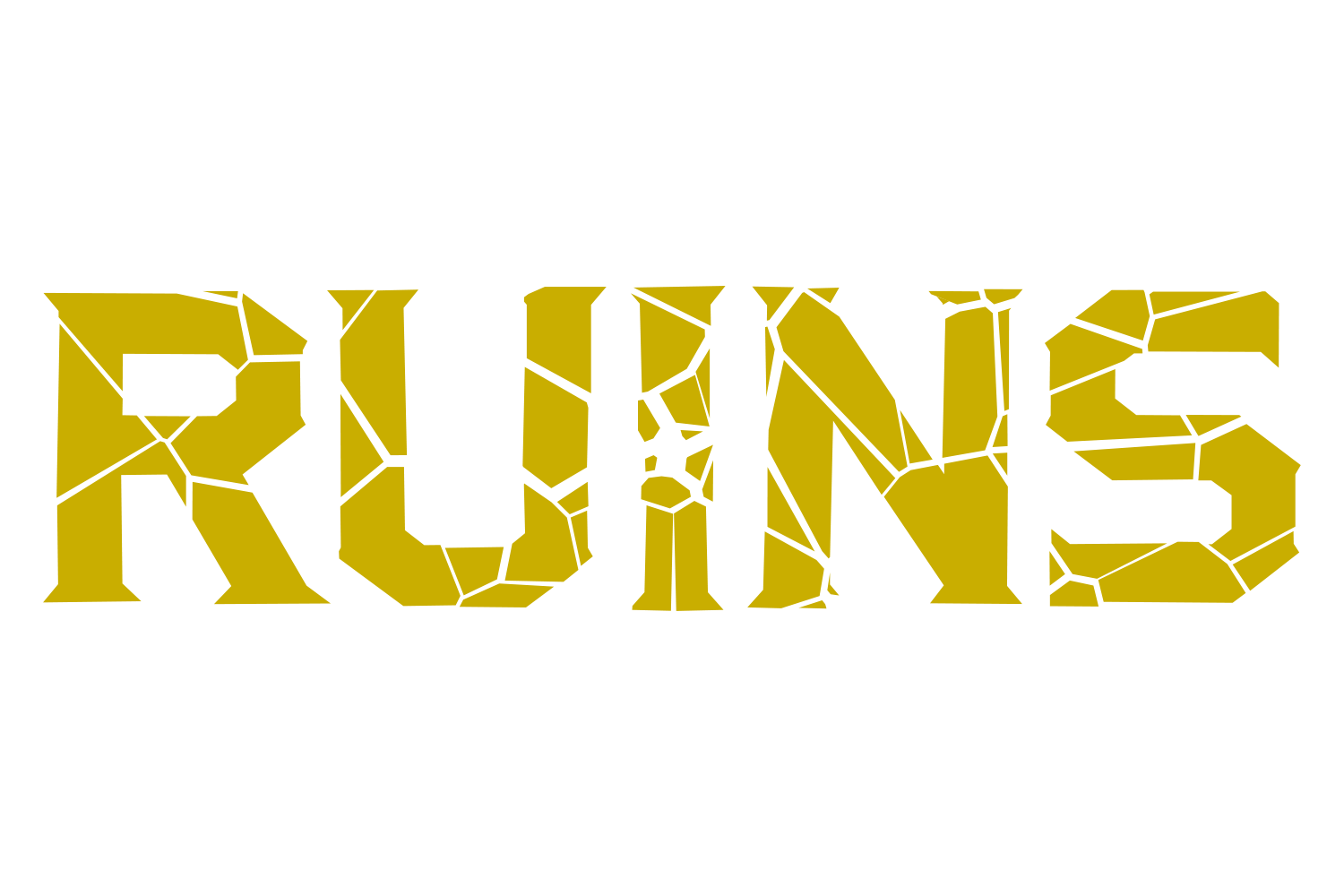
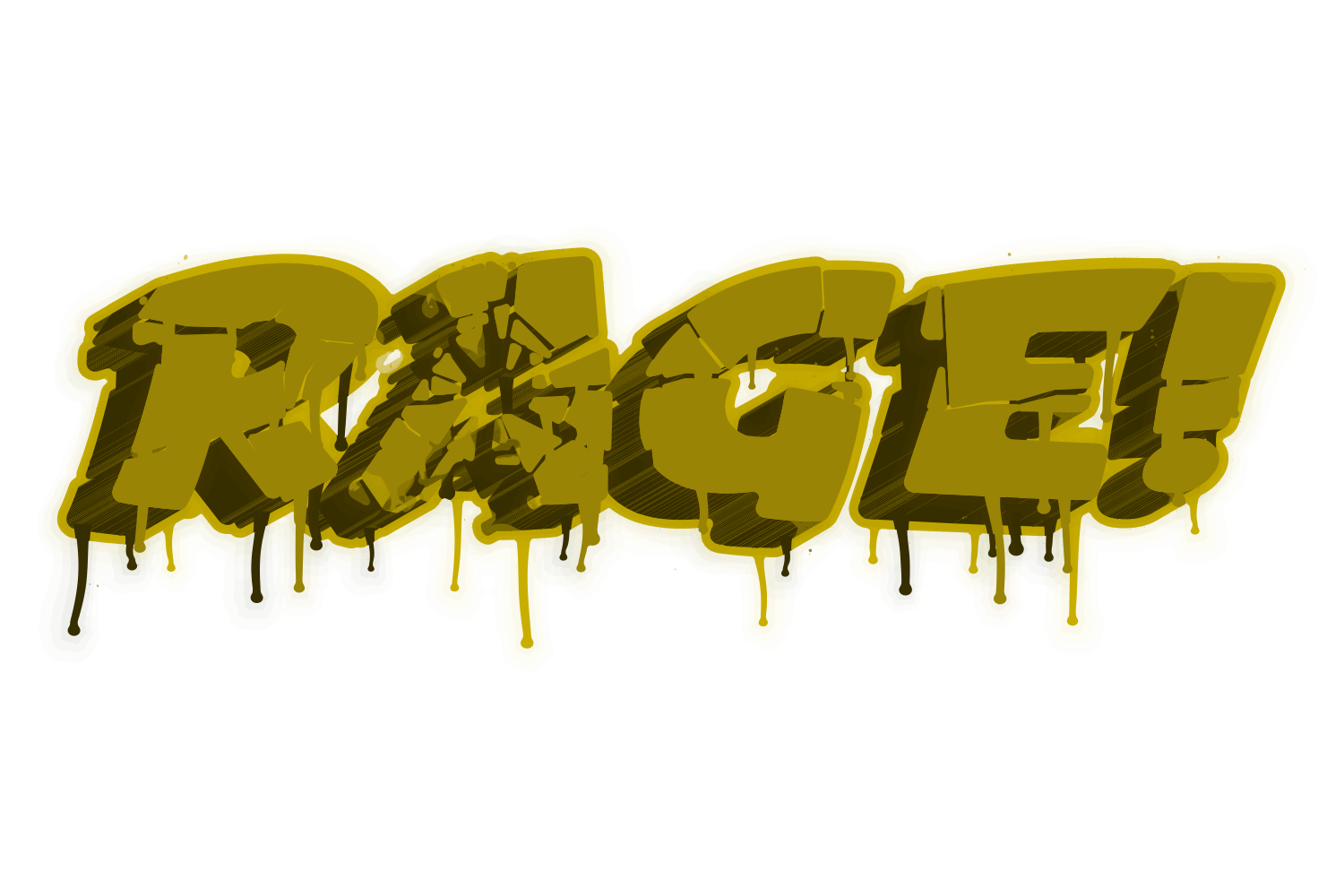
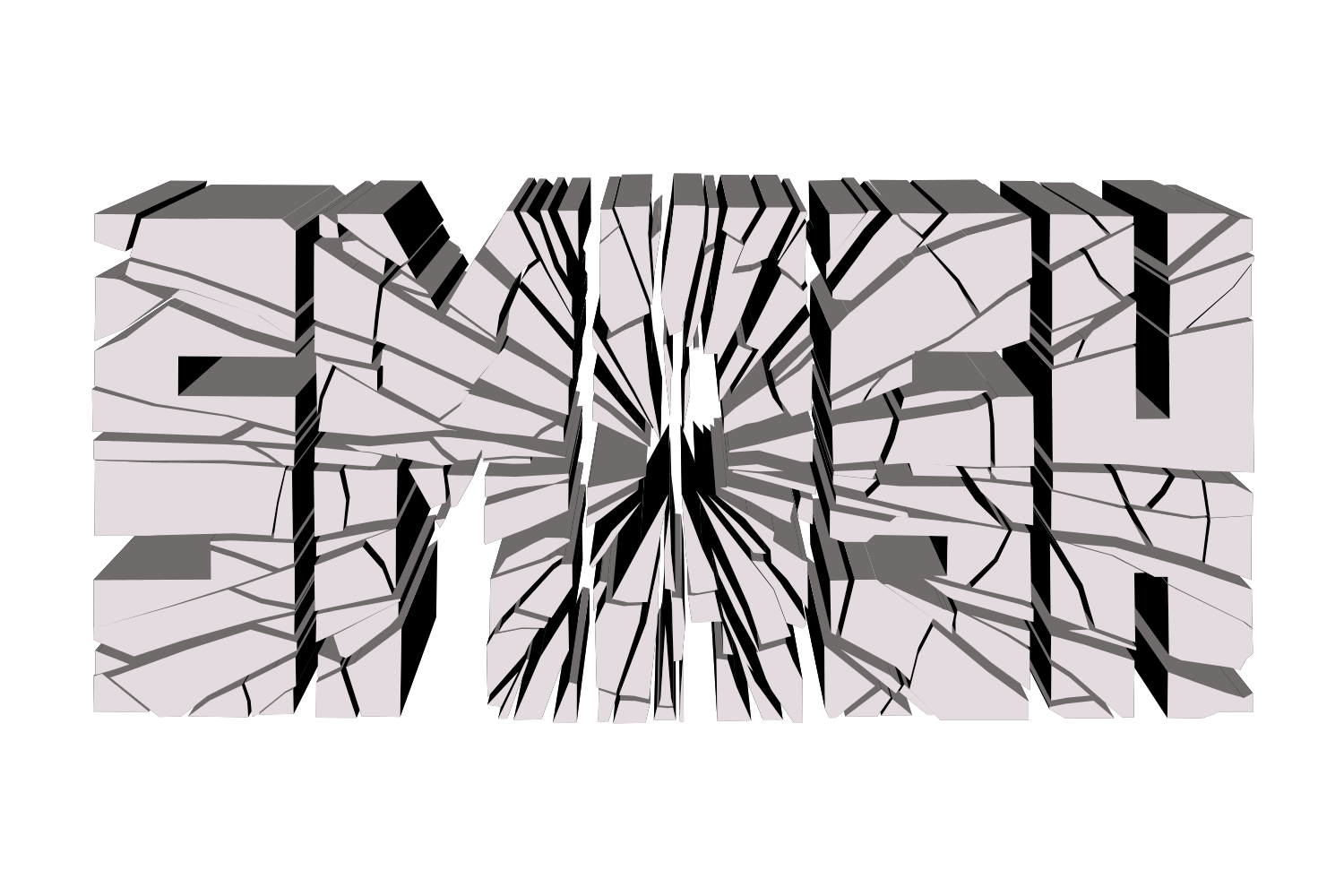
A seeded two-dimensional pattern cuts the type into shards: Shatter is a Voronoi of cells clustered around the impact point, Crack is a set of kinked rays with partial rings between them, Splinter is a stretched Voronoi along an axis. Each shard is the cell intersected with the glyph, so counters stay holes. Shards are then shifted away from the impact and rotated about their centres, more strongly near the impact; Gap keeps the seams visible even at zero displacement. Glyph curves stay smooth cubic curves, only the cut edges are new corners. Every later effect, including 3D walls, is drawn per shard.
What you can adjust
Drag a slider to see what each control does to the type.
Patternframe 1 of 3 /img/effects/crack/pattern/1.png
PatternShatter / Crack / Splinter
1 / 3
Rays / Piecesframe 1 of 5 /img/effects/crack/rays-pieces/1.png
Rays / Pieces2–100, default 24
1 / 5
Impact X / Yframe 1 of 5 /img/effects/crack/impact-x-y/1.png
Impact X / Y0–100%, default 55 / 50
1 / 5
Shiftframe 1 of 5 /img/effects/crack/shift/1.png
Shift0–200 pt, default 4
1 / 5
Rotateframe 1 of 5 /img/effects/crack/rotate/1.png
Rotate0–180°, default 3
1 / 5
Gapframe 1 of 5 /img/effects/crack/gap/1.png
Gap0–200 pt, default 1
1 / 5
Randomframe 1 of 2 /img/effects/crack/random/1.png
Randomon/off directions
1 / 2
Rerollframe 1 of 5 /img/effects/crack/reroll/1.png
Rerollnew seed
1 / 5
Axis / Aspectframe 1 of 5 /img/effects/crack/axis-aspect/1.png
Crack is applied as an Illustrator live effect, so the text stays editable. Change the word, the font, or any slider afterwards, and save the result as a Graphic Style to reuse it.