


Effects / Highlight

HIGHLIGHT

Watch it being adjusted

Screen recording of the Highlight sliders in Illustrator (placeholder)

How it works

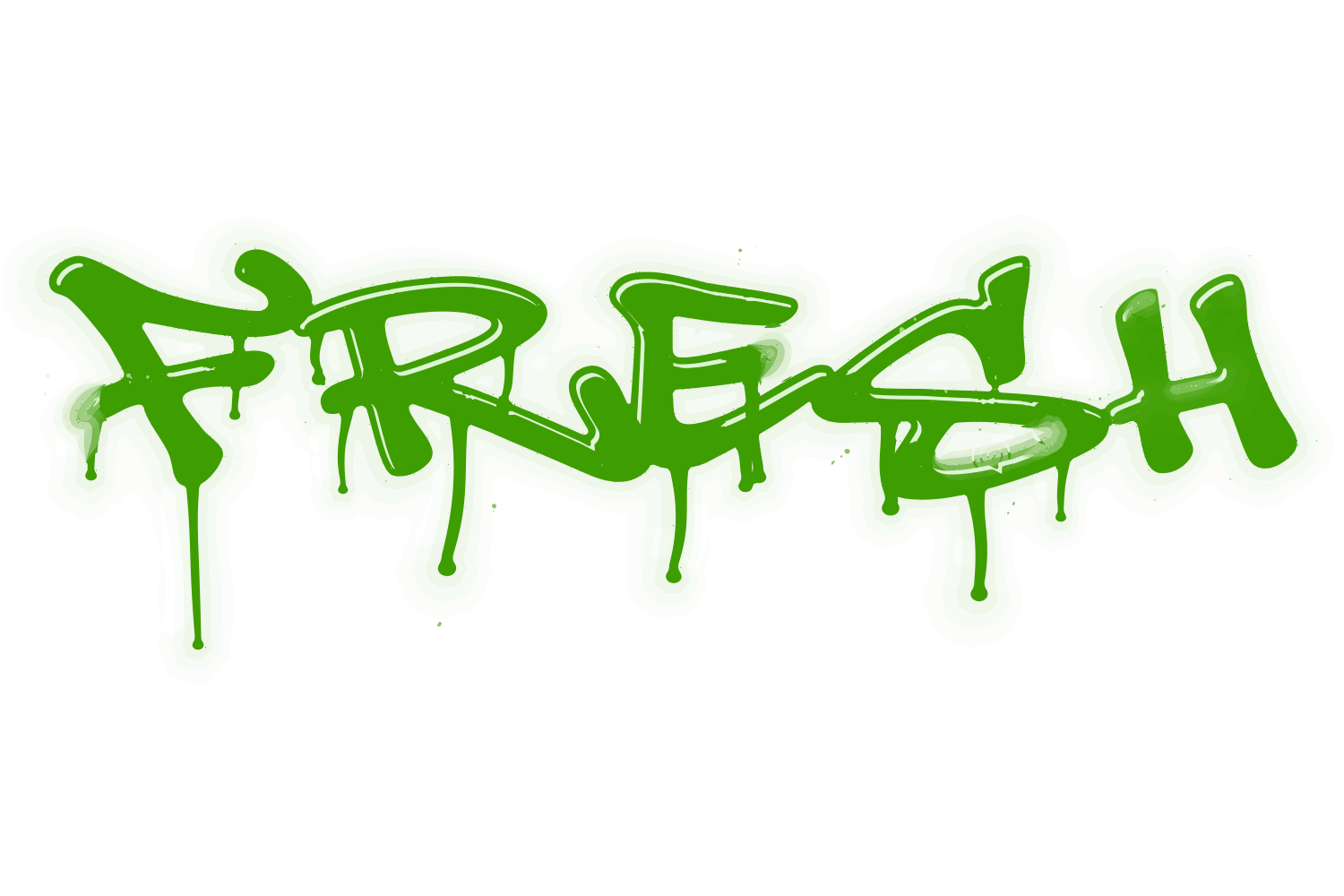
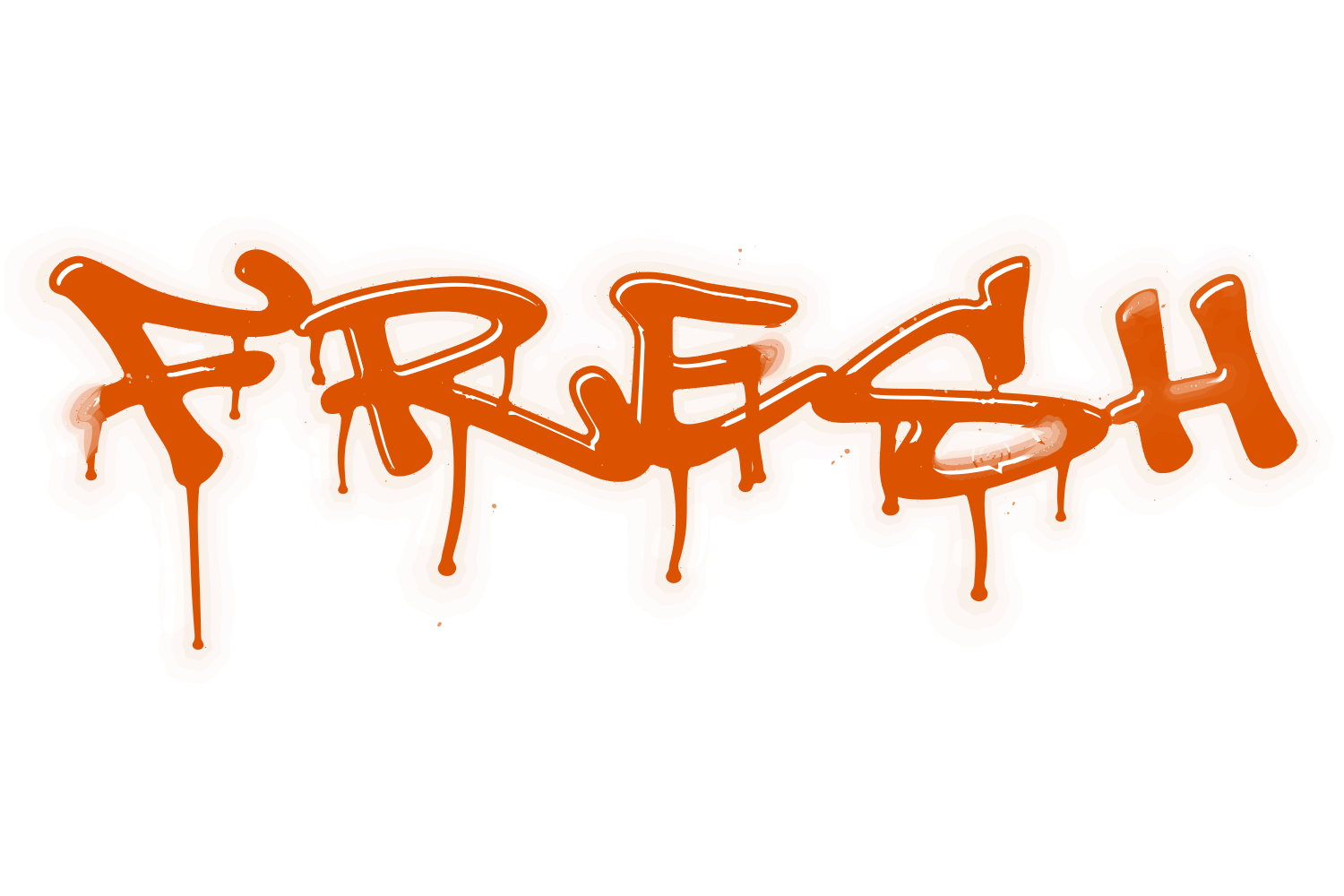
A light shine is drawn on the front face of each letter, inset by the margin and sized and rounded by the controls. It follows the letter outline rather than sitting as a separate offset copy, so it reads as a reflection on the face.

What you can adjust

Drag a slider to see what each control does to the type.

  • Marginsframe 1 of 5
    /img/effects/highlight/margins/1.png
    Margins0–100, default 2
    1 / 5
  • Sizeframe 1 of 5
    /img/effects/highlight/size/1.png
    Size0–100, default 4
    1 / 5
  • Roundnessframe 1 of 5
    /img/effects/highlight/roundness/1.png
    Roundness0–10
    1 / 5
  • Colourframe 1 of 5
    /img/effects/highlight/colour/1.png
    ColourTC1 / TC2 / Black / White / spot; default White
    1 / 5

Still live text

Highlight is applied as an Illustrator live effect, so the text stays editable. Change the word, the font, or any slider afterwards, and save the result as a Graphic Style to reuse it.