Screen recording of the Split Face sliders in Illustrator (placeholder)
How it works
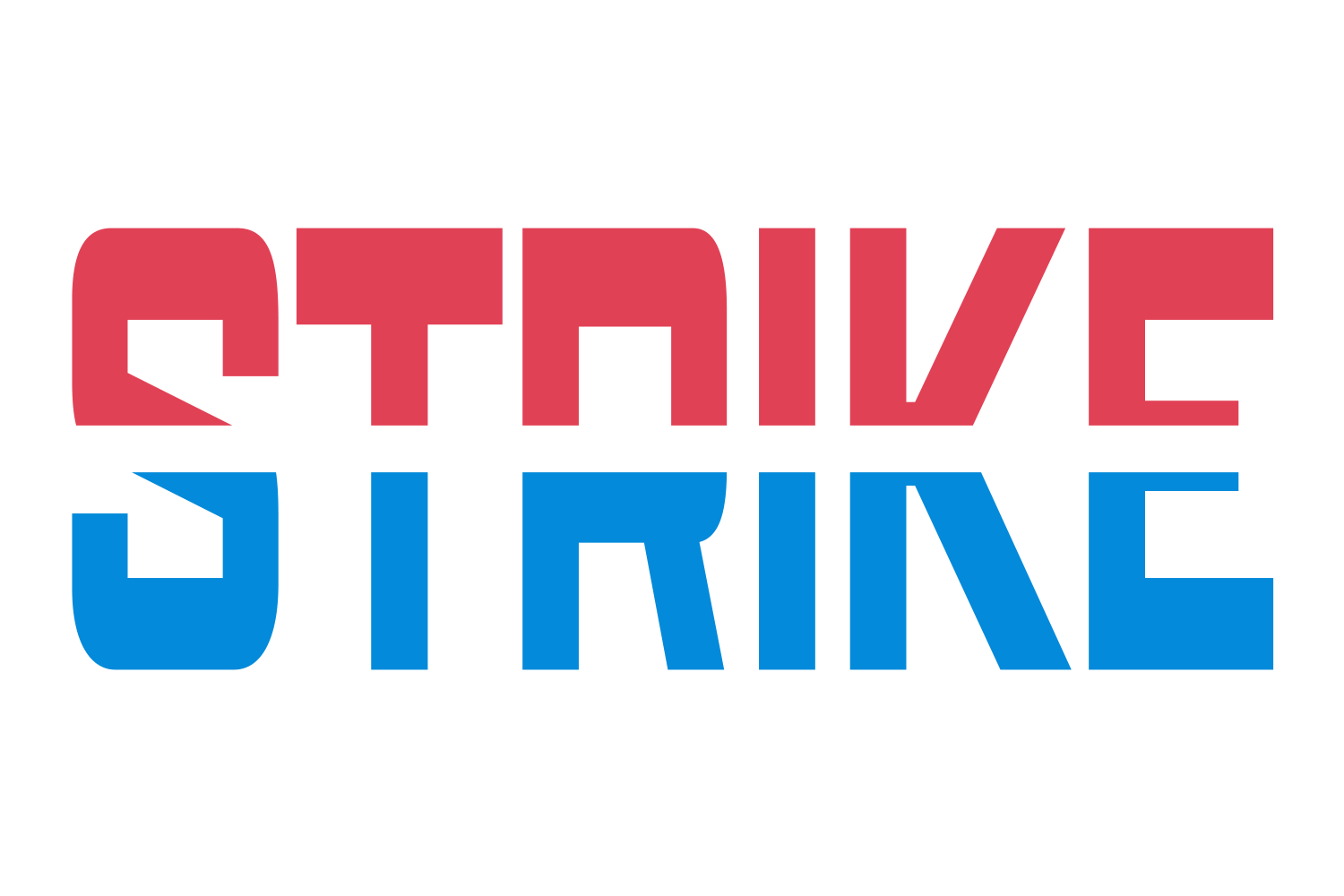
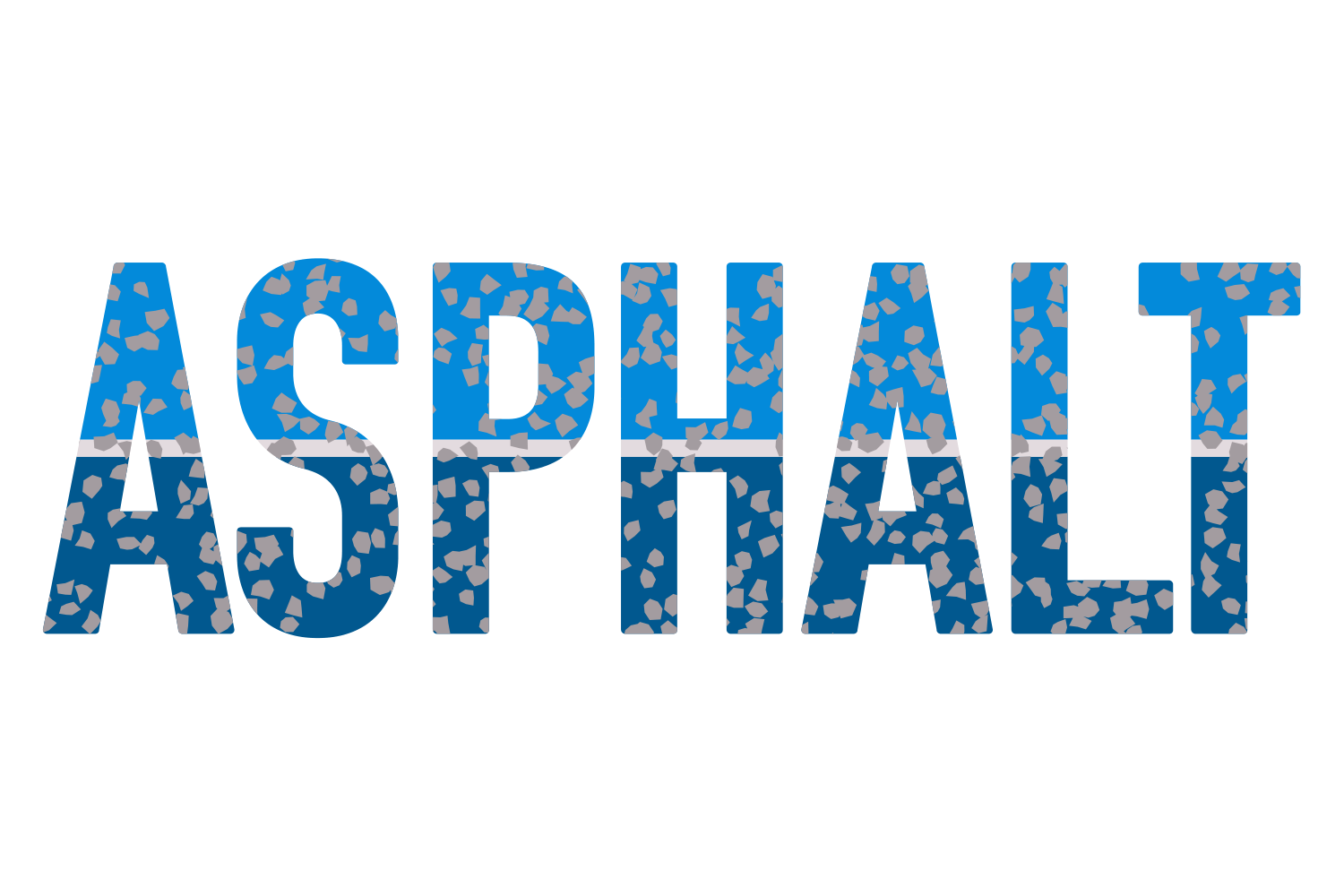
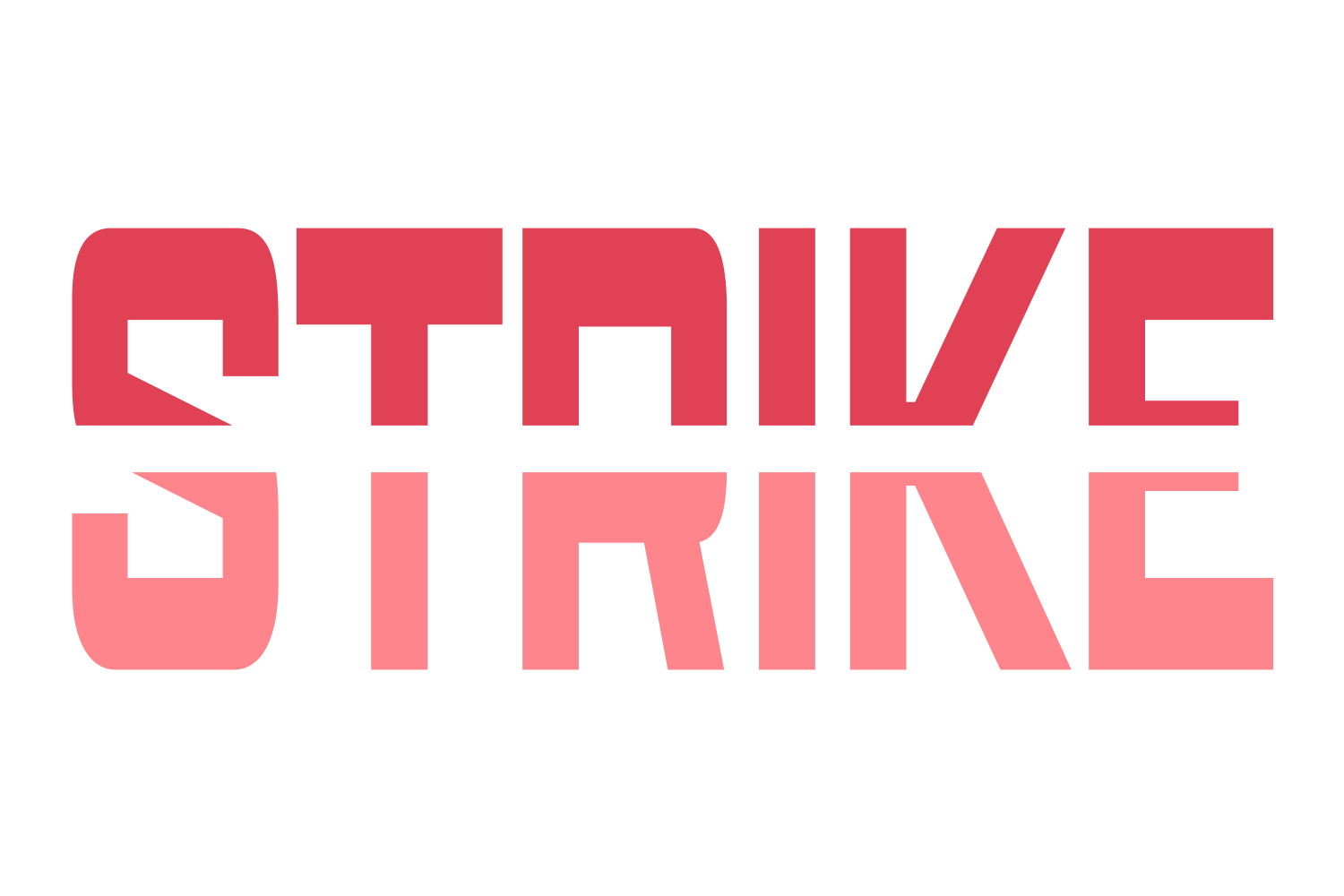
A line at the chosen angle divides the face into two parts and the second part is repainted in its own colour. Ridges turn the line into a zigzag or wave whose true trough-to-peak height stays equal to Ridge size at every roundness. The gap is a band along the line that can be filled or cut straight through the 3D walls. Fold hinges the two halves at the split so each can be shifted, sheared, stretched or projected on its own, for folded-paper and perspective looks.
What you can adjust
Drag a slider to see what each control does to the type.
Part 2 colourframe 1 of 6 /img/effects/split-face/part-2-colour/1.png
Part 2 colourNone / TC1 / TC2 / Black / White / spot; default Black
1 / 6
Angleframe 1 of 5 /img/effects/split-face/angle/1.png
Angle0–360° (slider −180 to 180)
1 / 5
Horizontal / Verticalframe 1 of 5 /img/effects/split-face/horizontal-vertical/1.png
Horizontal / Verticalanchor shift −100 to 100%
1 / 5
Ridge countframe 1 of 5 /img/effects/split-face/ridge-count/1.png
Ridge count1–20, default 2
1 / 5
Ridge sizeframe 1 of 5 /img/effects/split-face/ridge-size/1.png
Ridge size0–200% of the face
1 / 5
Ridge shiftframe 1 of 5 /img/effects/split-face/ridge-shift/1.png
Ridge shift0–100%, lean
1 / 5
Roundness top / bottomframe 1 of 5 /img/effects/split-face/roundness-top-bottom/1.png
Gap start / endframe 1 of 5 /img/effects/split-face/gap-start-end/1.png
Gap start / end0–200 pt, lockable
1 / 5
Gap fillframe 1 of 2 /img/effects/split-face/gap-fill/1.png
Gap fillon/off, with its own colour; off cuts the band through the extrusion
1 / 2
Foldframe 1 of 2 /img/effects/split-face/fold/1.png
Foldon/off: each half gets its own Shift −100 to 100%, Shear −45 to 45°, Stretch 0–500% and Project −100 to 100%, lockable top and bottom
1 / 2
Still live text
Split Face is applied as an Illustrator live effect, so the text stays editable. Change the word, the font, or any slider afterwards, and save the result as a Graphic Style to reuse it.