Effects / Glitch

GLITCH

Watch it being adjusted

Screen recording of the Glitch sliders in Illustrator (placeholder)

How it works

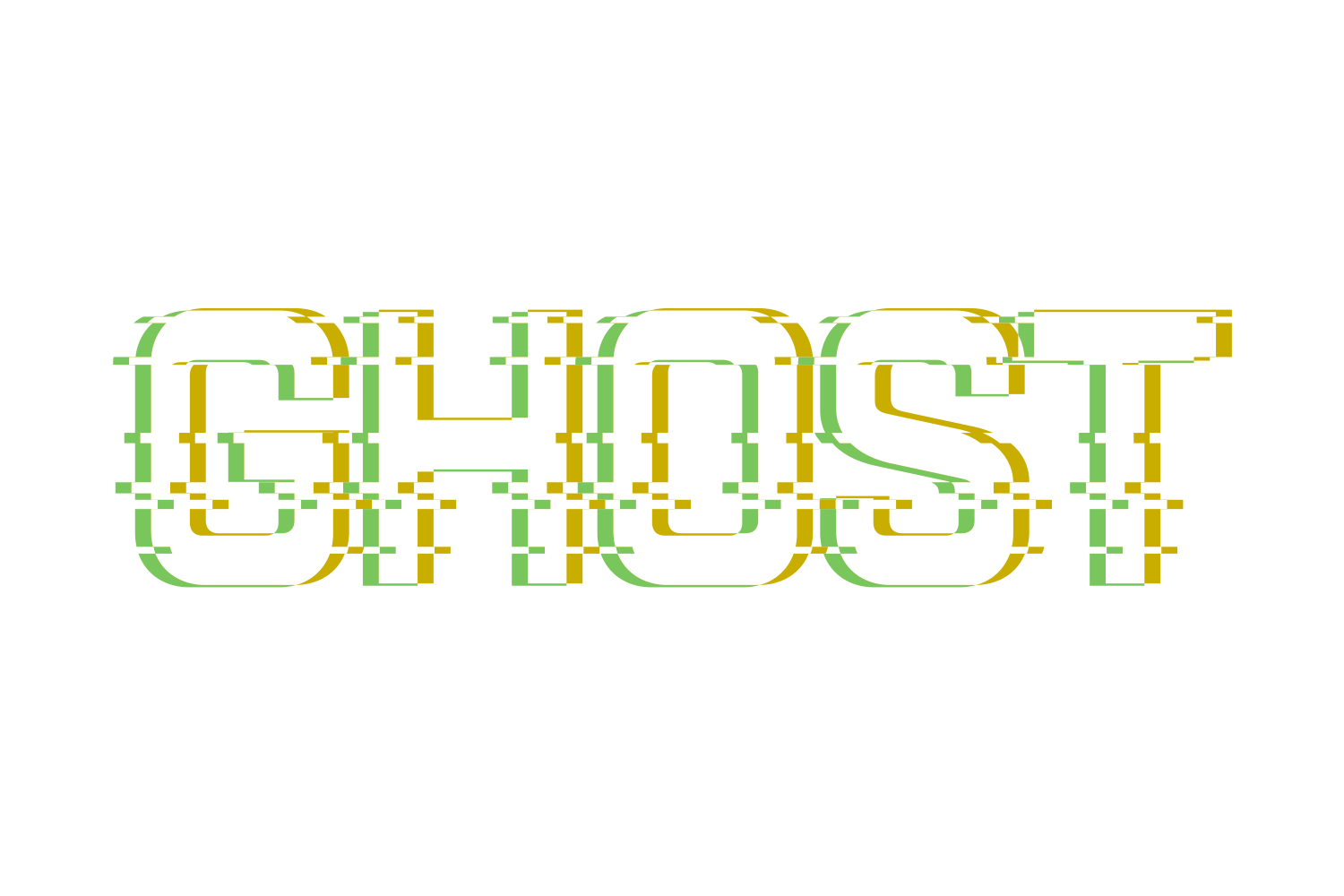
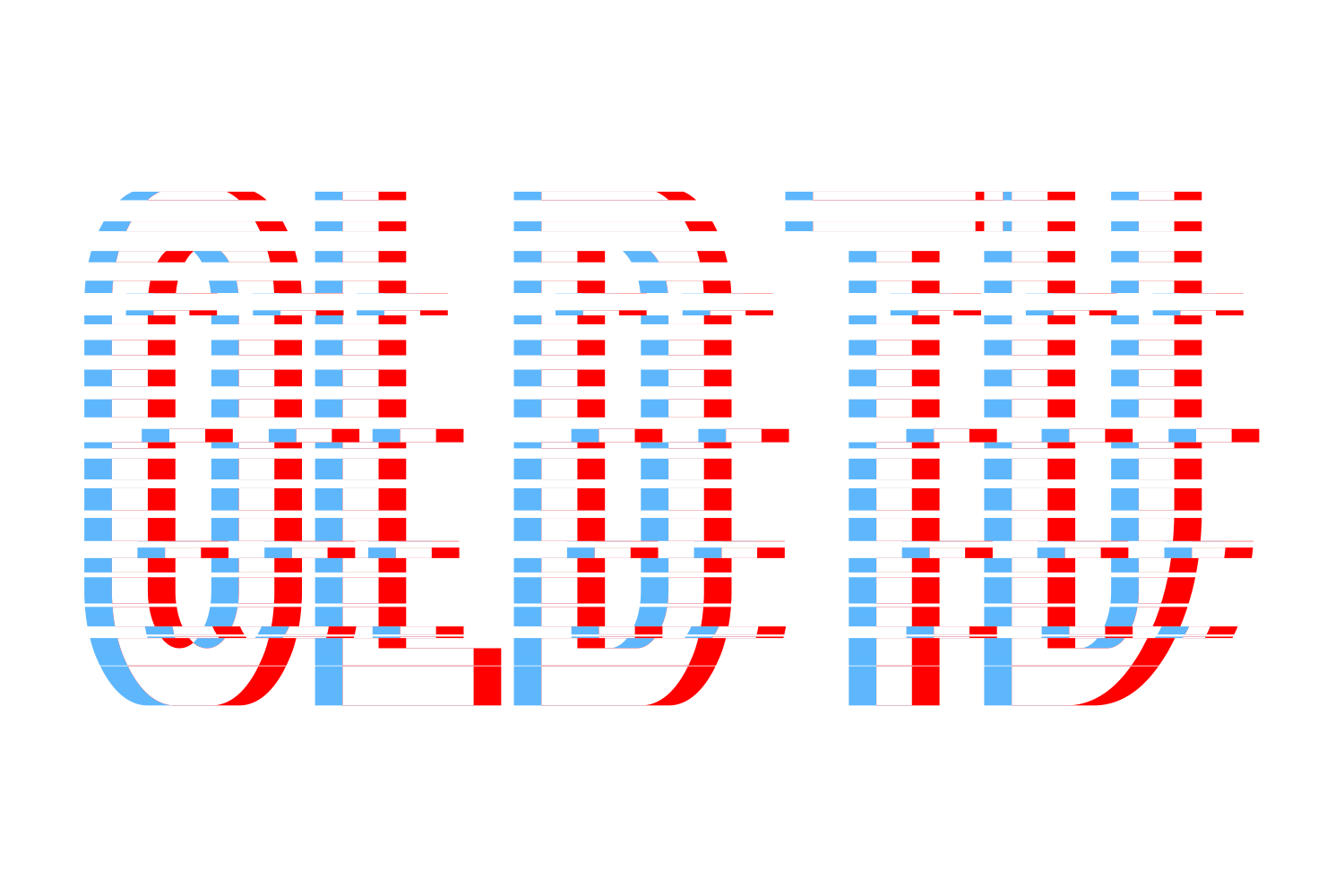
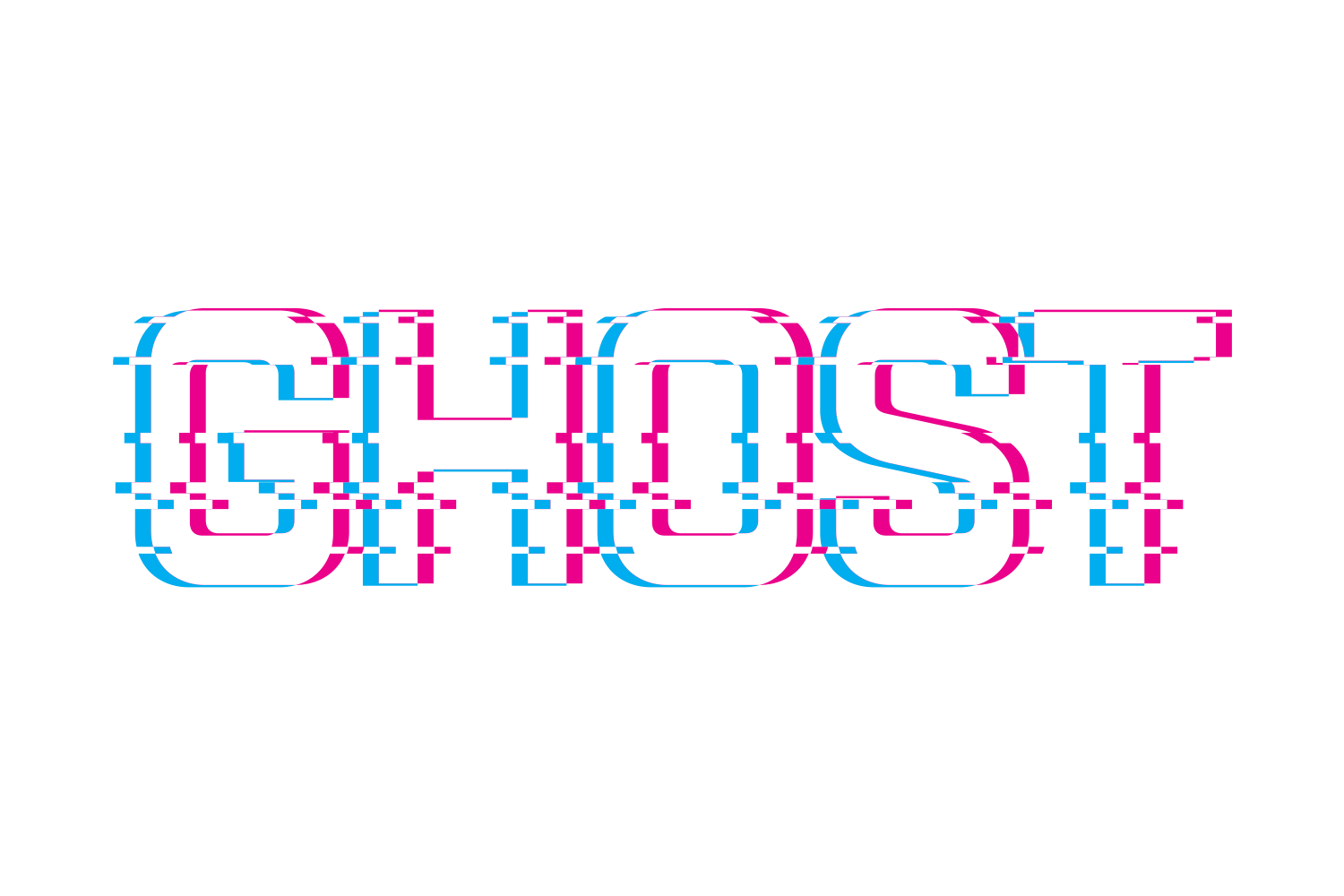
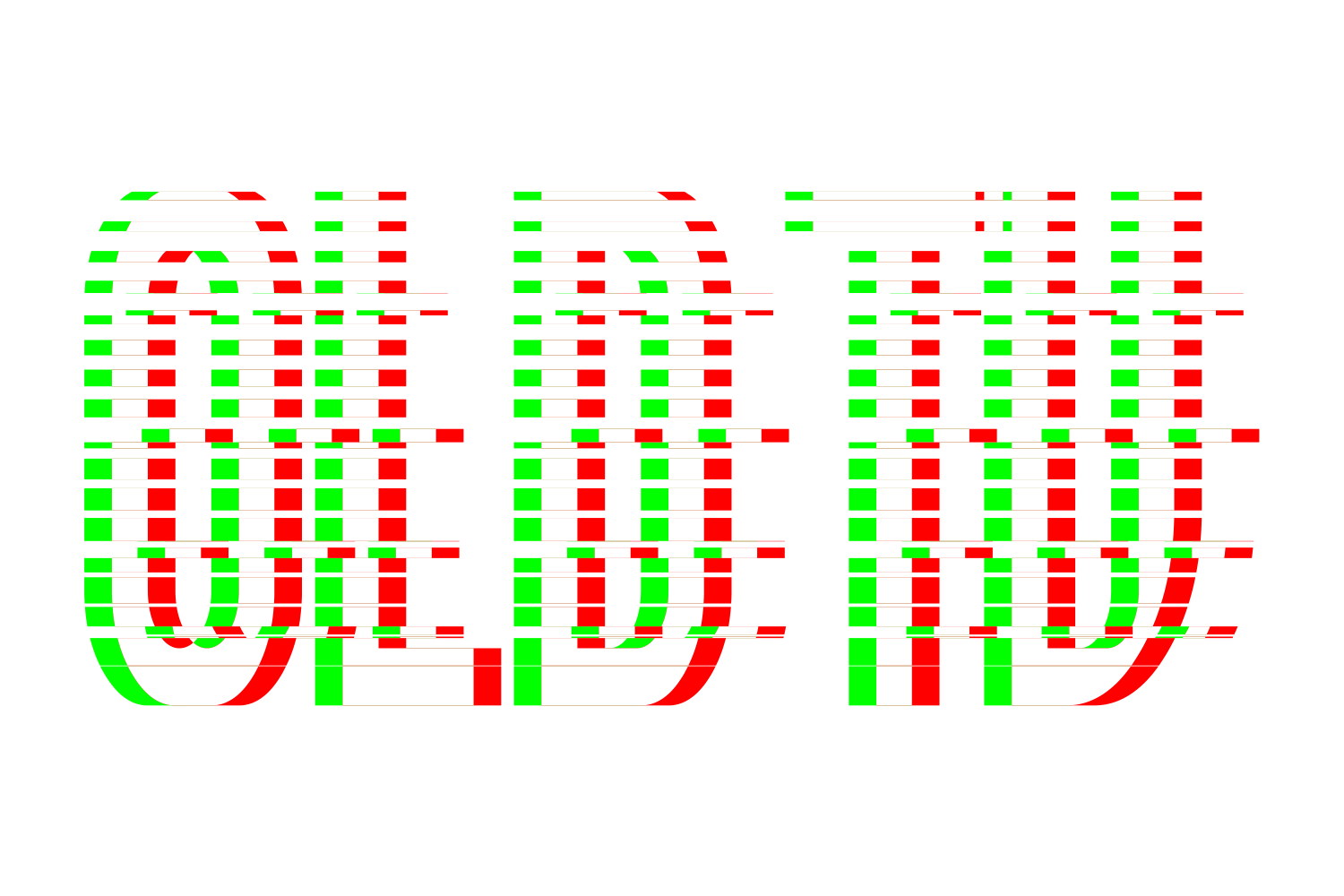
Two copies of the face are moved apart by half the colour distance each way and painted in the left and right colours; where they overlap, the face is refilled in the text colour, so a spot-colour face stays on its own plate. Then horizontal bands across the whole word are cut out and shifted left or right. With Random off the bands are even and alternate direction; with Random on their height, position and shift vary from a seed, so a re-render reproduces the same glitch and Reroll gives a new one. All vector, no transparency.

What you can adjust

Drag a slider to see what each control does to the type.

  • Colour distance, horizontalframe 1 of 5
    /img/effects/glitch/colour-distance-horizontal/1.png
    Colour distance, horizontal0–2 em, default 0.05 em, so it scales with the type
    1 / 5
  • Colour distance, verticalframe 1 of 5
    /img/effects/glitch/colour-distance-vertical/1.png
    Colour distance, vertical0–2 em, default 0.025 em
    1 / 5
  • Left colourframe 1 of 8
    /img/effects/glitch/left-colour/1.png
    Left colourNone / TC1 / TC2 / Black / White / Cyan / Magenta / spot; default Cyan
    1 / 8
  • Right colourframe 1 of 5
    /img/effects/glitch/right-colour/1.png
    Right colourdefault Magenta
    1 / 5
  • Artifacts countframe 1 of 5
    /img/effects/glitch/artifacts-count/1.png
    Artifacts count1–100 bands, default 6
    1 / 5
  • Glitch/spaceframe 1 of 5
    /img/effects/glitch/glitch-space/1.png
    Glitch/space1–100%, band height as a share of its period; default 33
    1 / 5
  • Shiftframe 1 of 5
    /img/effects/glitch/shift/1.png
    Shift0–200 pt, default 6
    1 / 5
  • Randomframe 1 of 2
    /img/effects/glitch/random/1.png
    Randomon/off, seeded per object
    1 / 2
  • Rerollframe 1 of 5
    /img/effects/glitch/reroll/1.png
    Rerollnew seed
    1 / 5

Still live text

Glitch is applied as an Illustrator live effect, so the text stays editable. Change the word, the font, or any slider afterwards, and save the result as a Graphic Style to reuse it.