How to make chrome or gold text in Illustrator
Metal is a vertical gradient with a hard horizon, a bevel, a shine and a dark rim. Build it with a gradient fill, a second fill offset by the Transform effect for the bevel, a white-to-transparent fill for the shine, and a thin dark stroke. JuicyType stacks Gradient, Bevel, Highlight and Strokes for the same result on live text.
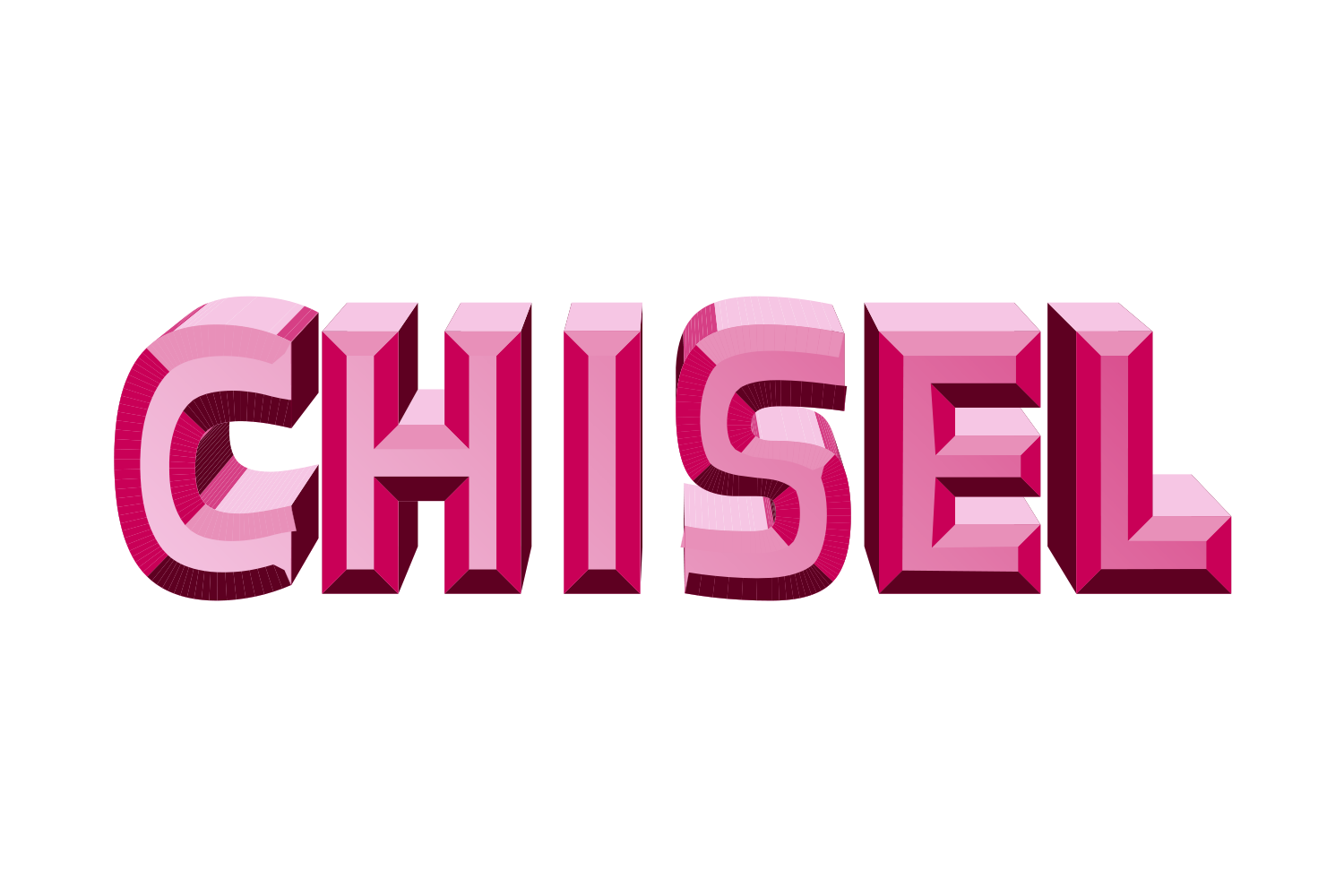
The manual way, in Illustrator
- Select the text object with the Selection tool. In Window › Appearance click Add New Fill, keep it above the Characters row (set the Characters fill to None), target that fill and build a linear gradient: for chrome, white → light grey → dark grey → light grey with a sharp step in the middle; for gold, cream → gold → brown → gold.
- Add a second fill below the face fill, a darker version of the gradient, and apply Effect › Distort & Transform › Transform with a 1–2 pt move: a faux bevel, an offset edge rather than a facet.
- Add a fill above with a white-to-transparent gradient at an angle for the shine, blending mode Screen.
- Add a thin dark stroke below all fills for the rim.
Each of those layers has to be redone for every new word if you outline; kept in the Appearance panel it stays live but takes four to five rows. The other route, Effect › 3D and Materials › Inflate with a metallic material, gives a photoreal chrome, but as a rendered surface rather than editable vector faces.
Menu paths checked against Adobe's current Illustrator documentation; hands-on verification and screenshots are still to come.
4 effects in JuicyType
Give the face a metal gradient swatch first (JuicyType's Gradient rows then set its angle), then Bevel, Highlight and Strokes in that order. Swap the swatch to warm tones for gold.
Common questions
How do I get the mirror horizon look?
A gradient with two adjacent stops in different tones creates the hard horizon line; place it just below the middle of the letters.