How to knock text out of a block in Illustrator
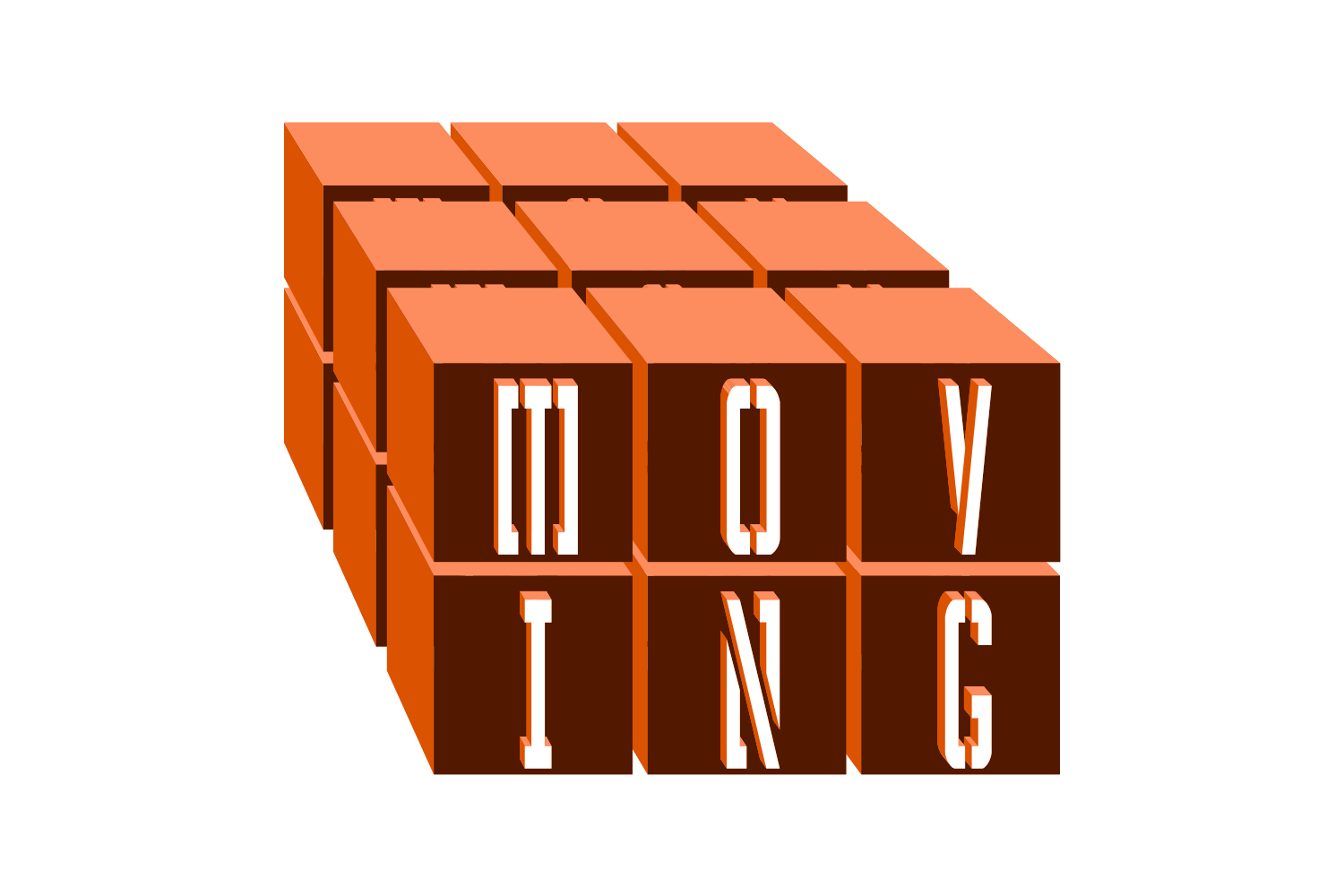
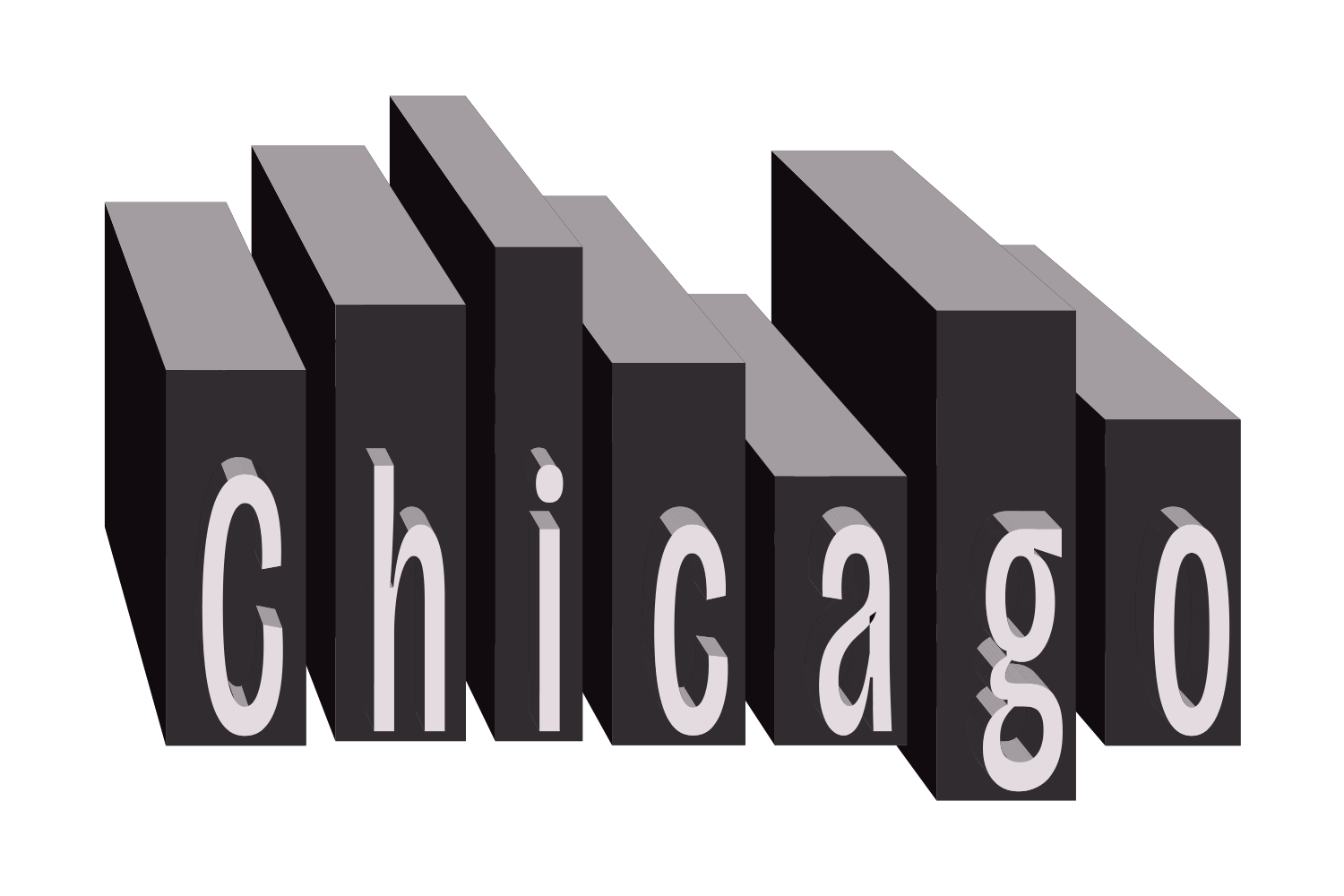
The built-in route is a rectangle behind each letter and Pathfinder › Minus Front on an outlined copy, or a Knockout Group in the Transparency panel to keep the text live. JuicyType's Cubes effect builds a block around every letter and keeps the word editable.
The manual way, in Illustrator
- Type the word, then draw a rectangle behind each letter (or one rectangle behind the whole word).
- For a permanent cut, outline the text (Type › Create Outlines), select a letter and its rectangle, and click Minus Front in the Pathfinder panel.
- To keep the text live instead, set the text's opacity to 0%, group it with the rectangle, and tick Knockout Group in the Transparency panel.
- Repeat per letter, and nudge each rectangle to fit.
Minus Front outlines the text for good, and the Knockout Group route needs a rectangle drawn and fitted by hand for every letter, again whenever the word changes.
Menu paths checked against Adobe's current Illustrator documentation; hands-on verification and screenshots are still to come.
Cubes with JuicyType
Select the text, open the JuicyType panel, choose Cubes, and drag. It is a live effect, so the text stays editable and every control can be changed later.
- Cube colourAuto (the face fill), TC1 / TC2 / Black / White, or a document spot
- Knockout letteron/off, default on: the letter is a hole through the block; off, the letter sits on it
- Width / Heighton/off each: blocks take every letter's own width or height, or share one size
- Ratio−100 to 100, with presets from 3/1 to 1/3: the proportions of each block
- RandomOff, Bottoms, Tops or Both: uneven block edges, like a city skyline
- DirectionSide or Stack: blocks in a row, or piled one on another
- Box spacing−500 to 2000 em‰: the gap between blocks, or an overlap
- Reshufflea new seed, another skyline of the same settings
Common questions
What does 3D do to the blocks?
It makes each block a solid and the letter a tunnel cut through it. Cubes itself draws flat; the depth comes from the 3D effect.
Can the blocks be different heights?
Yes. Random sets uneven tops, bottoms or both, seeded so the same settings give the same skyline. Reshuffle draws a new one.
Do other effects see the block or the letter?
The block. Strokes, Sticker, Shadow, Halftone and the rest all ride on the blocks, as if the font were drawn that way.