Guides / Crack
How to make cracked or shattered text in Illustrator
Outline the text, draw crack lines with the Pen tool across it, select everything and use Pathfinder › Divide, then nudge and rotate the shards. JuicyType's Crack effect generates the shards from a seed, with Shatter, Crack and Splinter patterns.
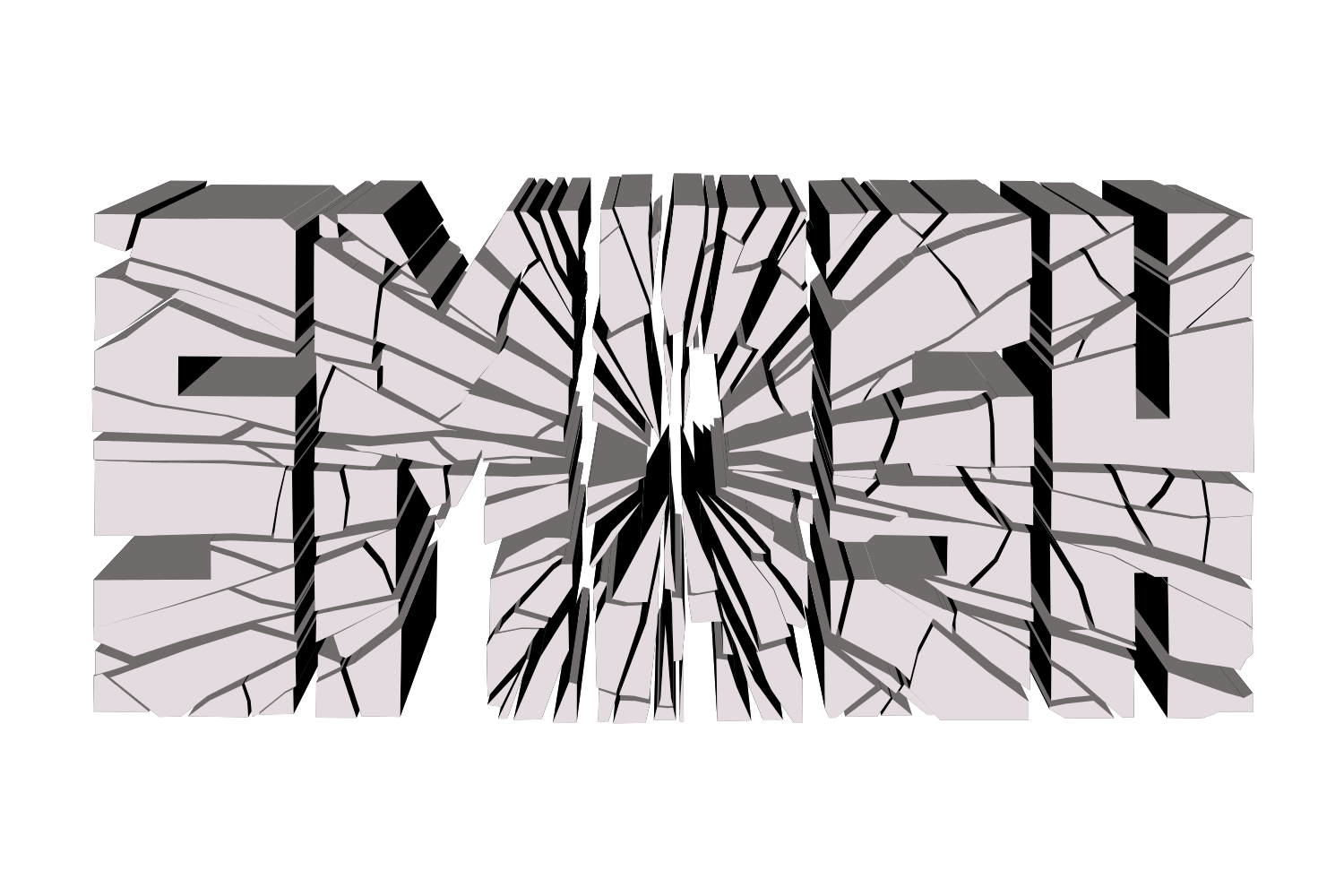
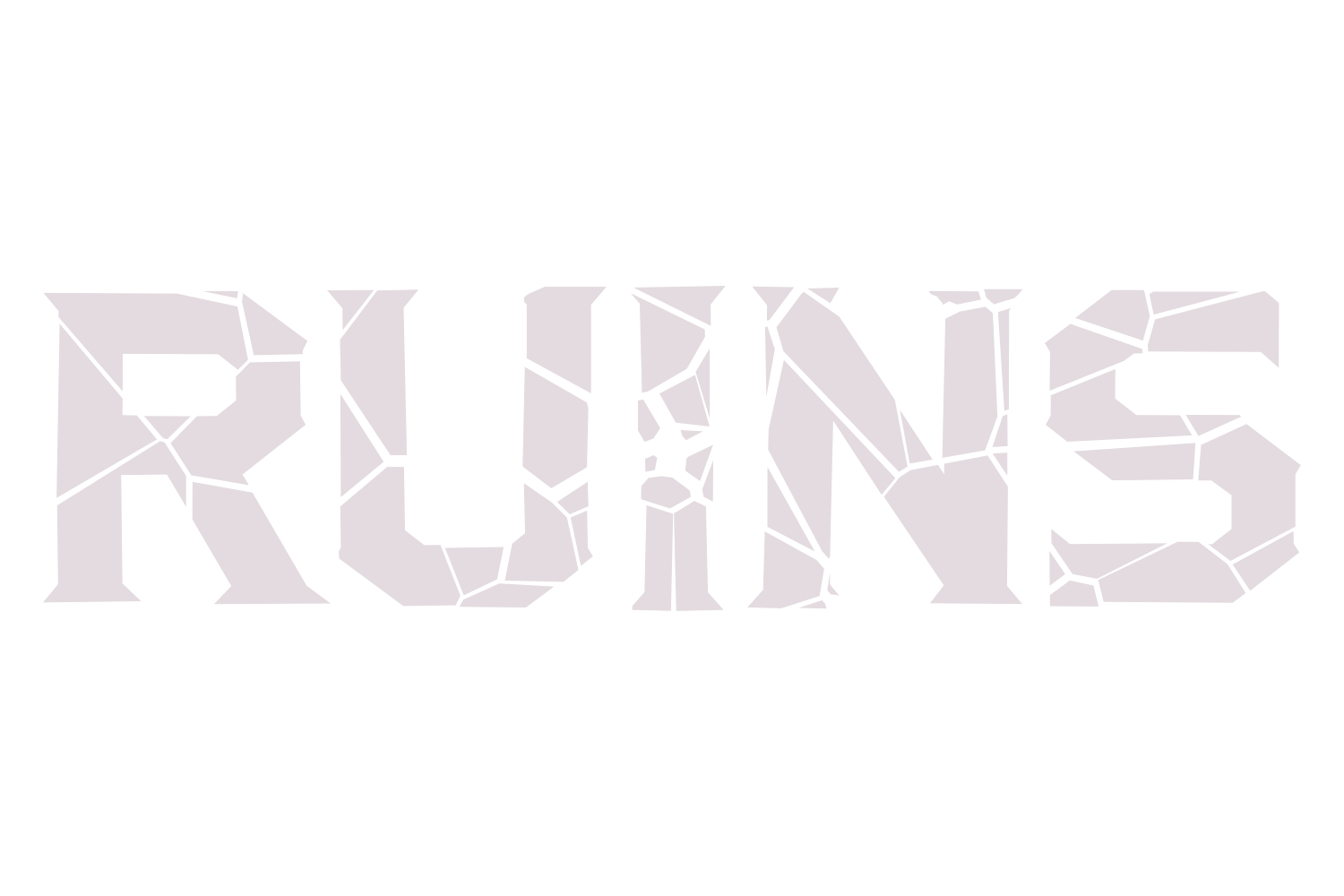
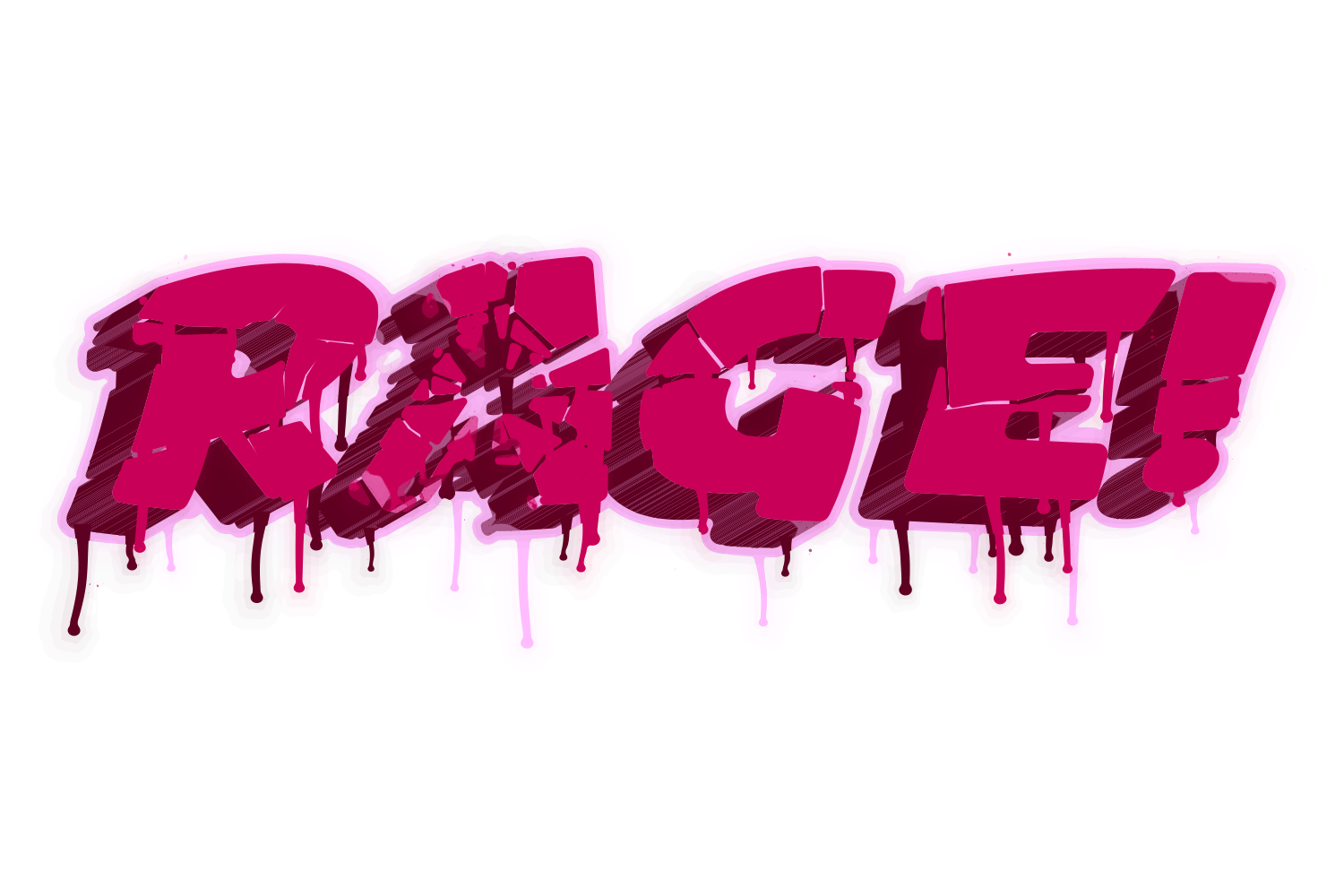
JuicyType Crack · screen recording goes hereSkip to JuicyType ↓
The manual way, in Illustrator
- Duplicate the text and Type › Create Outlines on the copy.
- With the Pen tool draw jagged lines that cross the letters completely, edge to edge, from one or two impact points. A line that ends inside a letter does not separate it into shards.
- Select the lines and the outlined text, click Divide in Pathfinder, and ungroup.
- Select individual shards and move or rotate them slightly to open the cracks.
Every shard is a separate shape, and any change to the word means redrawing the cracks.
Menu paths checked against Adobe's current Illustrator documentation; hands-on verification and screenshots are still to come.
Or, with JuicyType
Crack with JuicyType
Select the text, open the JuicyType panel, choose Crack, and drag. It is a live effect, so the text stays editable and every control can be changed later.
- PatternShatter / Crack / Splinter
- Rays / Pieces2–100, default 24
- Impact X / Y0–100%, default 55 / 50
- Shift0–200 pt, default 4
- Rotate0–180°, default 3
- Gap0–200 pt, default 1
- Randomon/off directions
- Rerollnew seed
- Axis / Aspect0–180° and 1–40, Splinter only; default 28° / 8
Common questions
Can I control how many pieces there are?
Manually only by drawing more lines. JuicyType has a Pieces slider and a Reroll button.