How to make a glitch text effect in Illustrator
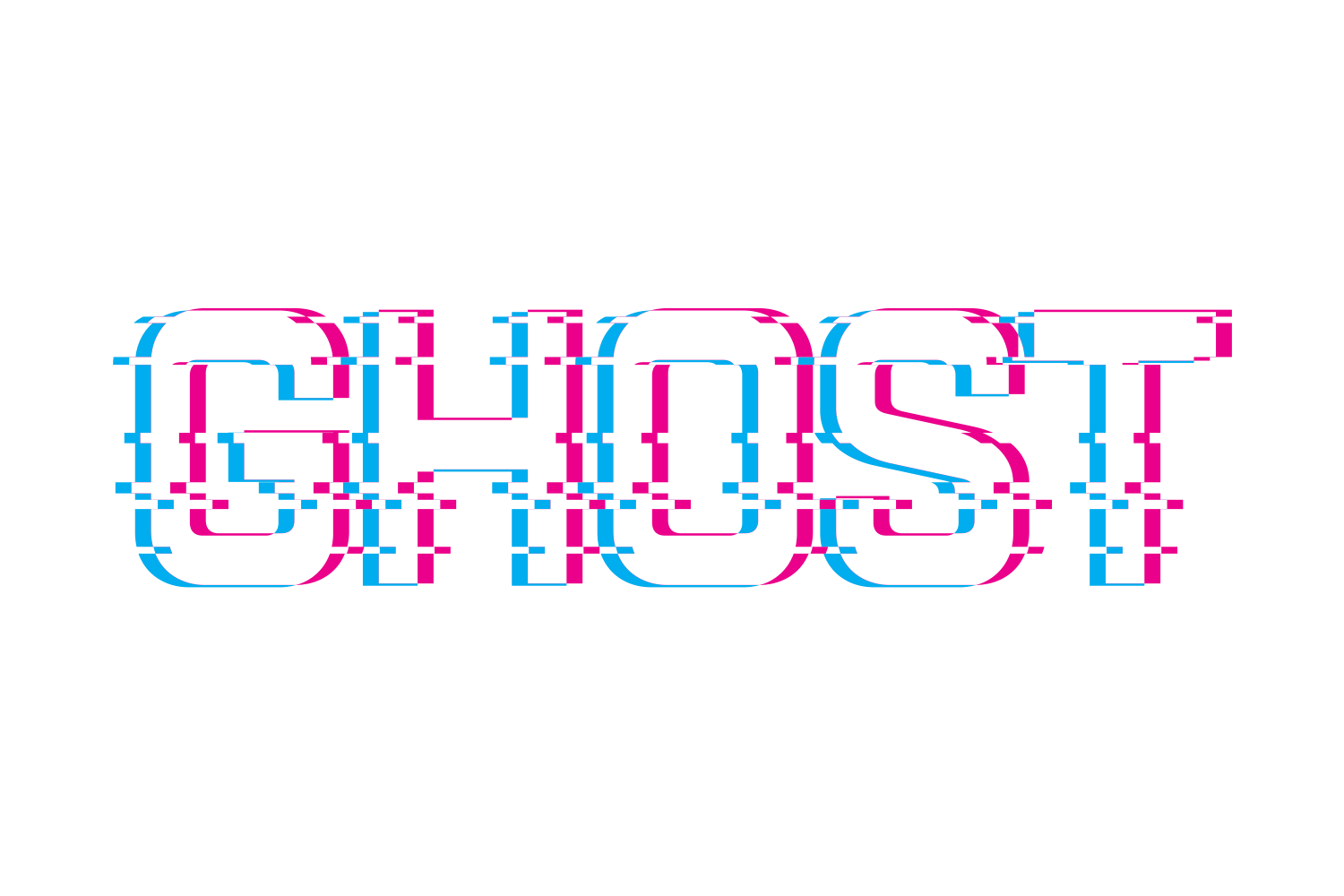
Add two extra fills in the Appearance panel, colour them cyan and magenta, and offset each with the Transform effect. Then cut horizontal bands with clipping masks and nudge them. JuicyType's Glitch effect does the colour split and the torn bands from a handful of sliders, on live text.
The manual way, in Illustrator
- Select the text. In Window › Appearance add two new fills below the main one.
- Colour them cyan and magenta, then give each Effect › Distort & Transform › Transform with a small horizontal move in opposite directions.
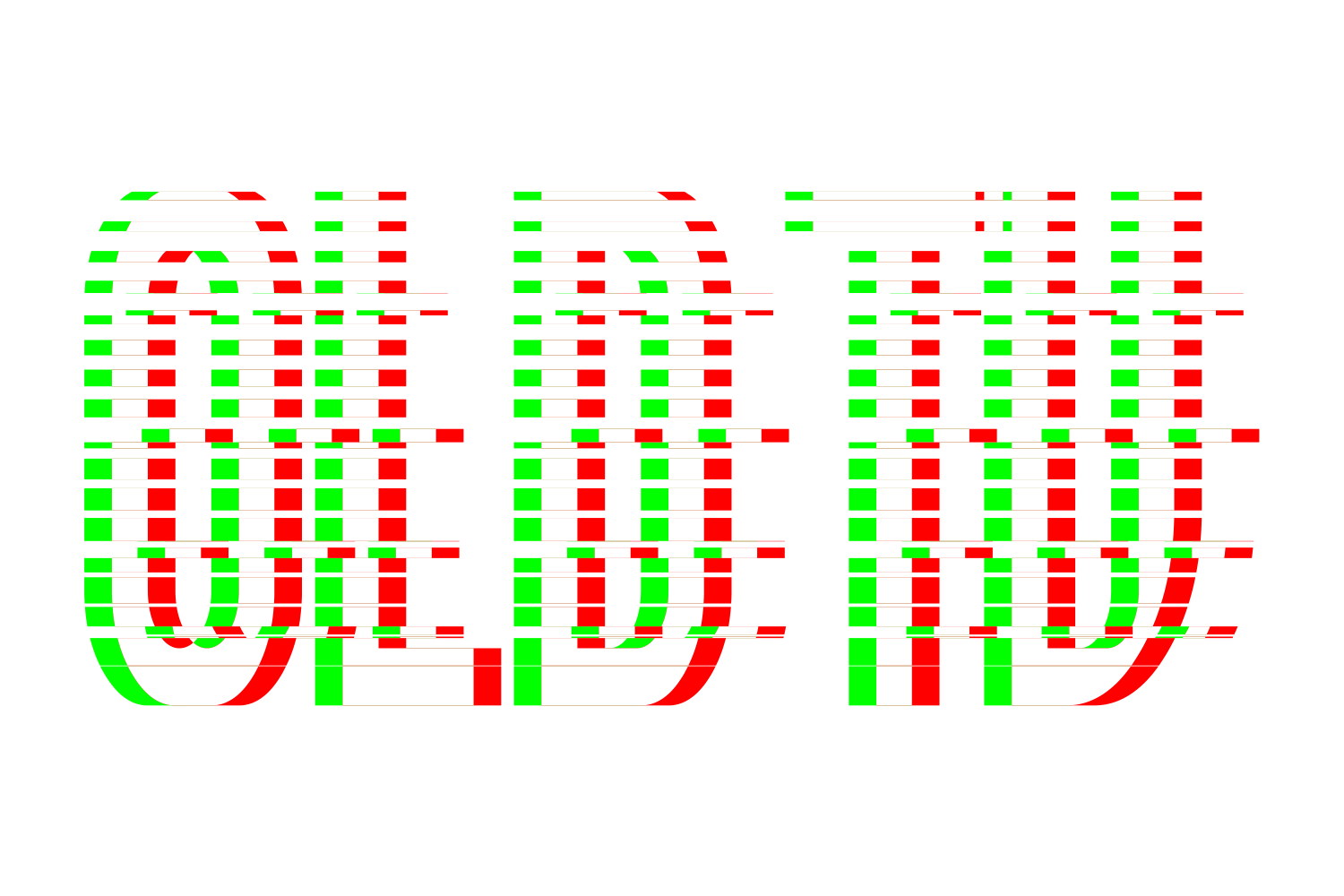
- Draw thin rectangles across the text. For each band, select one rectangle plus a copy of the text, with the rectangle on top, and make a clipping mask (⌘7); then nudge the masked band sideways.
- Repeat for a few bands.
Each torn band is a separate masked copy. Every copy can still be live type, but they are independent: change the word in one and you must change it in each, and a longer word may need the masks repositioned. Most tutorials skip the masks, outline the text and cut it with Pathfinder › Divide, which does give shapes rather than type.
Menu paths checked against Adobe's current Illustrator documentation; hands-on verification and screenshots are still to come.
Glitch with JuicyType
Select the text, open the JuicyType panel, choose Glitch, and drag. It is a live effect, so the text stays editable and every control can be changed later.
- Colour distance, horizontal0–2 em, default 0.05 em, so it scales with the type
- Colour distance, vertical0–2 em, default 0.025 em
- Left colourNone / TC1 / TC2 / Black / White / Cyan / Magenta / spot; default Cyan
- Right colourNone / TC1 / TC2 / Black / White / Cyan / Magenta / spot; default Magenta
- Artifacts count1–100 bands, default 6
- Glitch/space1–100%, band height as a share of its period; default 33
- Shift0–200 pt, default 6
- Randomon/off, seeded per object
- Rerollnew seed
Common questions
Does the glitch stay editable?
With JuicyType yes. The manual bands are several independently editable copies: retype each one, and reposition the masks if the word gets longer.