How to split or slice text in Illustrator
Outline the text, draw a zigzag with Effect › Distort & Transform › Zig Zag on a line, expand both, and use Pathfinder › Divide. Then colour the halves and open a gap. JuicyType's Split Face effect does it on live type with angle, ridges, size, roundness and gap controls.


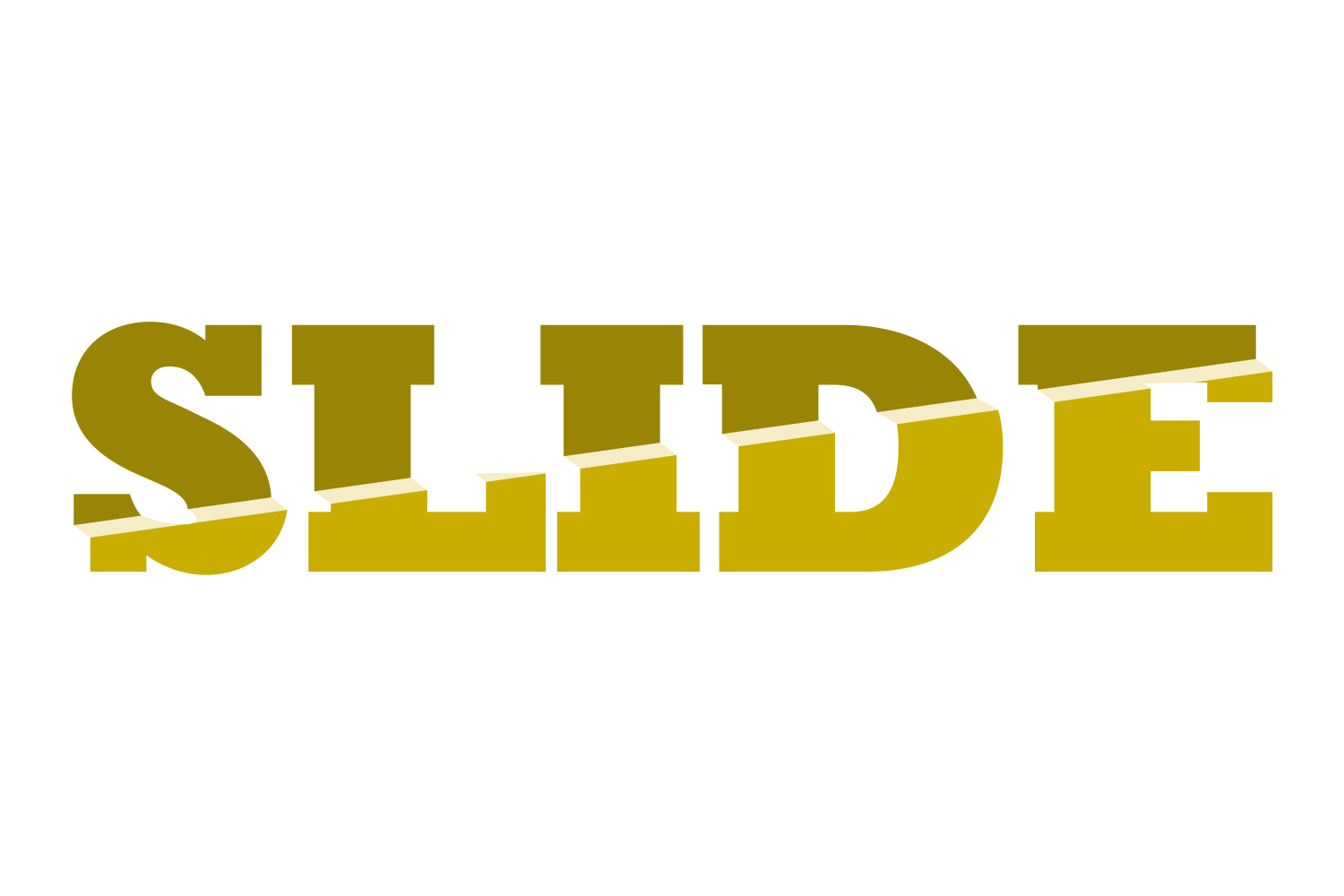


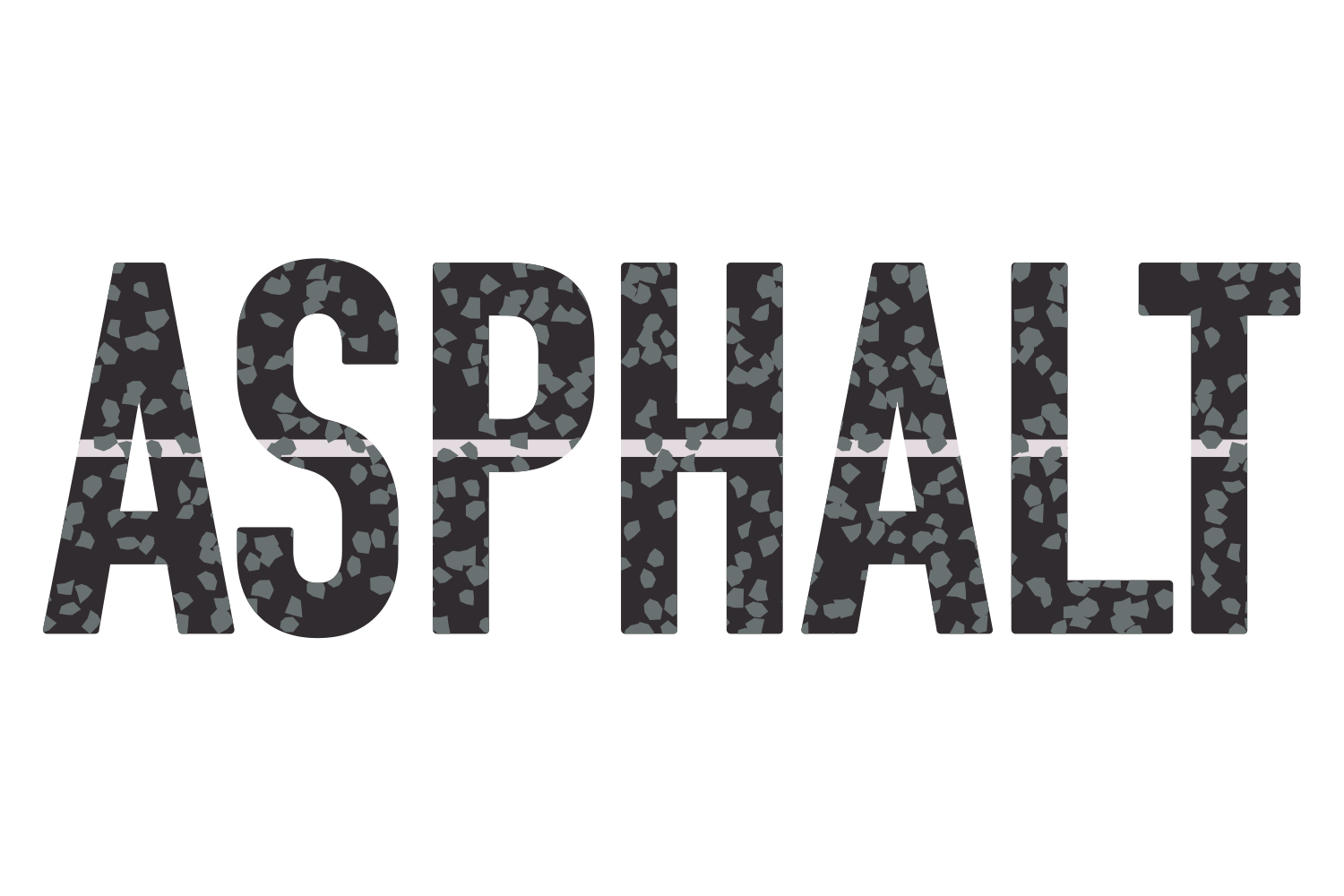
The manual way, in Illustrator
- Duplicate the text, then Type › Create Outlines on the copy.
- Draw a horizontal line right across the whole word, past both ends, and apply Effect › Distort & Transform › Zig Zag; then Object › Expand Appearance. Divide only separates what the line crosses completely.
- Select the line and the outlined text, click Divide in the Pathfinder panel, and ungroup.
- Colour the top and bottom pieces, and move one half to open a gap.
Divide, the Knife tool and the Eraser only work on outlined text, so the manual result is shapes, not type.
Menu paths checked against Adobe's current Illustrator documentation; hands-on verification and screenshots are still to come.
Split Face with JuicyType
Select the text, open the JuicyType panel, choose Split Face, and drag. It is a live effect, so the text stays editable and every control can be changed later.
- Part 2 colourNone / TC1 / TC2 / Black / White / spot; default Black
- Angle0–360° (slider −180 to 180)
- Horizontal / Verticalanchor shift −100 to 100%
- Ridge count1–20, default 2
- Ridge size0–200% of the face
- Ridge shift0–100%, lean
- Roundness top / bottom0–100%, lockable; 0 = sharp tent, 100 = smooth wave
- Gap start / end0–200 pt, lockable
- Gap fillon/off, with its own colour; off cuts the band through the extrusion
- Foldon/off: each half gets its own Shift −100 to 100%, Shear −45 to 45°, Stretch 0–500% and Project −100 to 100%, lockable top and bottom
Common questions
Can the split line be curved instead of zigzag?
Yes, draw any path. In JuicyType, Roundness morphs the ridges from sharp tent to smooth wave.