How to give text wavy or jagged edges in Illustrator
The built-in route is Effect › Distort & Transform › Zig Zag on the live text, which works but has one profile and no sense of where the letter's counters or its neighbours are. JuicyType's Wobble effect offers seven profiles and keeps every counter open at any size.
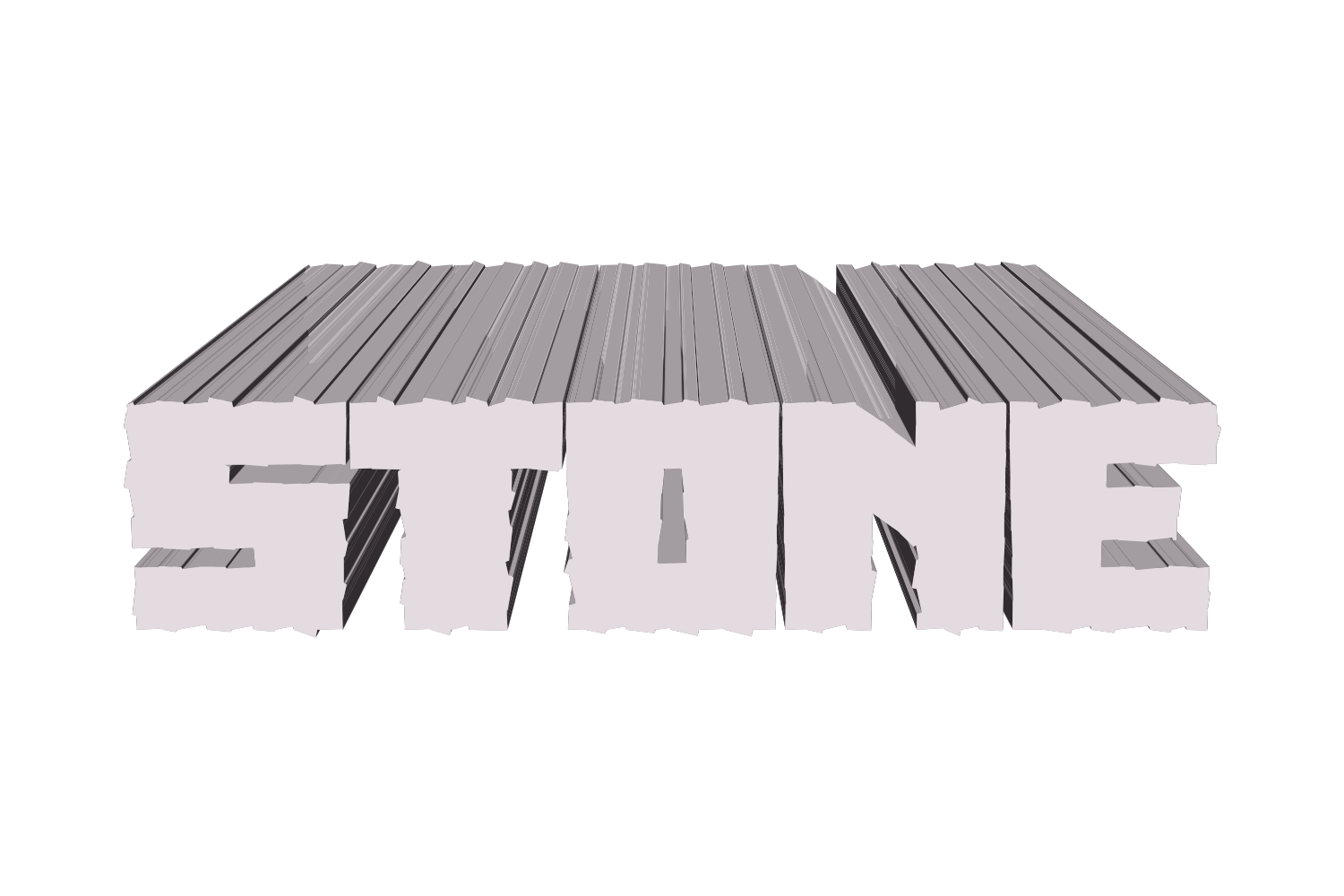

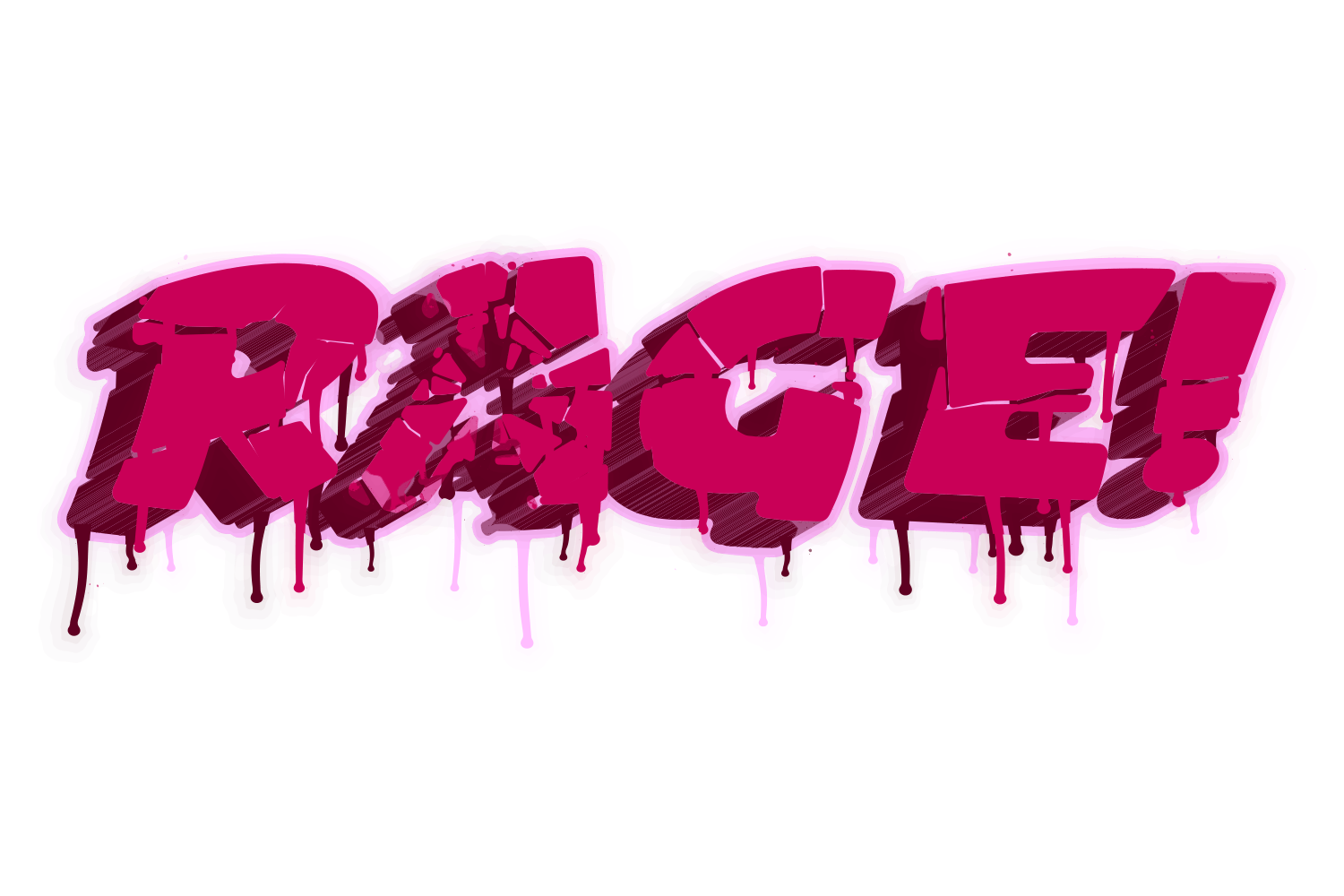
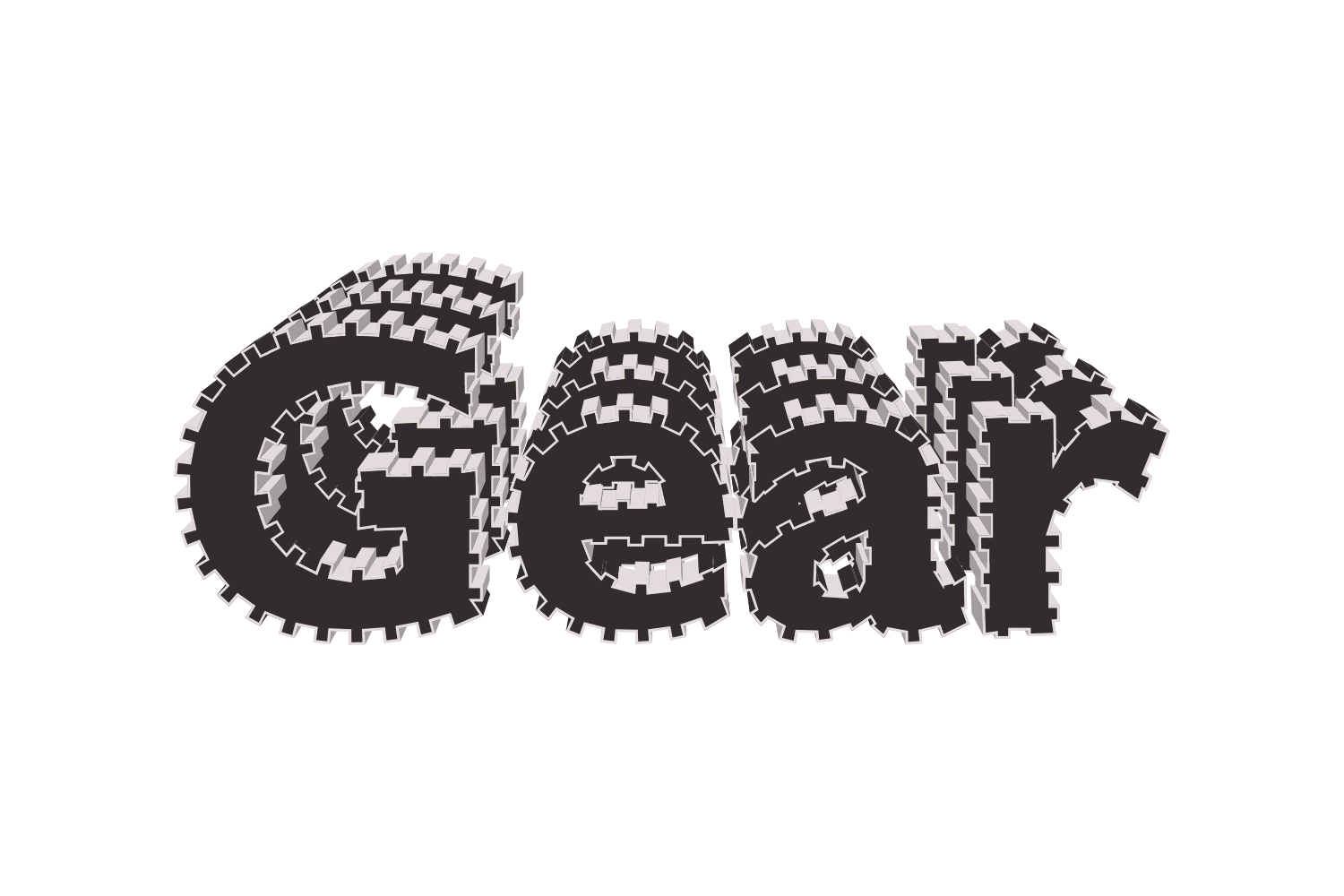


The manual way, in Illustrator
- Select the text and choose Effect › Distort & Transform › Zig Zag… with Preview on.
- Set Size small (1–3 pt) and Ridges per segment high (10–20); choose Smooth for waves or Corner for a zigzag.
- For a rougher look use Effect › Distort & Transform › Roughen instead, with Detail high and Size low.
- Both are live effects: reopen them from the Appearance panel to adjust.
Zig Zag counts ridges per path segment, so a curve and a straight get different densities and the ridges cross into counters and neighbouring letters as the size grows.
Menu paths checked against Adobe's current Illustrator documentation; hands-on verification and screenshots are still to come.
Wobble with JuicyType
Select the text, open the JuicyType panel, choose Wobble, and drag. It is a live effect, so the text stays editable and every control can be changed later.
- ShapeWave, Zigzag, Square, Spike, Notch, Scallop or Bite: the profile that runs along the outline
- Ridges4–40 per em, default 12
- Ridge size0–100, default 55: how tall the ridges stand, as a share of the room each one has
- Roundness0–100%, default 100, for the round profiles
- Lean−100 to 100: the ridges tilt along the outline
- Balance−100 to 100: how much of the ridge goes outward versus inward
- Width10–90%, default 45: the tooth of Square, the base of Spike and Notch
- Random0–100: a hand-drawn unevenness
- Pour−100 to 100: the letter's mass runs down to the foot or up to the head
- Rounded corner0–100 em‰: every real corner of the letter becomes an arc first
- Edge textureon/off, default on
- Reshufflea new seed, another wobble of the same settings
Common questions
Why does it run before 3D and the others?
Because it changes the letter itself. Everything downstream, walls, strokes, cracks, drips, then rides the wobbled outline as if the font were drawn that way.
Do the ridges close up the counters?
No. Each ridge measures the room it has, on both sides, and takes at most a third of it, so an e or an a stays open at any size.
Is the wobble random?
Seeded per letter, so two letters never wobble identically and the same settings reproduce the same word on any machine. Reshuffle draws a new seed.